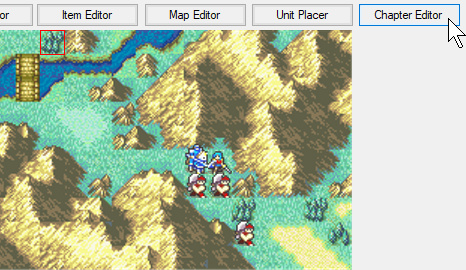
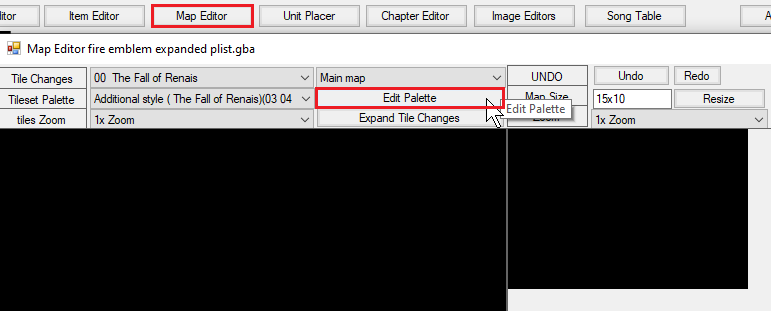
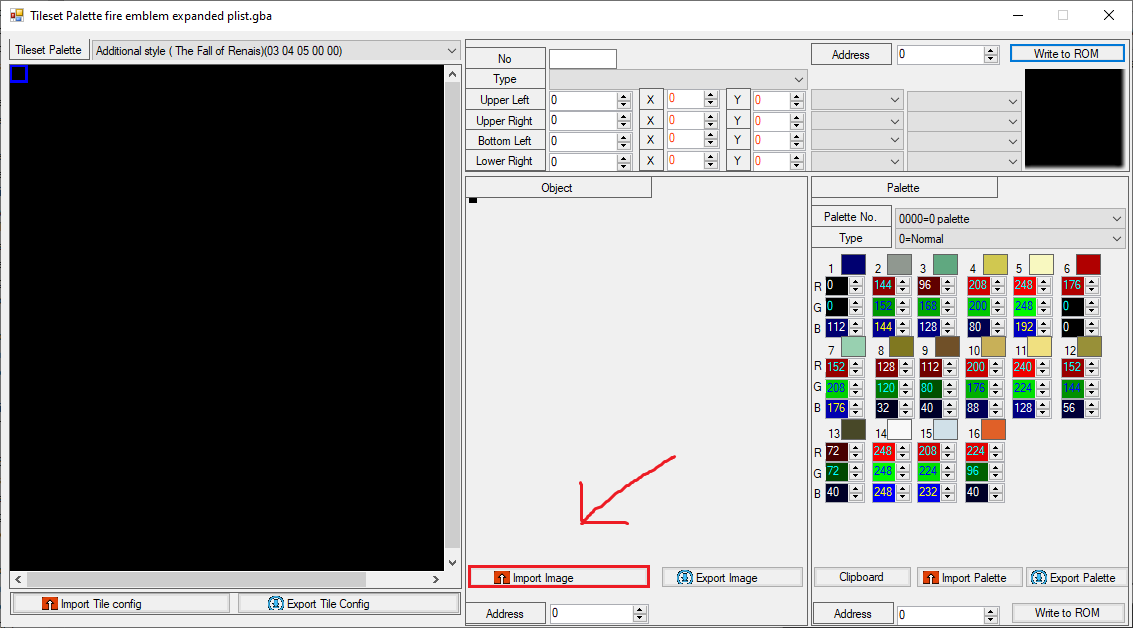
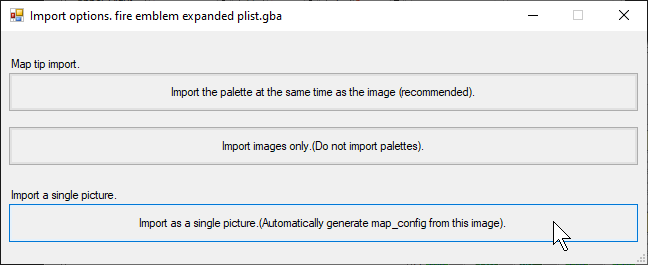
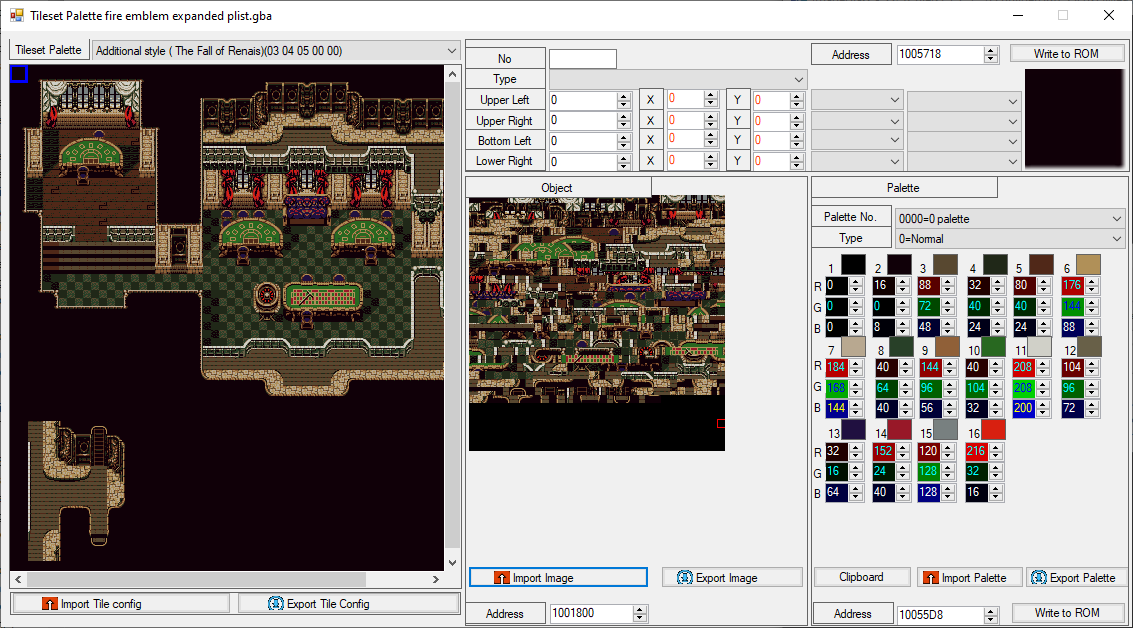
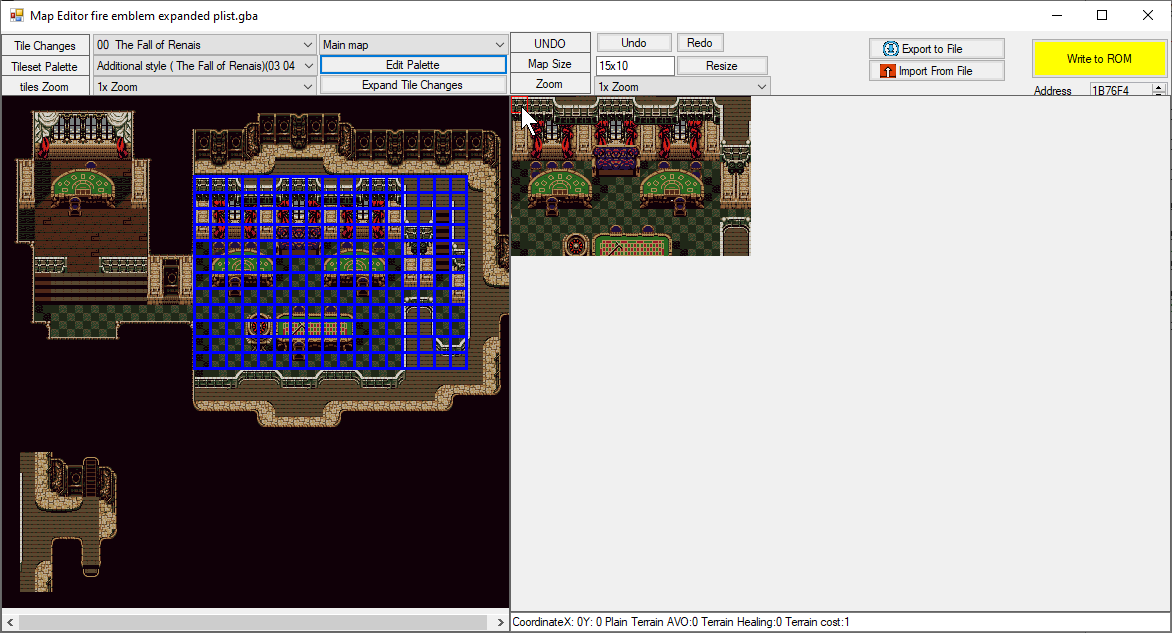
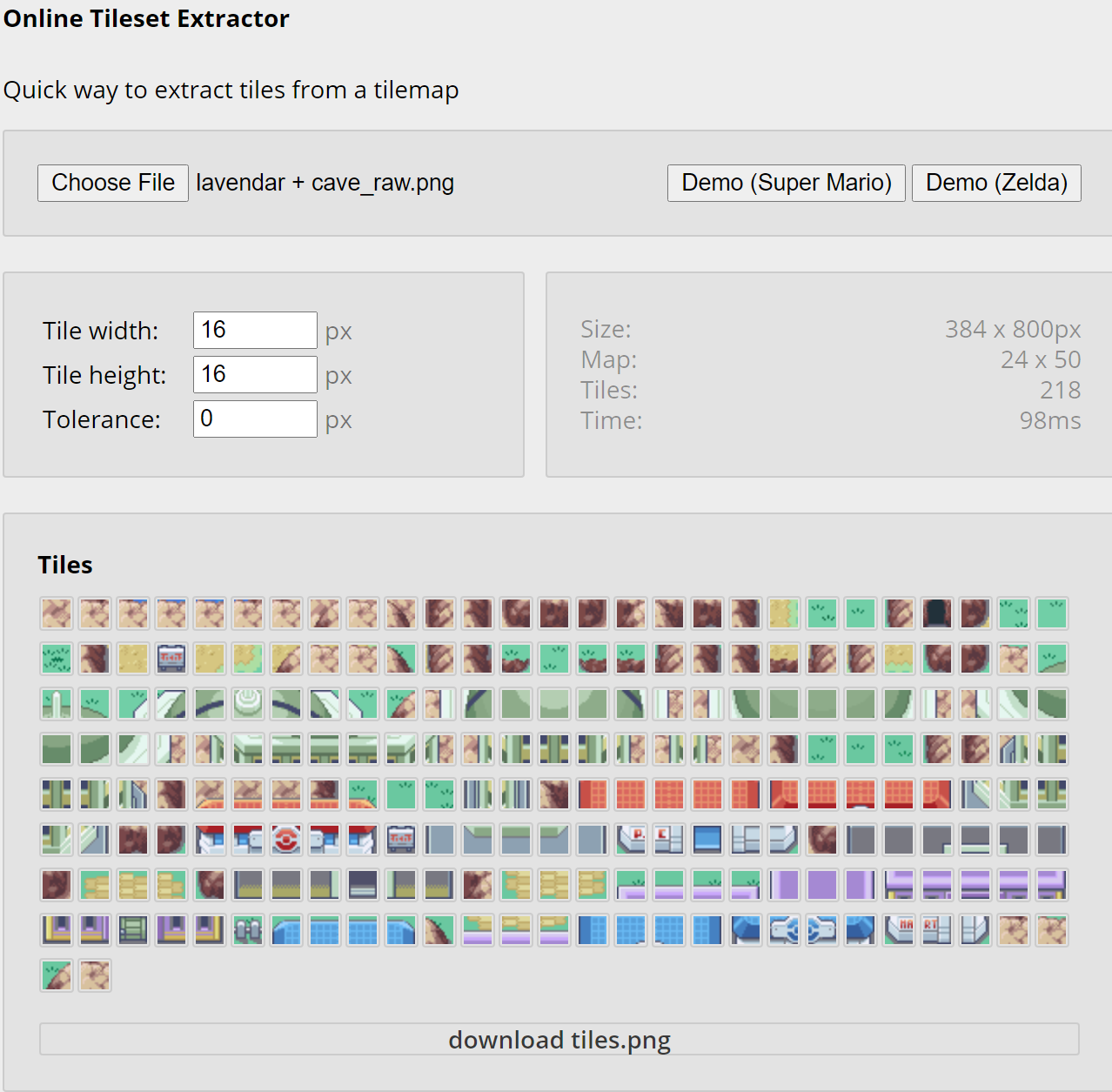
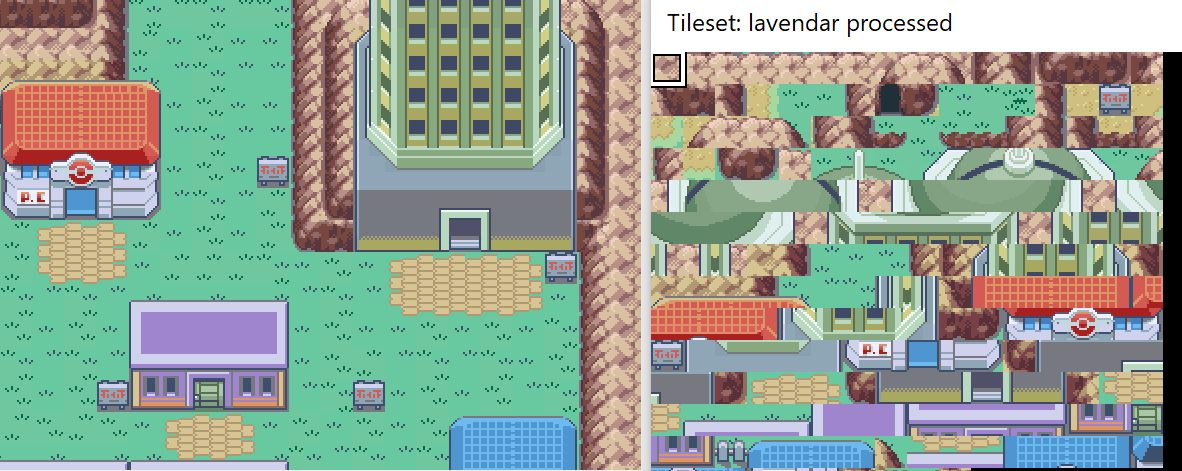
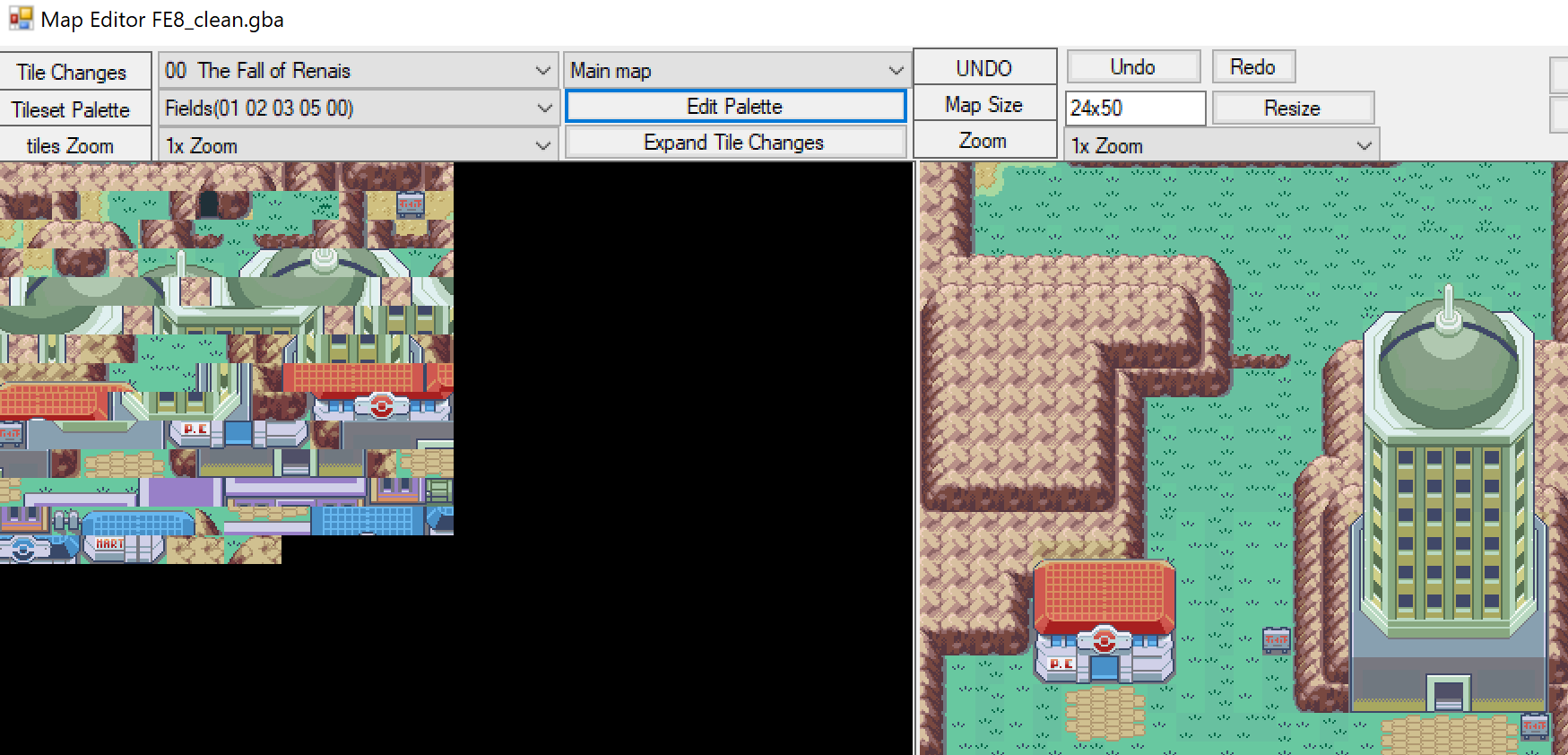
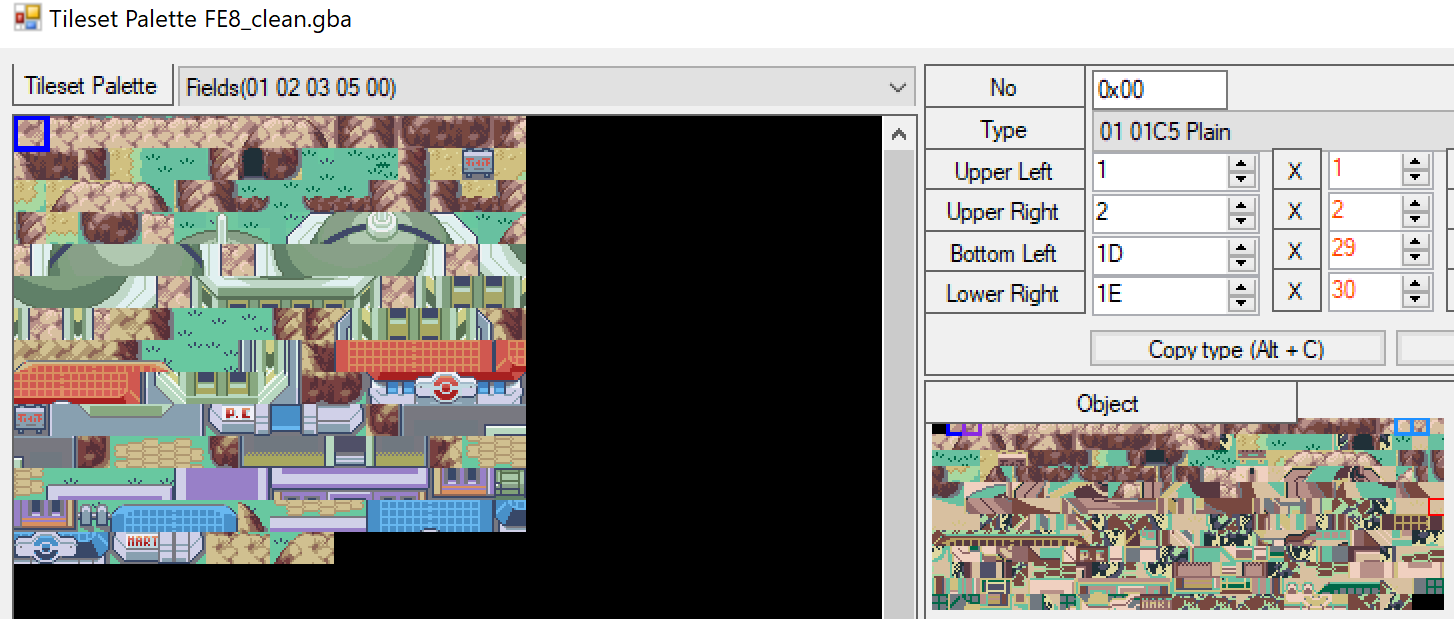
The final generated object image is 256x256 size. If tiles are not repeated in your image, you’ll be restricted to just a 16x16 sized map.
Step 1.
Select a map
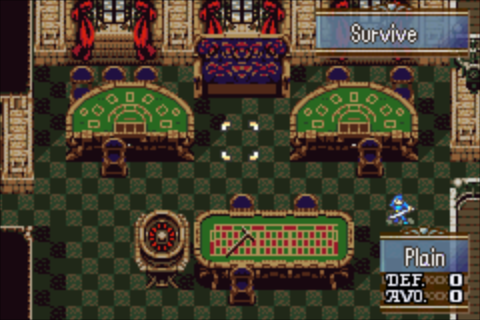
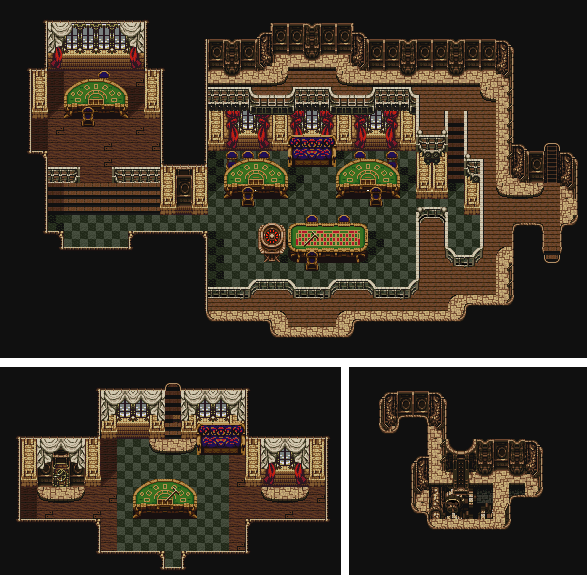
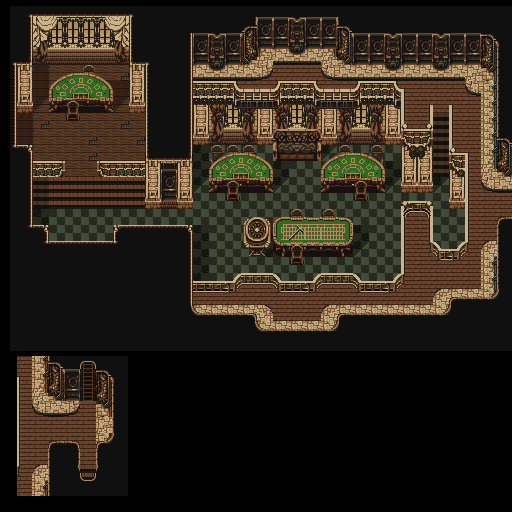
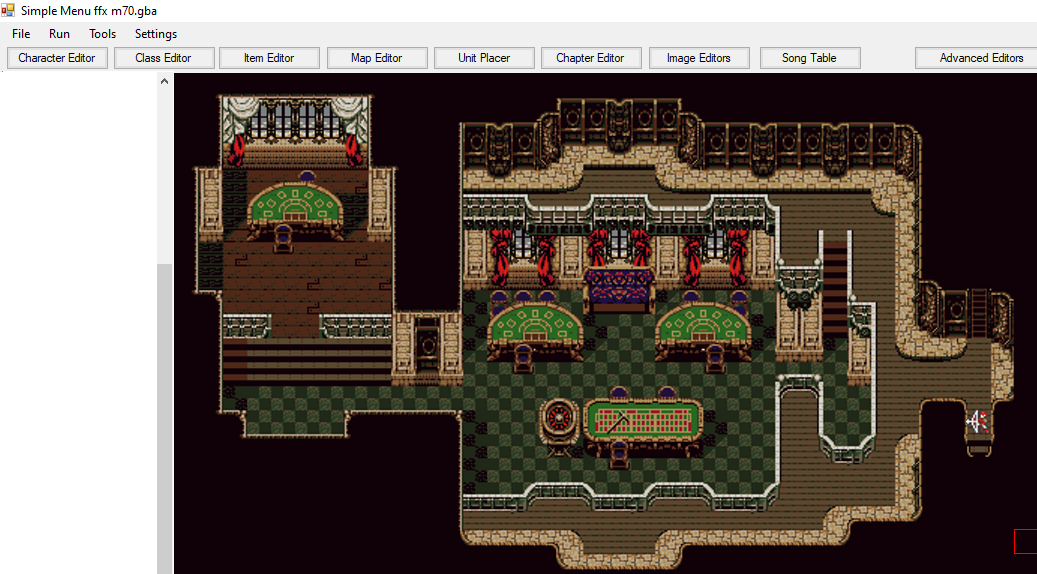
I’ve chosen the Blackjack from FFVI, ripped by Ryan914, and Tonberry2k, who I’ll then credit in my project. There are many to be found on the spriters-resource.
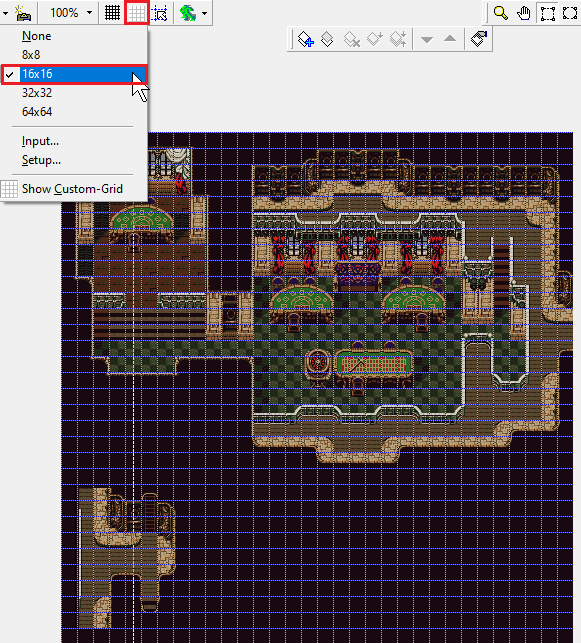
Many of these resources are combined images, so you’ll have to crop it and then align the whole image such that the 16x16 pixel tiles will be where a unit would stand on them. Luckily most retro games use 16x16 pixels for tiles, but if yours doesn’t, good luck.
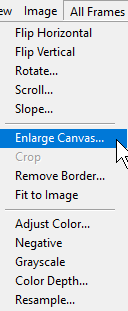
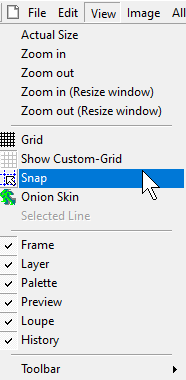
I open the image in GraphicsGale, copy part of it below as it exceeds 32 tiles in one direction, and set the canvas size to be 512x512. You may find the Custom-Grid and possibly the Snap feature to be useful.
If you managed to align it nicely, the rest should be easy.
Step 2.5. (Optional)
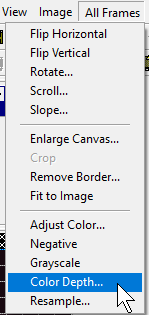
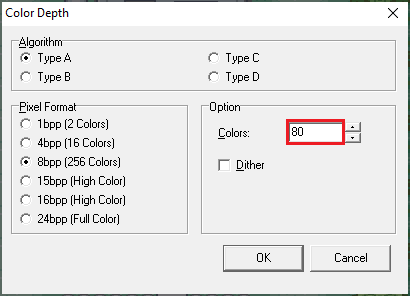
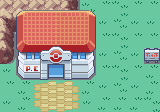
Colour reduce
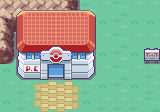
Results when skipping step 2.5
(Not as vibrant in this case. Your results may vary depending on the colour reduction methods you use. Another test image produced seemingly identical results.)
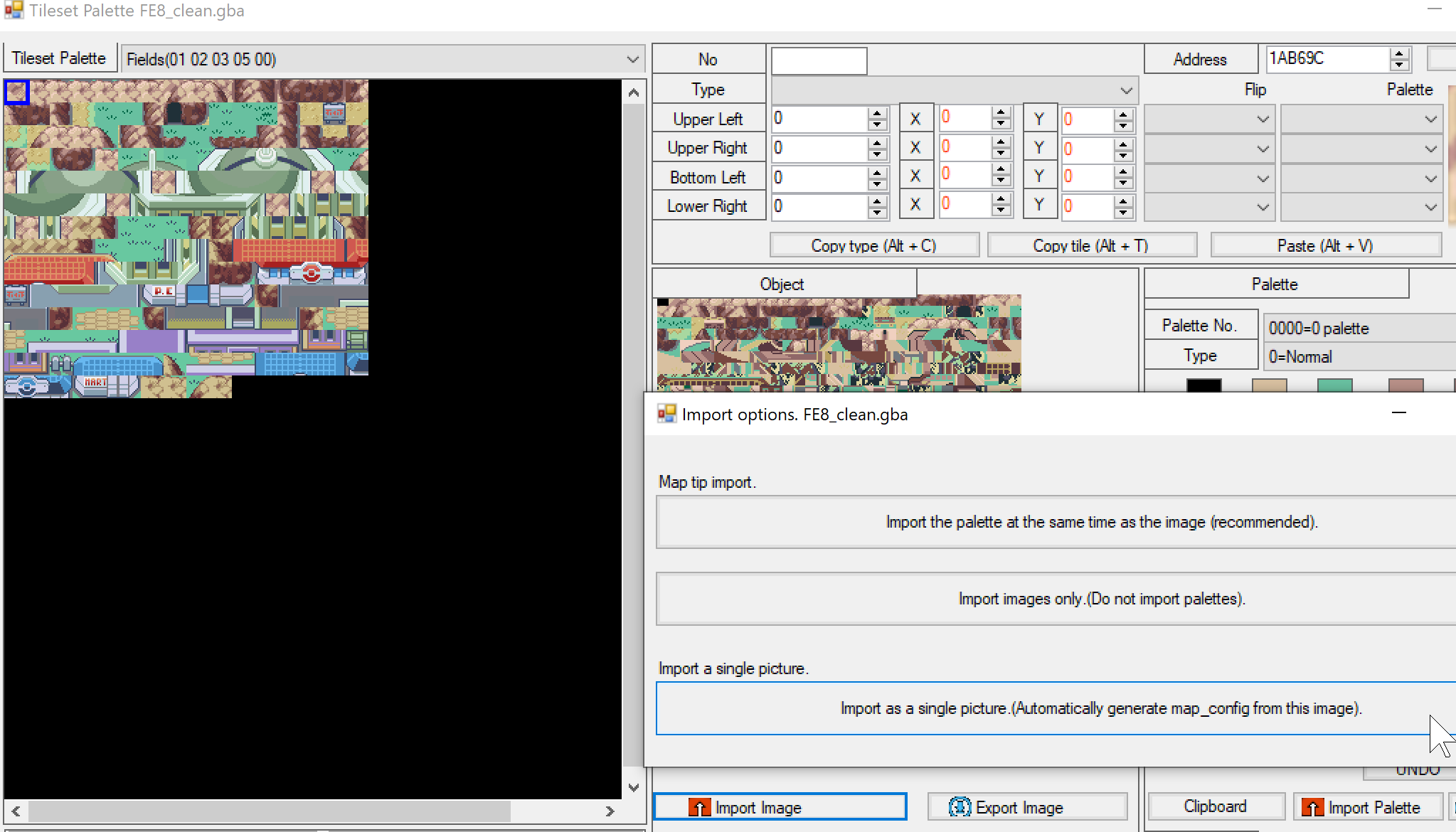
This sets up the palette in the way that FEBuilder needs it to be.
Step 4 (Optional)
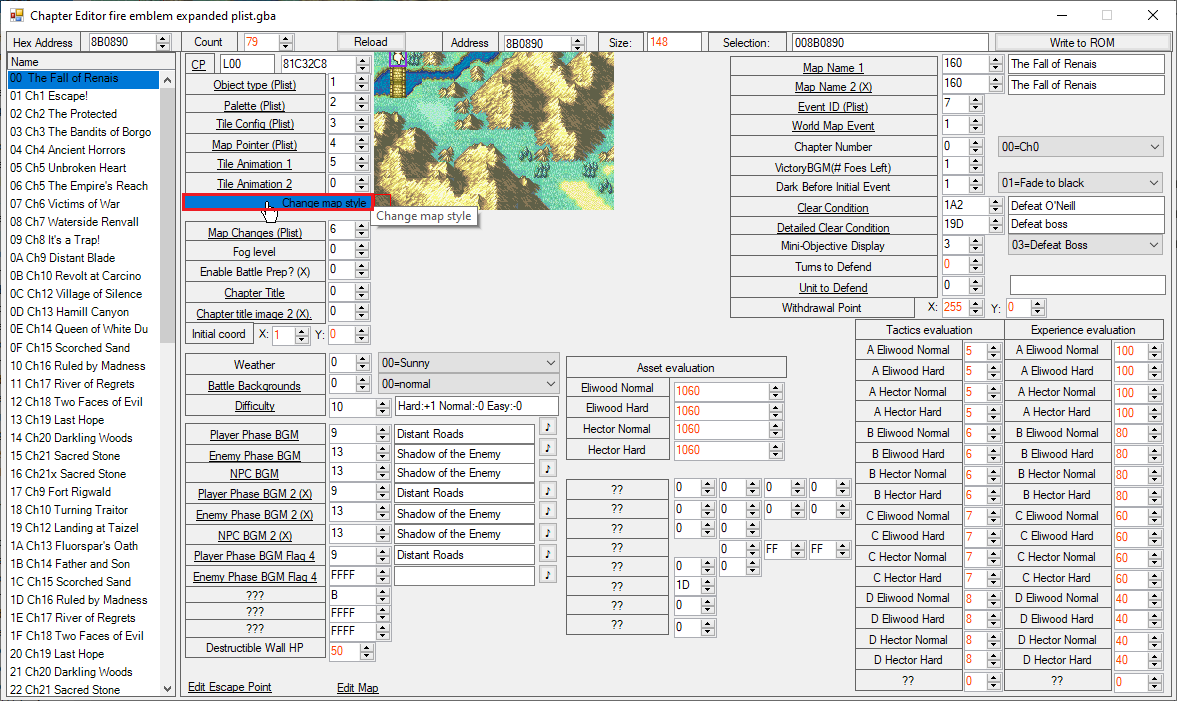
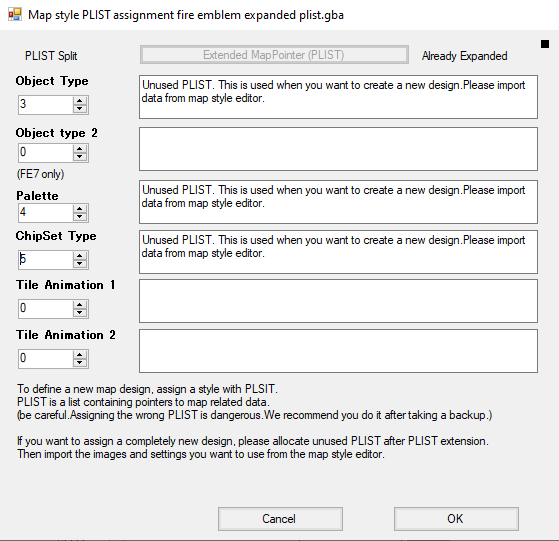
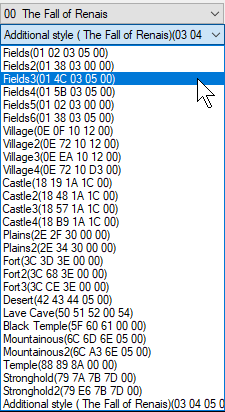
Expand the plist
Warning:
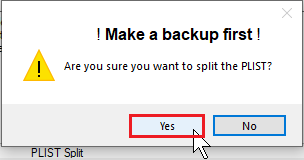
Pointing a plist entry incorrectly will destroy your rom, with FEBuilder’s lint feature immediately reporting thousands of errors. Please make a backup of your rom before changing plist entries. It is safe as long as you make a backup beforehand.
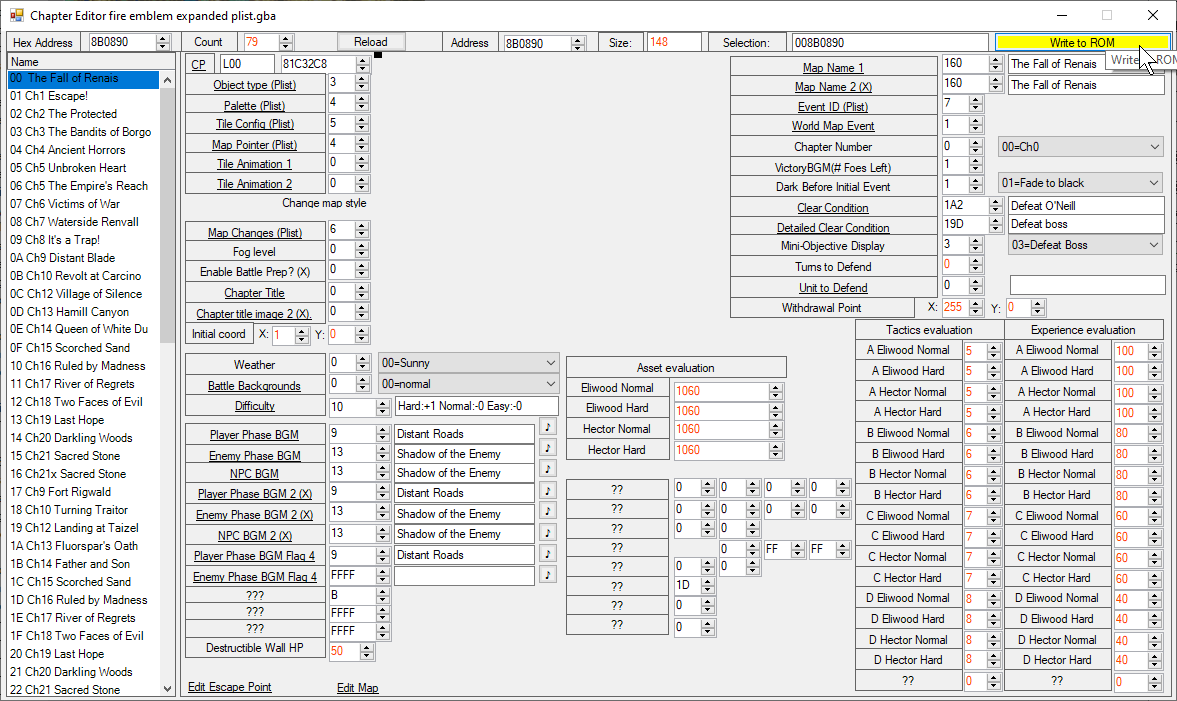
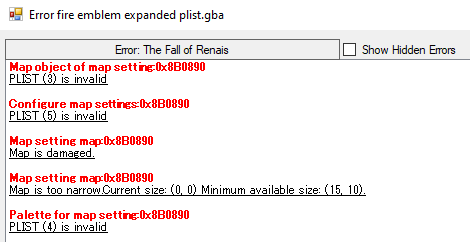
Please note that FEBuilder will report a few errors until the next step, as currently it’s a blank map that you would be playing on. Do not worry, this is normal.
I’ve heard there is a way to do this with Tiled. MisakaMikoto has included instructions in this thread on it, with the header Edit the terrain info. To do: see if I can get this method to work as a quicker way to edit the terrain. If anyone has any resources on editing the terrain of a tile config, please let me know so I can add it to this guide.
This script converts a PyxelEdit XML tilemap file into an FEBuilder MAPCHIP_CONFIG file. The script can also incorporate terrain and palette data from a TMX file, as long as the TMX file has tilesets named ‘paletteData’ and ‘terrainData’ and the TMX shares the same filename as the XML file.
It might be easier to work in a program like Tiled where you can presumably set the terrain for a bunch of selections at once, so I am including a link to the thread for now.
Conclusion
And there we have it. We are no longer forced to contend with the regular limitations of tilesets.
DAMN! This is such a fantastic tool!
It will make porting over basic new tilesets a breeze!
Obviously organising the tile-config properly will still take time, but it cuts out so many steps!
There is a lot potential to make tilesets thanks to this, beats making everything by hand.
Well, there still the optimization of the object map to do by hand, since I assume it doesn’t make any difference between tiles. Anyway time to experiment with this.
Just found this. Perhaps it may be of use for creating new map_chipconfigs?
The idea would be that setting the Terrain would be a lot easier in another program where you can set it for a bunch of tiles at once. But it’s also more hassle to swap between programs and convert - I might not bother for small maps. Definitely worth looking into if you’re working on new tilesets, imo.
It’s been a while, and I’ve finally learned how to streamline this process, reducing most of the workload. The biggest issues were that:
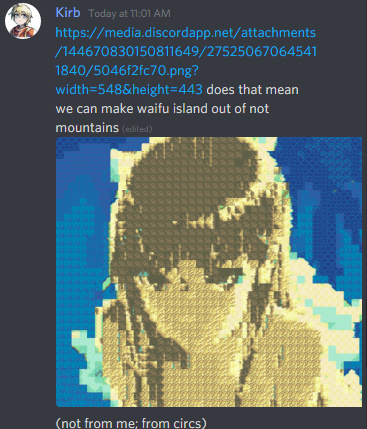
Some maps are bigger than 512x512, but still fit within fe map dimensions. For example, 33x31 map size was previously invalid.
Setting the terrain for a ton of tiles is very much not fun. Previously I set up autohotkey shortcuts to make it tolerable while using febuilder, but it was hacky.
Before we begin…
Similar shades will often be turned into a solid colour, so you may want to adjust part of your source image.
For me, that means adjusting the grass. Colour adjustments must be done before using febuilder’s Colour Reduction Tool.
a) open in gimp2 > Colour Index to 80 colours > Color picker the ~6 grass colours to change to a dark green
b) Preview the end result by:
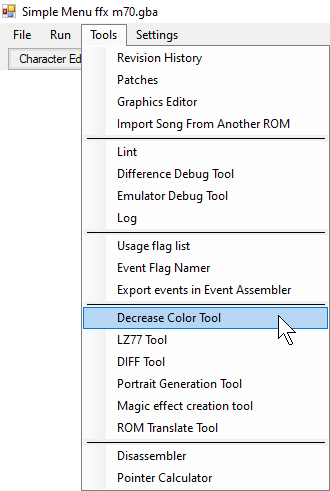
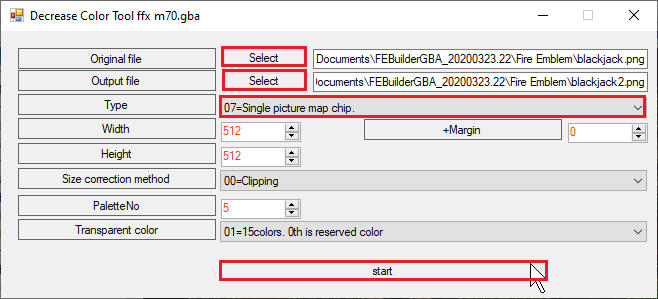
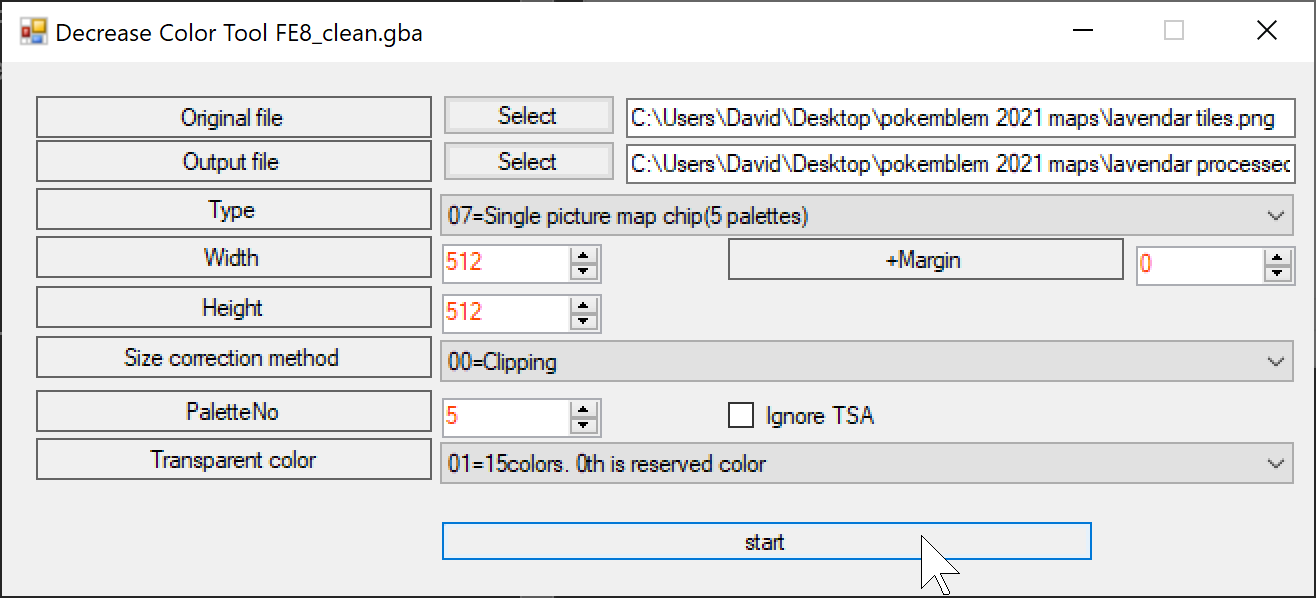
FEBuilder → Tools → Decrease Color Tool → Type 7 → set the dimensions to whatever your source image is
This reduces the workload of setting the terrain by around 75% and allows for maps bigger than 32 in a dimension without manually repacking the image. That’s a win-win for me.
Hi there, newbie question here!: I downloaded some tilesets and got to make 1 tileset work with the above, but then I tried another one (same steps) and I got an error stating 'the map was too wide to fit in 0x8000 bytes. Entered size: 0xB580. Try a smaller map, or add more common parts for better compression.
I tried to compress the file but when you do the color reduction step, the size ‘increases’ back again to 70+kb (which Im not sure is a lot but this is what it is). Any idea what I could be doing wrong or what I can do to change it? It’s driving me nuts and I was just using a Fire Emblem tileset (so nothing out of the ordinary in my opinion).