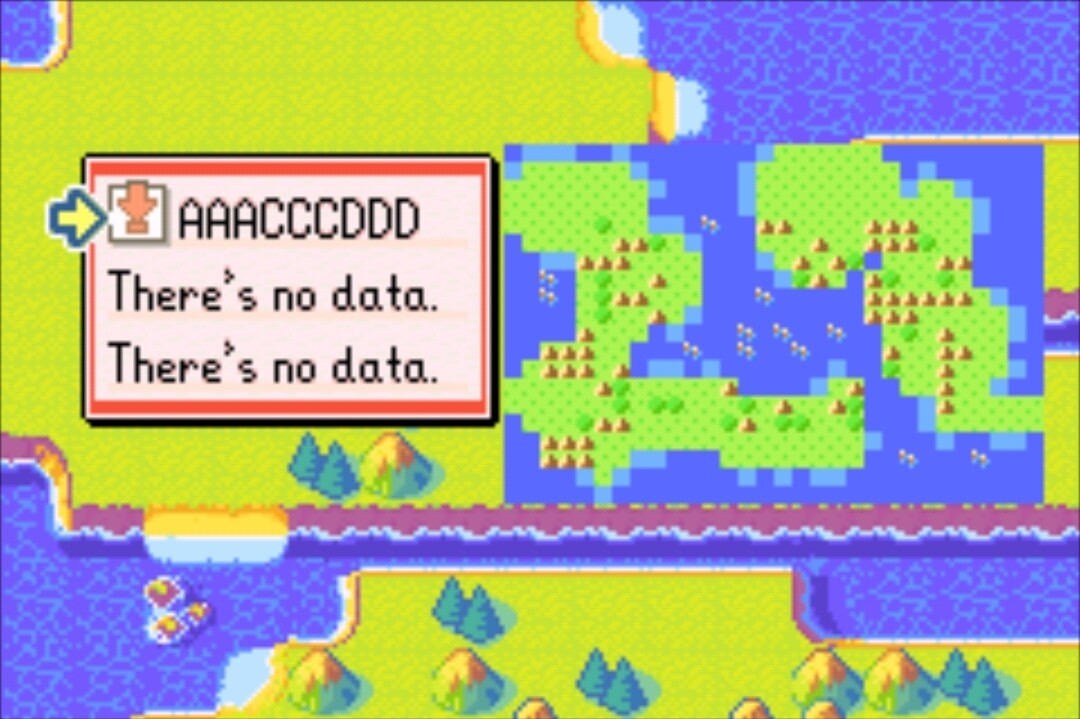
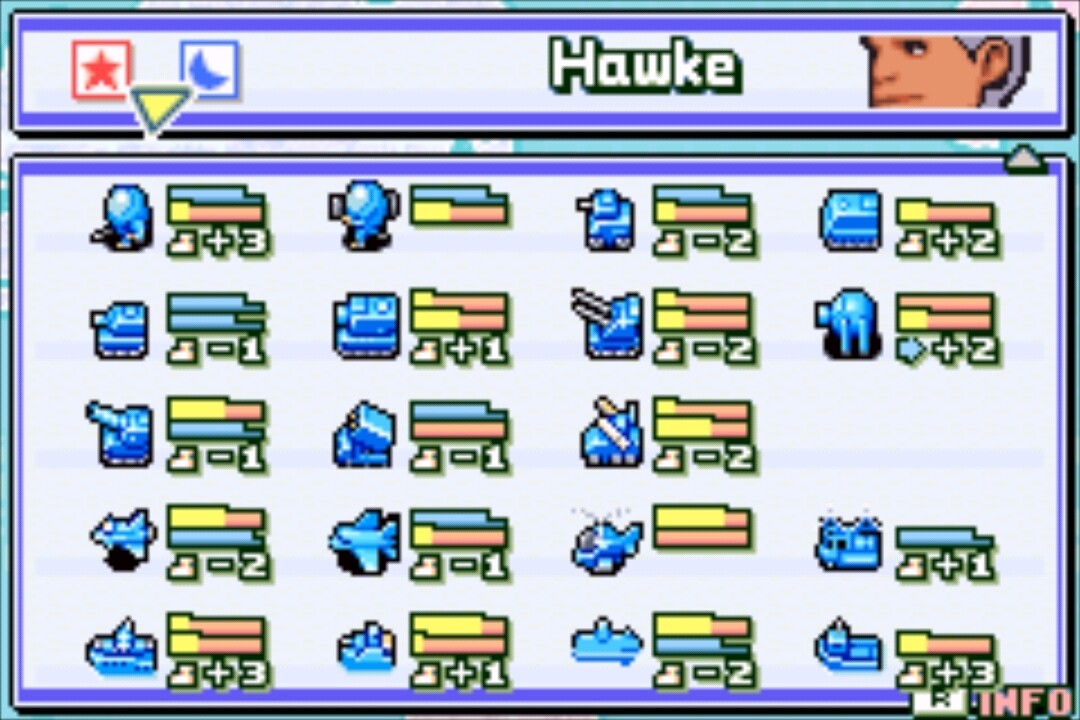
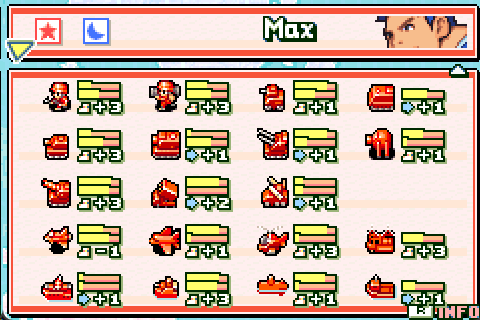
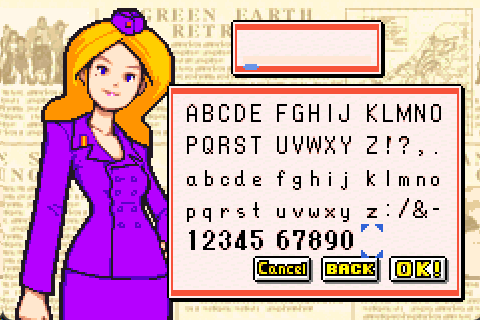
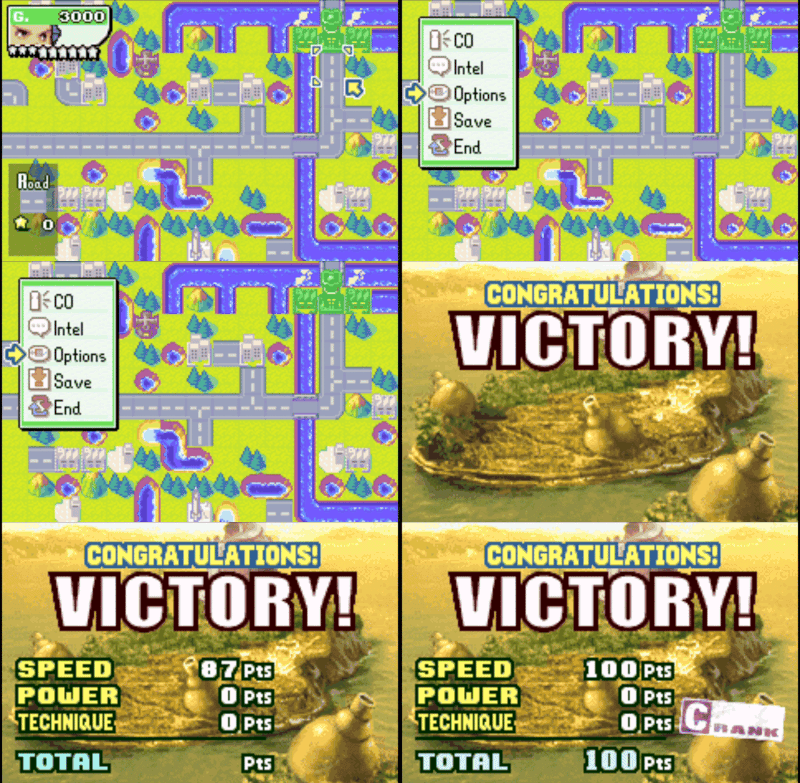
If your name starts with a space, then CO stats will vary every chapter.
If your design room 1 name starts with A, stats will not randomize. If it starts with B, maps will not randomize. If C, nothing will randomize. I’m doing it this way for the time being because menus are hard.
You can skip missions as desired by toggling bgm as above.
Credits
Credits
Project by Vesly
Xenesis - Defense Display Patch
Xenesis - All unlocks / skip intro
& Special thanks to Xenesis for all the notes.
If your design room 1 name starts with A, stats will not randomize. If it starts with B, maps will not randomize. If C, nothing will randomize. I’m doing it this way for the time being because menus are hard.
I’ve spent this week working on generating random maps ingame, so I thought I’d share the process.
wall of pics
Each step on its own:
Step 1)
Draw a winding line from one coordinate to another from different quadrants. This step is sometimes skipped.
These are all starting and ending at the same coordinates as each other:
Randomized maps now use black hole inventions in campaign mode. Eg. Laser, Mini Cannon, Black Cannon, Death Rays, Volcano yes they invented volcanoes, and Factories, which now produce random units for maps that usually have no factory.
@BarackObama there are currently no plans for an AW1 self randomizing rom, sorry. I don’t think there is much interest in one, and I’m not keen on making/playing one for aw1 myself.
I enjoyed aw1, but it’s not a game I replay anymore.
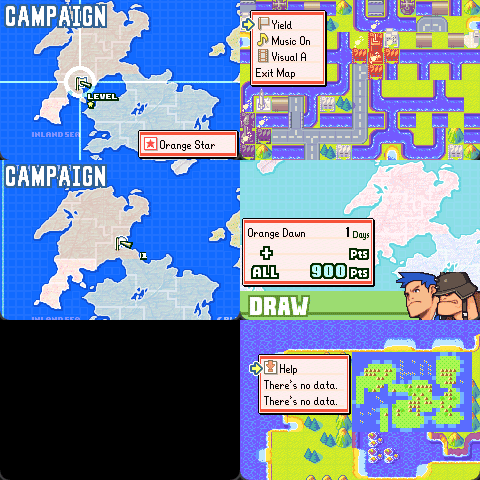
Really enjoy this, but the game sometimes crashes when generating maps. Playing with the seed “Tokiko” consistently crashes on the first Sonja and Kanbei missions in Campaign. More easily, “Help” consistently crashes on the second mission.
@Doesnt I’m having trouble reproducing your crash. It could be that it won’t crash if you reset the emulator and load up again (which initializes ram to 0). Perhaps you always load from a savestate?
If the bug still occurs after resetting the emulator (eg. no loading savestates), then you possibly send a .sav file? If it doesn’t persist after resetting, then I’m not sure how to fix the bug at this time, sorry.
I don’t use savestates, and tried it again on a fresh sav and it broke right away on selecting the Sami mission. Most likely it’s actually probably my rom mismatching, I’d assumed since the game booted after patching and generally works it was just a cosmetic difference but it looks like it’s not. Went looking for your version and found like six copies of the one I already have. Oh well.
The CRC32 matches now, but it’s still crashing, just not at the same spots. Also tried updating mgba to 0.10.5 and now it oddly lets me select mission 2, but crashes on actually starting the map.
It’s always a divide by 0, usually 8 to 21-ish; it’s not consistent with the same map. In campaign it usually happens on selecting the mission from the map, though sometimes it’s when the map would be fading in in both campaign and war room.
Going through the war room with Help as the seed, I get crashes on Moji Island (21 by 0), Pivot Isle (15 by 0), Kita Straight (15 by 0), Point Stormy (9 by 0), Mial’s Hope (25 by 0), Bounty River (17 by 0), Egg Islands (22 by 0), Stamp Islands (9 by 0), Ring Islands (15 by 0), Last Mission (17 by 0), Nest Egg (7 by 0), and Banker Hills (22 by 0). Maybe these mean something?
I added a safety check for dividing by 0, so there’s a chance it’ll work now. If not, please let me know and I’ll try reproducing the bug on mgba 0.10.5 tomorrow - I’ve been using mgba 0.6.1 and no$gba.