This is simultaneously very impressive, and also a tad demoralizing. Because I’ve spent the better part of the last 2 years working on my Custom Build (v20220703) buildfile.
I’m not gonna say it was a waste of time, since I’ve gotten countless help from very talented coders for my own custom skills (Jester, ChiChi, Snerdels, and others). But I feel a bit defeated, nontheless.
I hope more hackers in the future can continue to benefit from the ever-improving Skill System.
I don’t know if it’s advisable to run makehack on the buildfile once and then only ever edit the rom in febuilder. But I was annoyed that the icons etc. weren’t showing up, so I fixed that. Custom build probably has some use, still.
There is no documentation on this wizardry. If you have questions about how to use it, don’t post here and don’t ping me, sorry. It doesn’t do exactly what you’d want it to do - I mention it only as a reference to code from.
A cursory glance tells me you’d just need to hook into BATTLE_HandleCombatDeaths to intercept the code that kills the unit and BATTLE_PostCombatDeathFades to intercept the animation (if you don’t want it to play when reviving a unit). Then create a function that checks the unit’s inventory for a specific item and refills their HP if so.
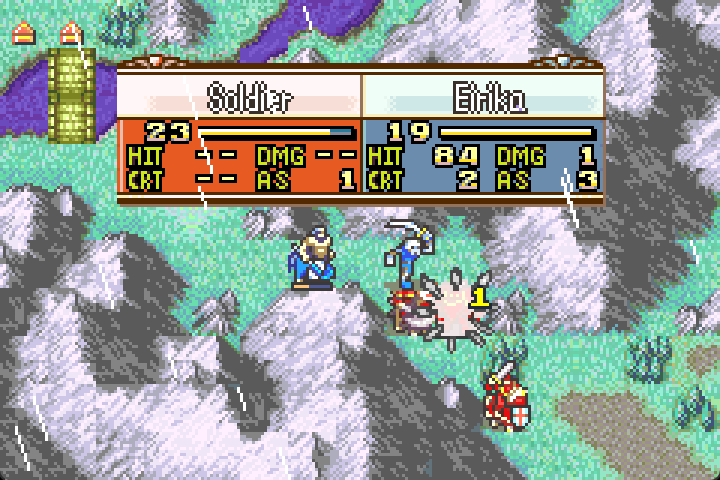
I made a revival stone-esqe skill a while back that plays the sacred stone breaking effect when reviving a unit.
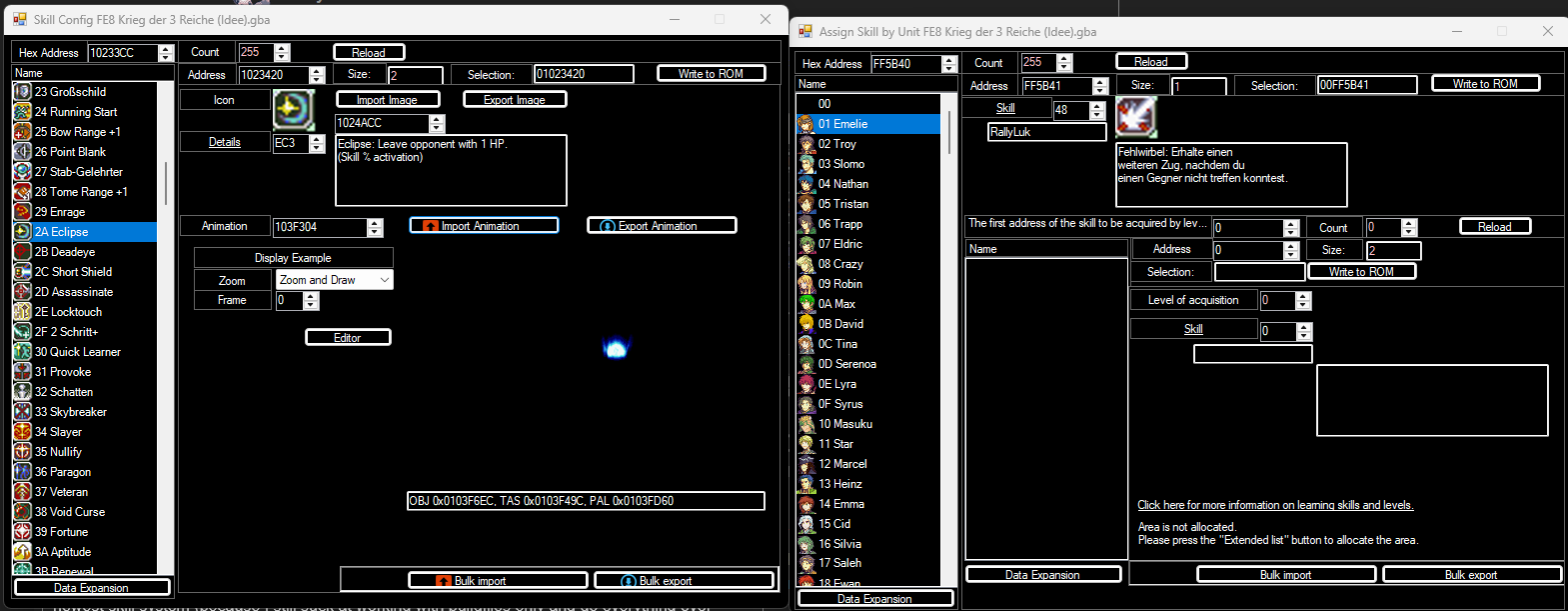
This is so helpfull! Thank you very much. I once started a test with a buildfile only to use the newest skill system (because I still suck at working with buildfiles only and do everything over FEBuilder. I just learned how to make a rom using makehack and that was it.)
and I had to do everything regarding the skills with the hex editor of FEBuilder.
Now I can finally work again like I use to with the newest skills!
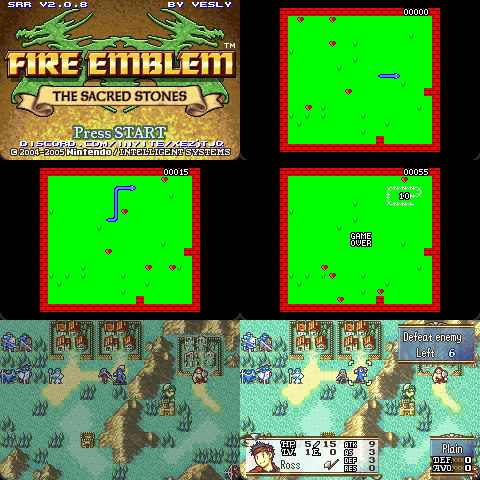
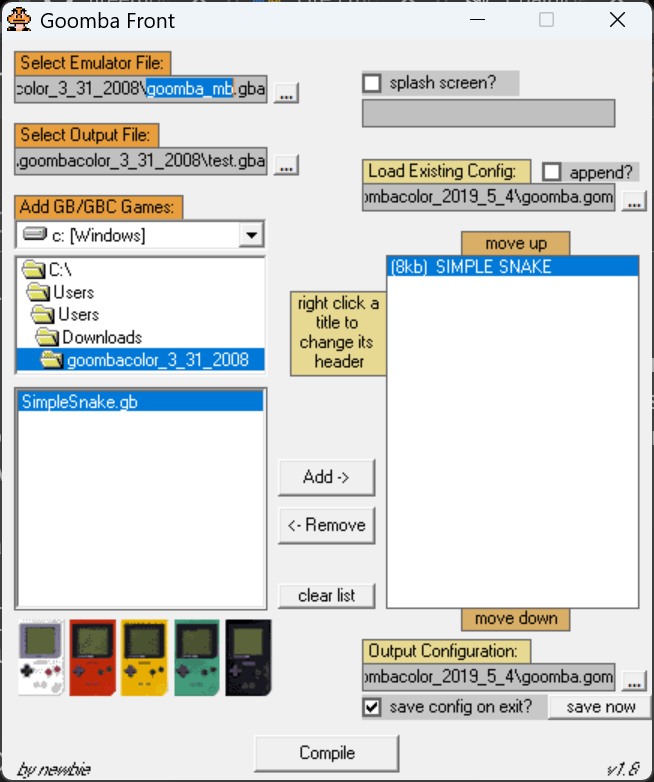
Goomba Color is a GB/C emulator written for the GBA. Since some gameboy roms are smaller than the gba’s WRAM size of 256 kb, Goomba includes a multiboot option which puts a bunch of roms into one .gba file, and then loads a specific gameboy rom into WRAM and runs it from there. This is essentially what this hack does: writes a rom that’s 256 kb or smaller to ram and boots it.
Limitations:
Saving within the booted game will be reset when the game is exited.
The booted game will not return to FE. However, on a reset, the game will boot back into FE and immediately resume the chapter, rerunning the ASMC.
The ASMC checks if it just ran, and if so, it does nothing. This is to avoid an infinite loop of booting the gameboy game.
Commercial gameboy games are protected by copyright and should not be included within a romhack, but there are lots of open source homebrew games available.
Maybe someone will find this useful! I just thought this was cool to try, lol.
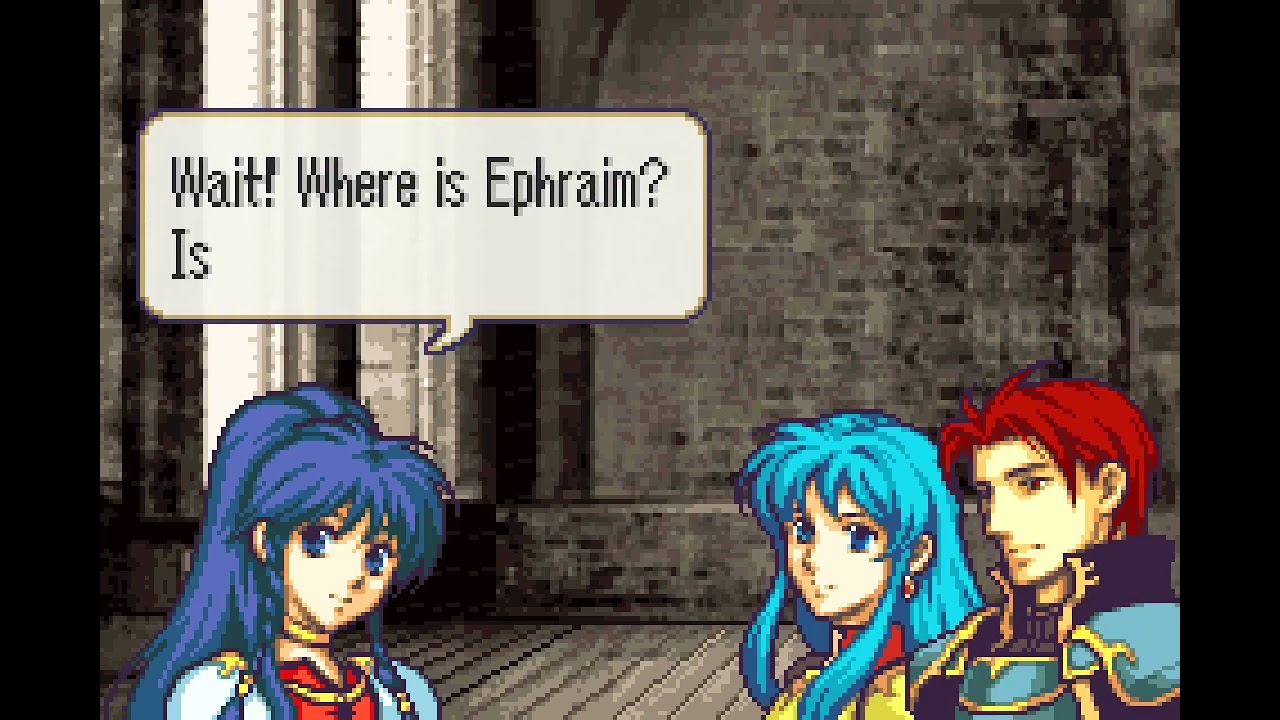
Eirika playing snake before Ross tells her there’s no time for games is kinda funny. But this means there’s 1 less step to getting DOOM in FE8, which is a good thing.
This replaces the subtle beep sound effects that play when text advances with the overt ones used in golden sun.
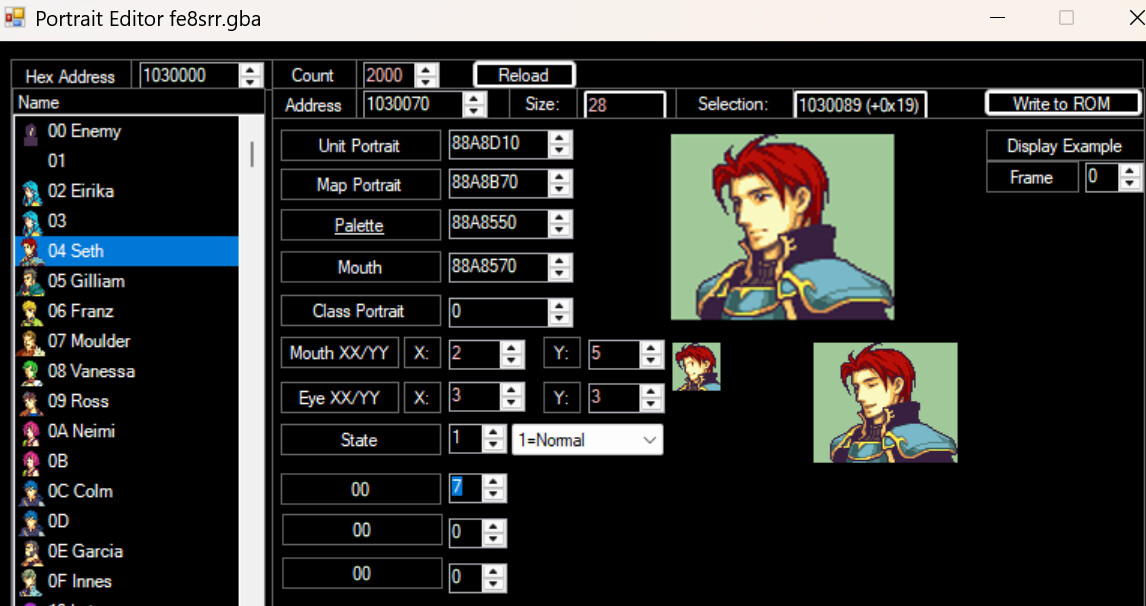
There are 8 tone samples included, with 4 pitches for each that it randomizes between. Tana is using the default tone (0, which is identical to 5). They range from highest in pitch (1) to lowest in pitch (8). Here I set Eirika to 2 and Seth to 7 by editing this padding byte in the portrait editor.
You can lower the sfx volume by changing #define BeepVolume 127 to a lower number if you like. You can also set a flag to have an ingame toggle for vanilla behaviour if you wish.
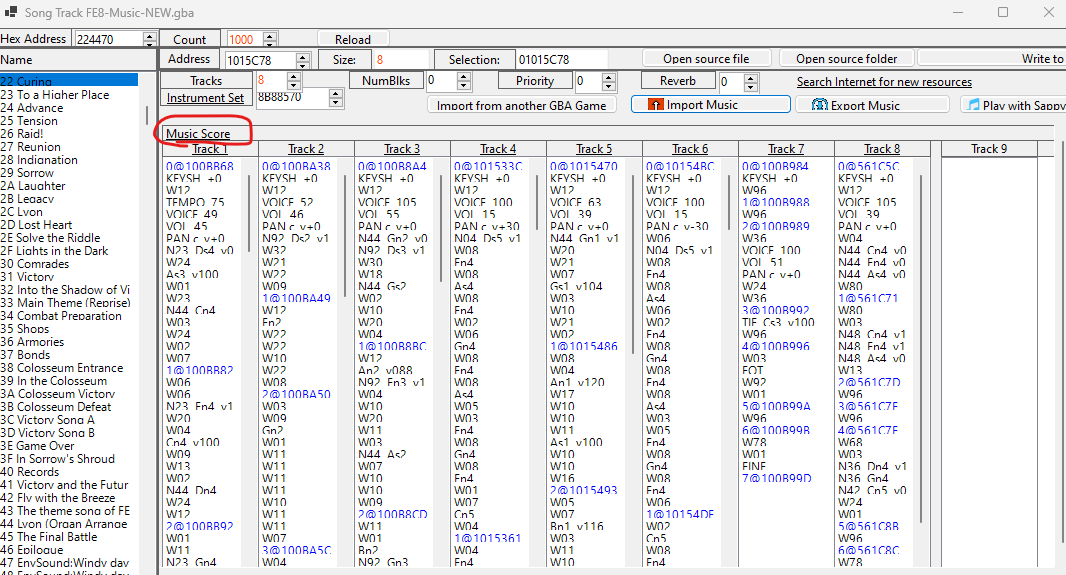
I think 99% of the sound effects in the game are stored in the Song Table (I haven’t found the Vanilla dialogue boops. But I’ve found the system text boops).
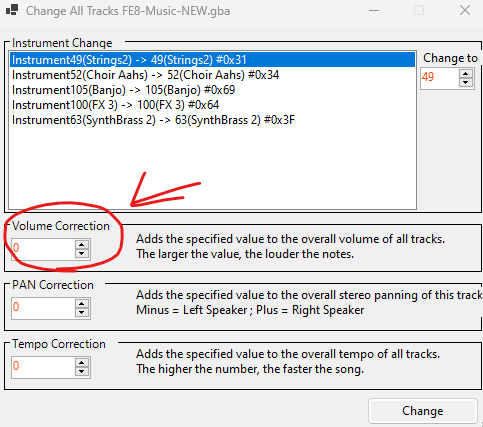
You can just change the volume of sound effects by editing it in the Song Track Editor, by clicking on “Music Score” to edit all the tracks of a single song.
OK. By higher or lower I thought you meant the volume. My bad. For the pitch you’d probably have to either edit the code, since the boops are probably stored as audio files or MIDIs set to square waves. I’m not sure, tho.
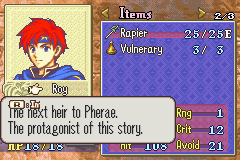
Hi, I need help with something: when I use FEBuilder’s HP Bars w/Warnings patch for FE6, it does implement the bars on the map correctly, but also makes this bugged [R] icon appear on the description text of everything on status screen. Class, unit and item desc (I’m using VBA-M).