This is absolutely incredible, we can have our own anime openings in new FE hacks lol.
Only things for now seems to be with Alice’s report about the class roll. Is the reason of the CTD maybe being that the lines of code from the patch overlap with the class roll’s or something?
Maybe it’s something to do with installing it through FEBuilder VS Installing it through a Buildfile. I haven’t tested it on a Buildfile yet. But I would prefer if it was FEBuilder-compatible
Hey dude… I have been trying to make a custom intro for a while. And I haven’t been able to get it to work AT ALL. Your included example works fine. And I finally managed to install with no errors, but when I test it, it doesn’t work…
Here are the detailed steps I took:
I recorded the FE6 intro directly using Mgba
I converted the GIF into individual frame PNGs using Aseprite
I used a program called ImageMagick and a custom batch file to automatically convert all the frames to 16 colors.
I asked ChatGPT to generate an animation script with the same format asked for Skill Anim creator. Telling it to make every frame last 4 frames, and only use every 4th frame. This is to save space, since the whole animation was 3700+ frames long. This reduced it to only 939 frames. Example:
I run the script text file through Skill Anim Creator.
I modify “data.event” in your code, to include the newly generated script, rather than the one you made.
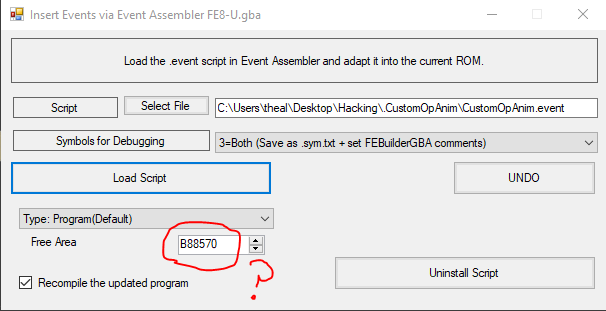
I try installing through FEBuilder. I get an error saying I’m missing the file “skillanimtemplate.dmp”. So I copy it from the Skill Anim Creator folder.
I try installing again.
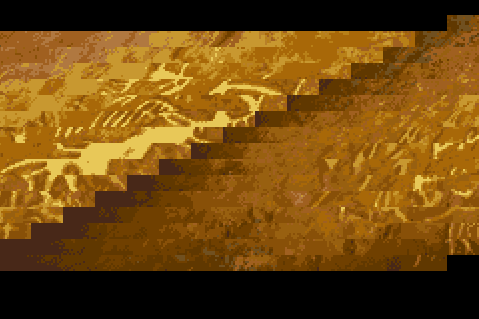
At this last step, the installation is successful with no errors. But when I run the rom to test, it ALMOST works… But…
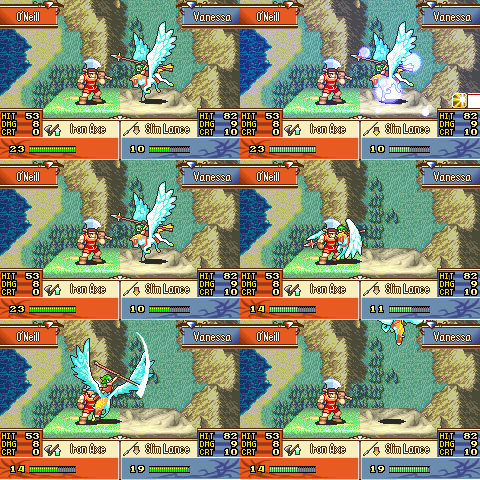
The frames are messed up. They’re shifted like this.
I have NO idea WHY this happens.
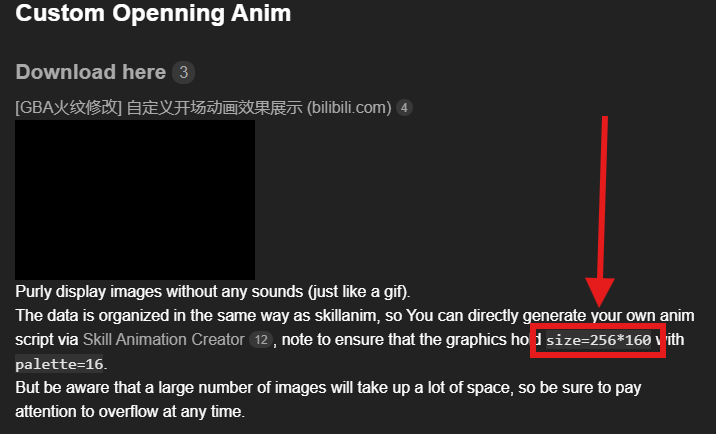
I think it would be beneficial to everyone if you made a detailed guide on HOW to make these custom intro anims. I’m almost certain that I am not missing anything. And if I am, it’s gotta be something you forgot to mention.
I wanna ask. Would you be OK if I made a tutorial for making custom intros? After messing around with this for hours, I feel that I now fully understand it how the process works.
In vanilla, even though you have set bit BATTLE_HIT_ATTR_HPSTEAL in BattleHit, it will also fail to display hp-drain banim effect, except nosferatu magic. Fortunately, only small adjustments are needed to fix the issue in the original version.