I expanded classes in the self randomizers. Here’s my post about it:
After you insert the ea, extend the class list and start a new game. I believe it’s as simple as that.
I expanded classes in the self randomizers. Here’s my post about it:
After you insert the ea, extend the class list and start a new game. I believe it’s as simple as that.
How are you editing animations? Are you using nightmare? I think you should use febuilder.
If you must use ea, I have an installer that adds 60ish class animations here:
https://github.com/Veslyquix/SRR_FEGBA/tree/main/gfx/Anims
But I think you’re unlikely to find it helpful.
Additionally, there’s c2ea / nmm2csv
You could use it or febuilder to rip the table from fe6, but again, you’ll probably find it easier to just use febuilder, so I am a little confused about what exactly you’re stuck on
Thank you for responding
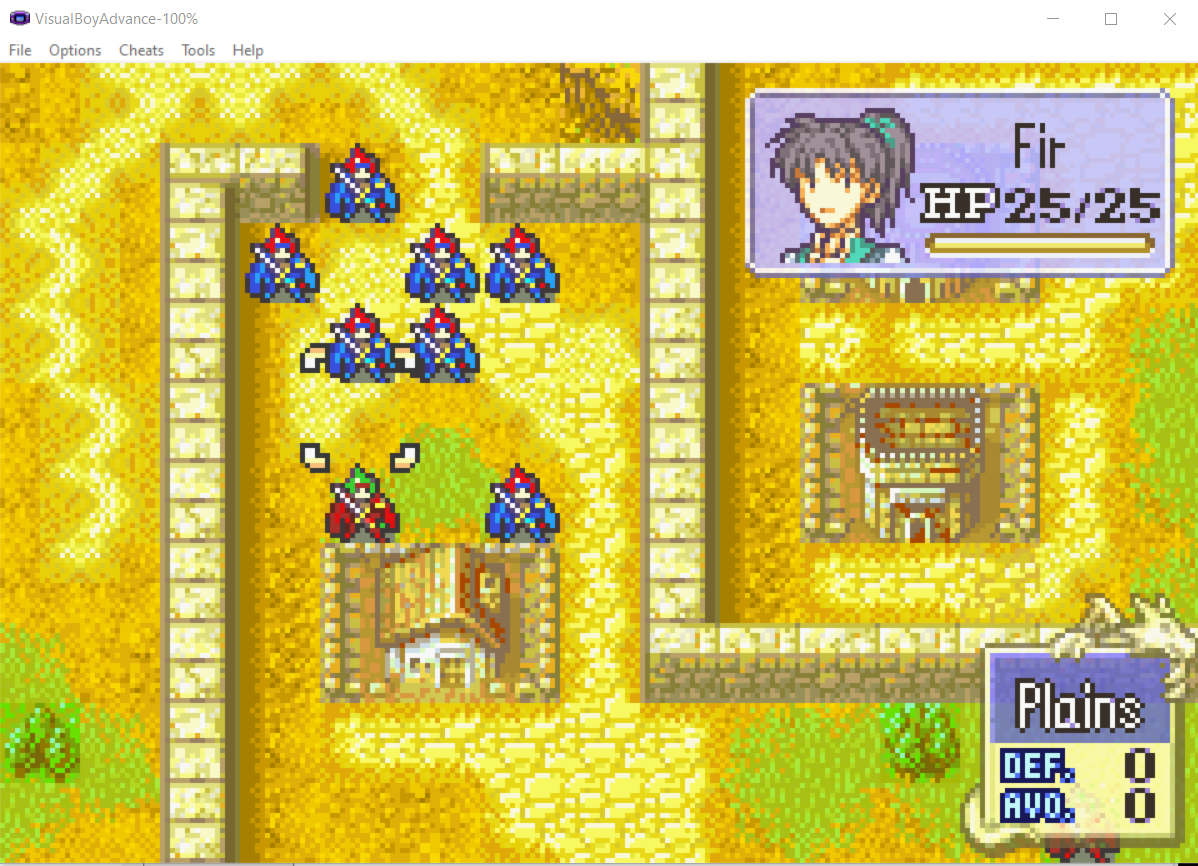
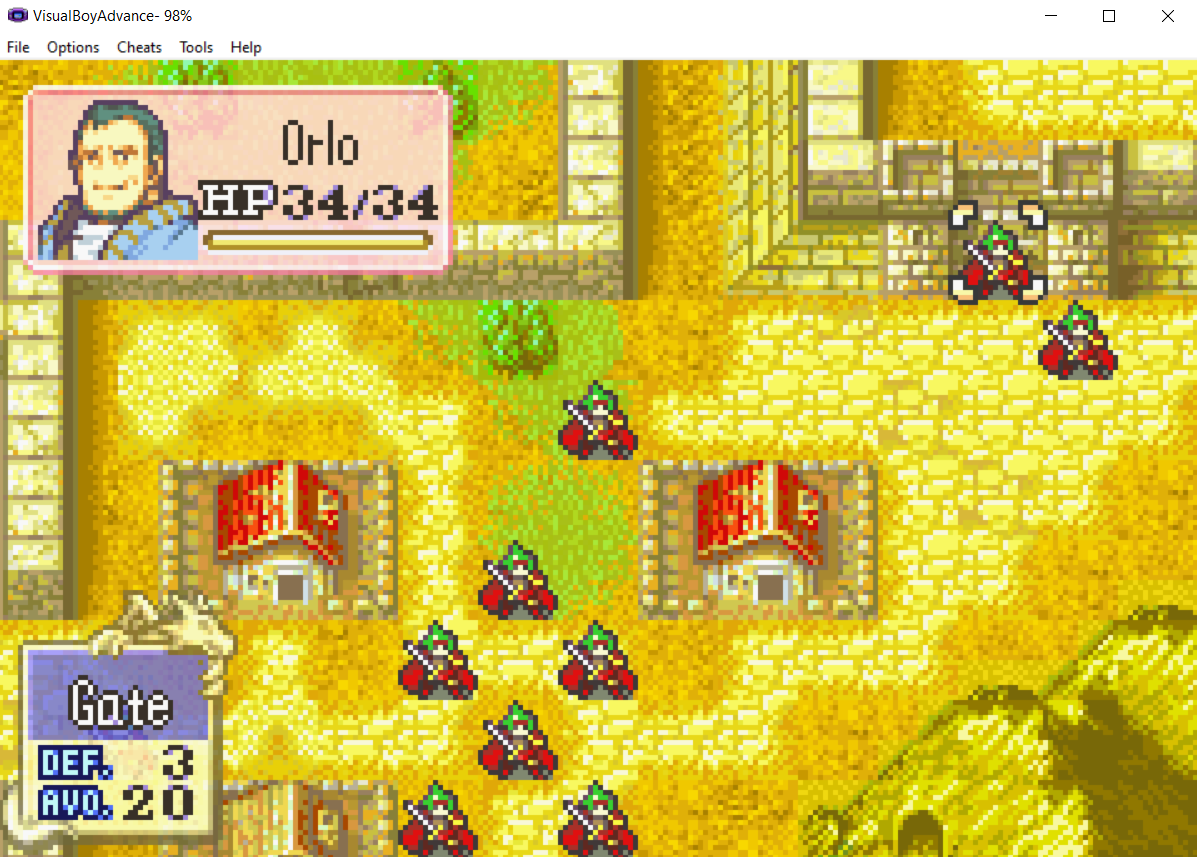
And well, just as I thought (since I already tried it before like Kemui52’s post), the game broke. I was thinking maybe because it was the arena like some posts above suggested - so I could just not go into the arena, ignore it. But no, as soon as I expanded the class list to 128, then run test the game, the game broke. Like this:
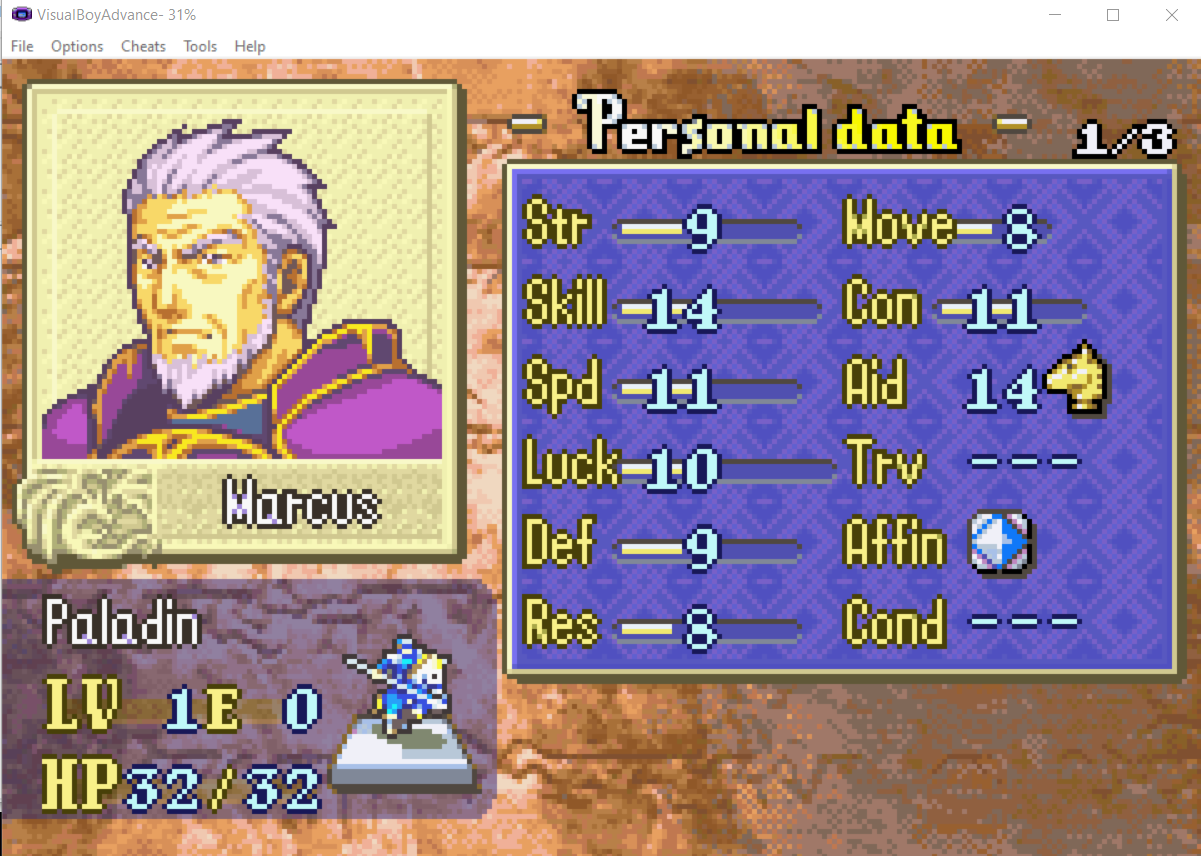
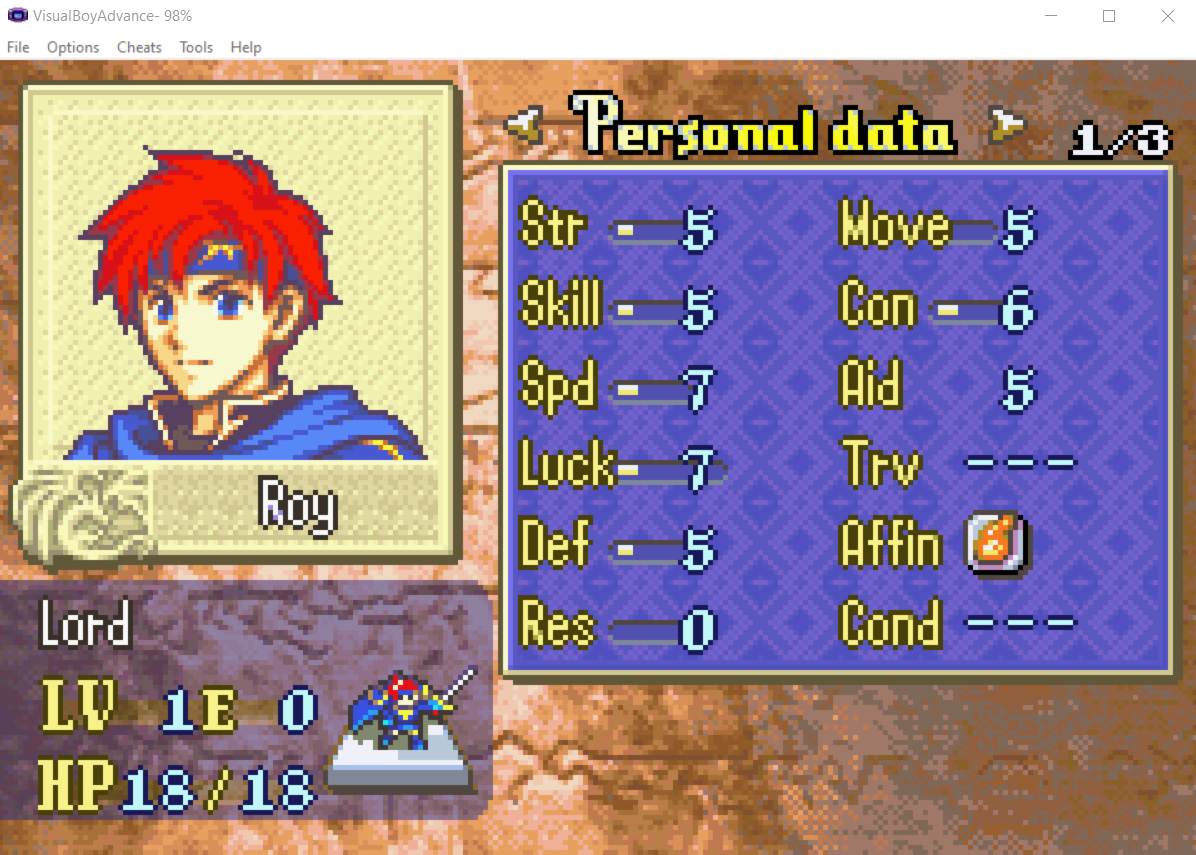
Now everyone’s Roy and the game did glitch 
I used a rom that already changed some of the animations, but the count of the class list is still 76, meaning they haven’t expanded it. So I assume this glitch will happen with vanilla FE6 still.
I see. Were you using FEBuilder or Nightmare? Vesly was also asking about it.
And you mentioned you did the class expansion in a rom that already had changes, so I wonder if using Data Expansion to add more classes on a completely vanilla FE6 (with Gringe’s most recent fan translation already implemented) would work instead. If not then Vesly just posted above a patch they made to guarantee that extra class slots work in both FE6 and FE7, it might just be what you need as the last resort in this case.
Also definitely a funny glitch turning everyone into Roy, that’s a wild FE6 you got right there.
@Vesly By the way if you don’t mind me asking Vesly: did the author of Lyn’s Bizarre Adventure used your Stat/Class Expansion patch to be able to implement extra classes?
Because I’m still checking it out on FEBuilder and I can’t really tell if the patch was used or not.
I’ve just downloaded your Stat / Class Expansion FE6 & FE7. Haven’t tried it since the installing process looks like a lot  so I will try it at a different time. But will definitely let you know if it works
How are you editing animations? Are you using nightmare? I think you should use febuilder.
If you must use ea, I have an installer that adds 60ish class animations here:
https://github.com/Veslyquix/SRR_FEGBA/tree/main/gfx/Anims
But I think you’re unlikely to find it helpful.
I use febuilder, but I read a post that guide me to add custom animations like that so I just follow it. Go to tools → patches → type “custom animation” and you will see Character Custom Animation by EA Table Editor. Install it → from there just assign your unit to the “anime” that you want to use for that unit. I’ve always done it like that for FE8. I don’t know what EA means 
Yes. Good. Excellent. As is deserved.
I don’t know, sorry. It may not actually be necessary if you aren’t expanding past 0x7F. I wanted more classes and higher stats, so I did it this way.
There’s a guide in the first post of my asm thread. It boils down to insert ea → select Installer.event, so it’s not very hard.
Ah, I understand now. Normally animations are set by class, not by character. So in fe6 and fe7 you’ll just need to set animations by class.
Please note that after expanding classes that you should start a new game, as the process will break old save files.
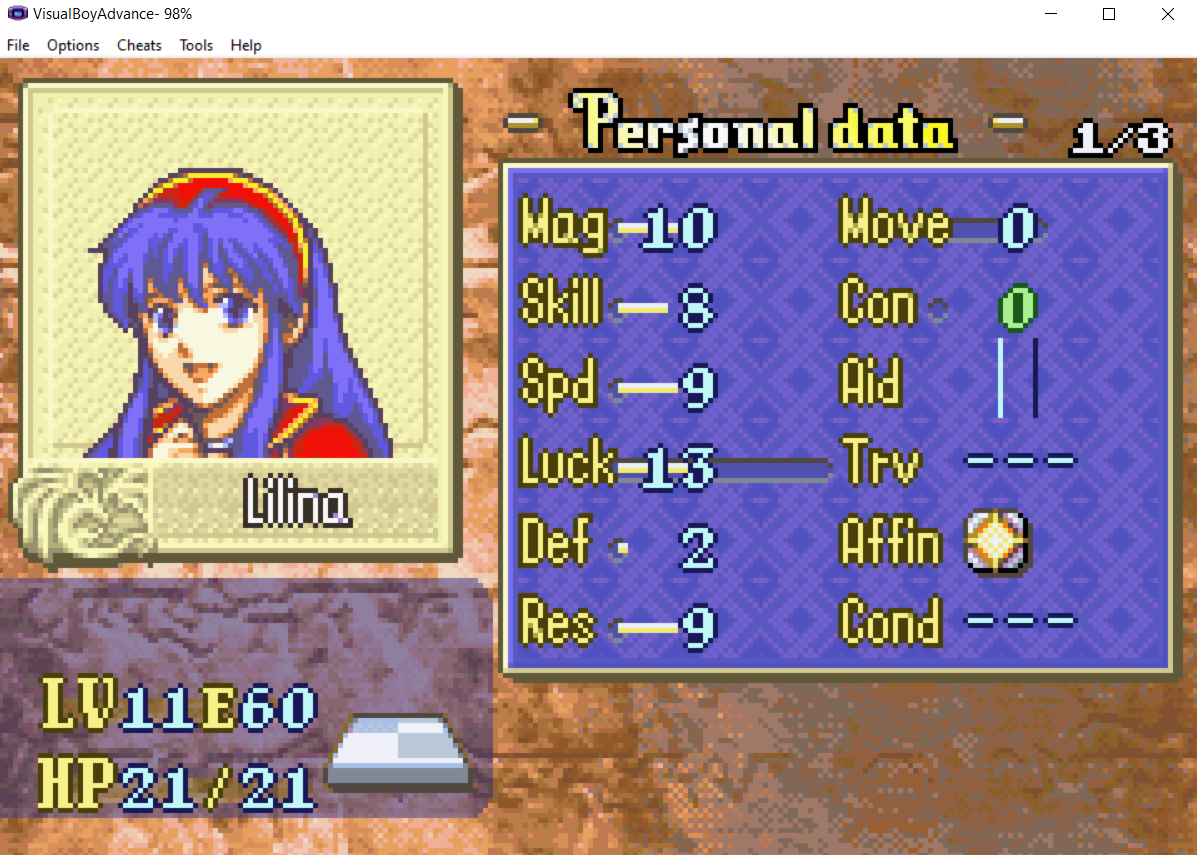
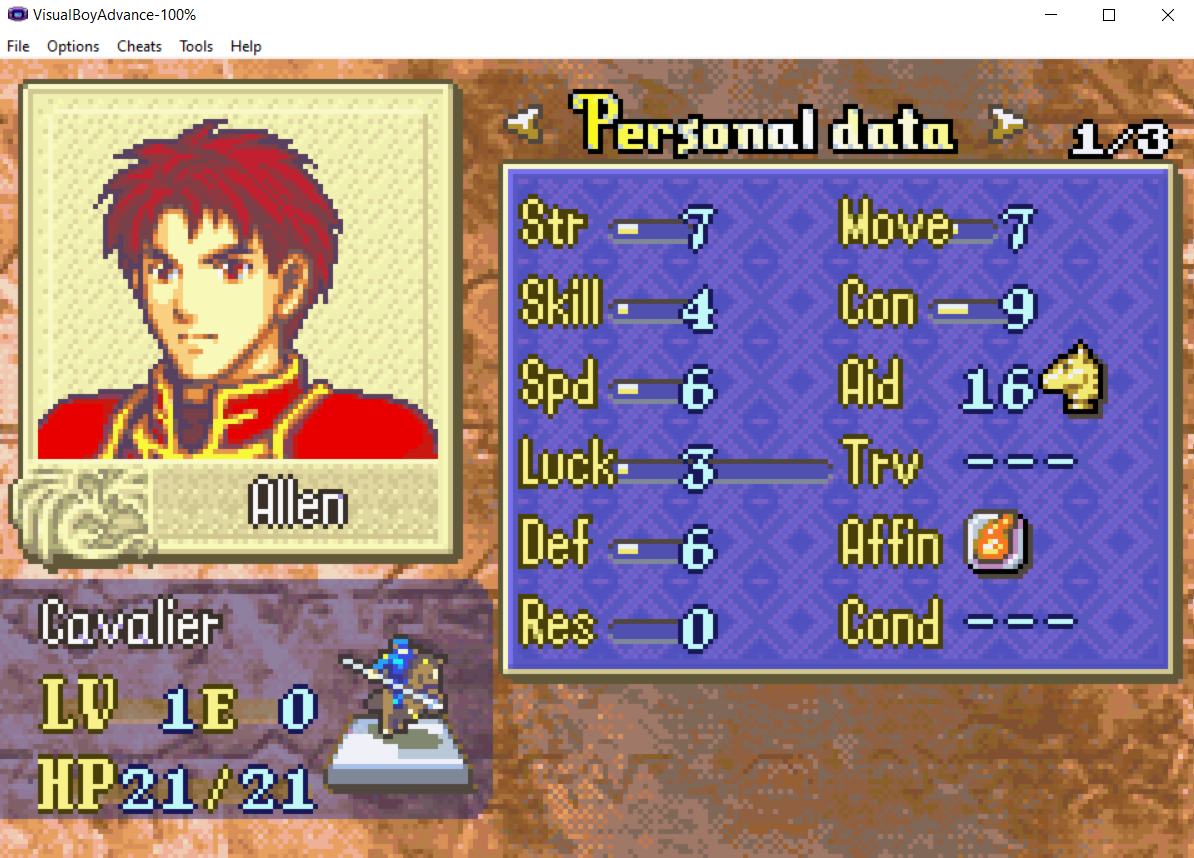
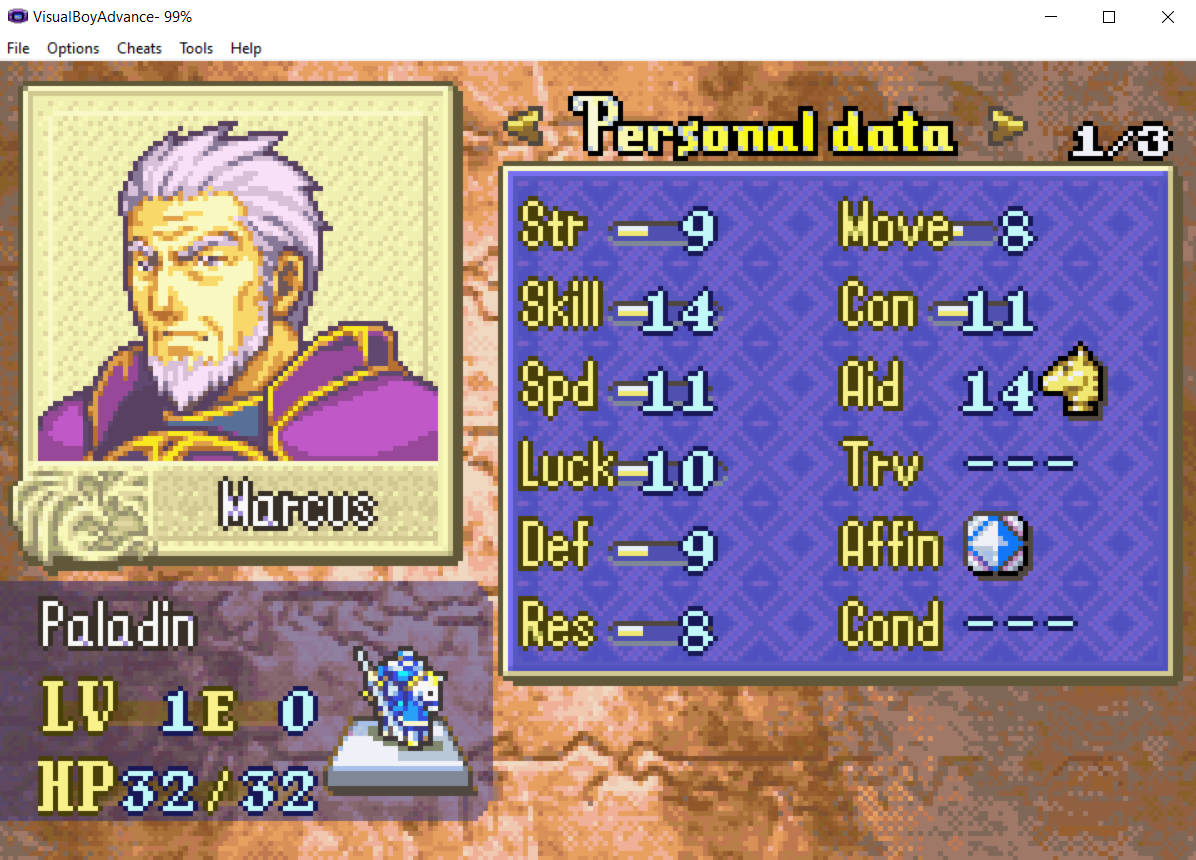
Hey, I finally have time to test things out again. (Reading your General Installation Instructions at first I thought I had to do a lot and read and change something in the file. Turnt out it was just Insert EA → choose Installer.event from the folder → Load Script. Done  ) And I think it works? But: after I inserted EA, the personal data screen looked like this:
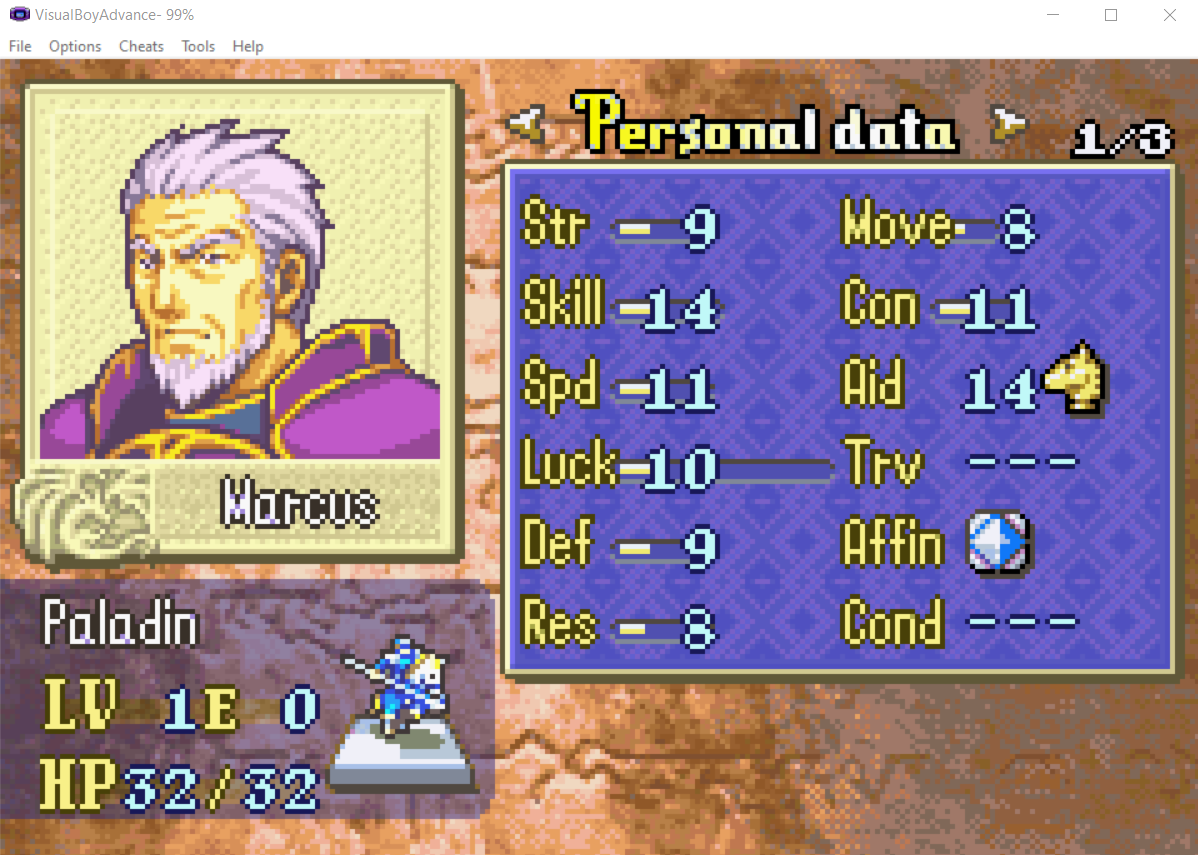
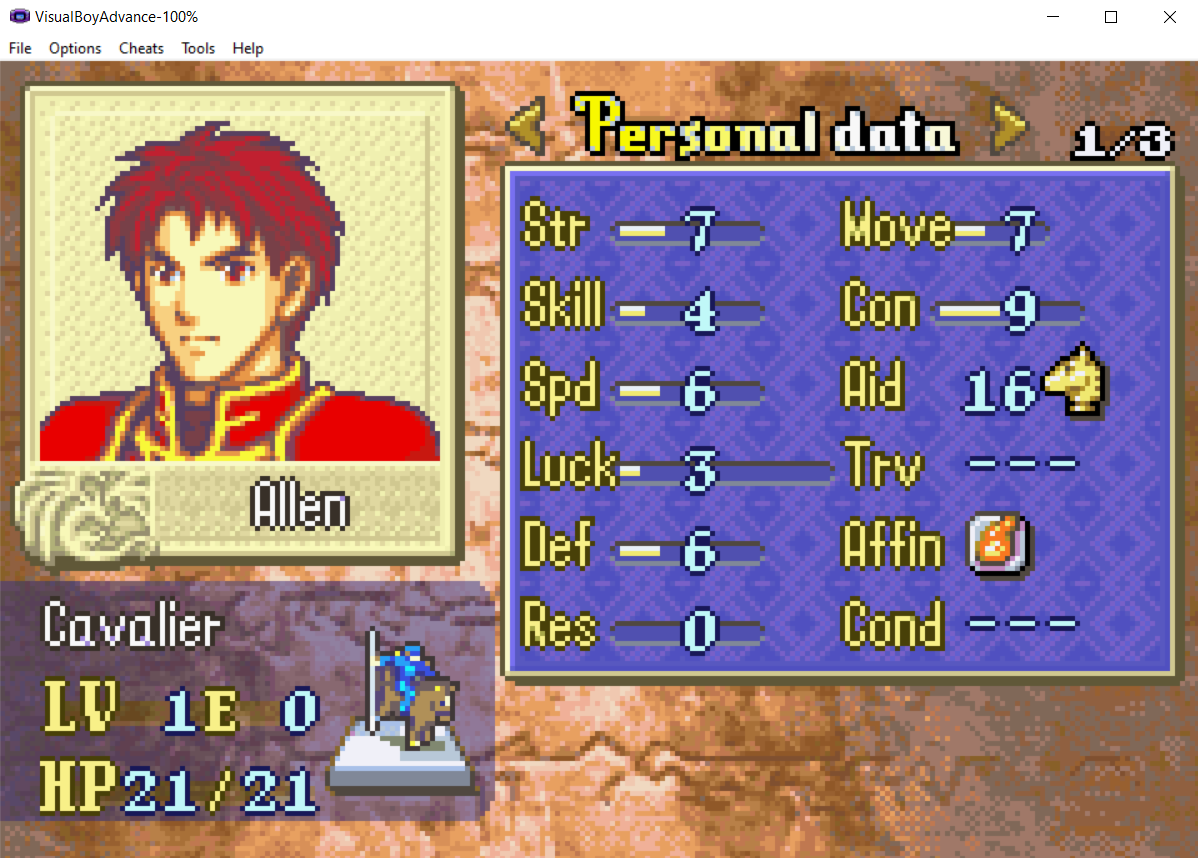
When they usually looks like this:
The battle animations played fine.
And this was just after I inserted EA, before I even extended the class list. Then I tried extending the class list and it still looked the same, and battle animations still played fine.
Here’s how I did it:
1, Download ColorzCore.exe. Then open FEBuilder and set the path to ColorzCore.exe for EventAssembler
2, In FEBuilder → Advanced Editors → Insert EA → Select File → choose Installer.event from ASM-StatClassEx_FE6, and click Load Script.
3, F5 Run test the game: Start a new game, and check. And when I check the character data screen, I see that.
I haven’t played more to see if there’s any bugs.
If you implemented Vesly’s patch, besides fixing class expansion it mentions that it also raises the cap of all stats to 63. It might be that the Luck stat got raised all the way to 63 then.
There is a patch for it: ‘Change Maximum Luck Cap’. Was it actually raised to the new cap? And if yes, does changing it back to vanilla’s 30 brings the stat screen back to how it looked before?
Send this to Vesly, maybe asking in their main topic of patches or if Vesly could answer here.
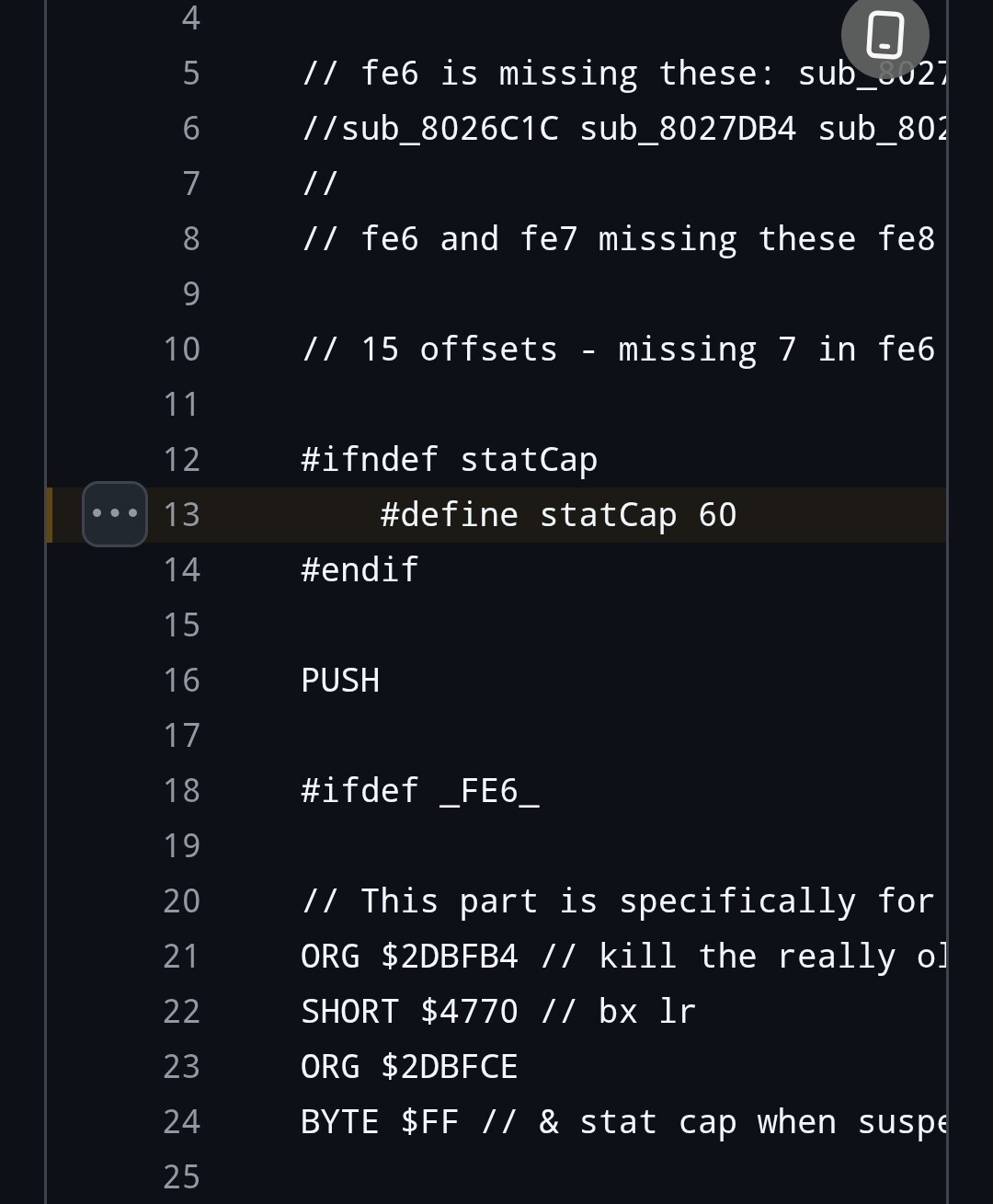
I believe the caps of the stats could be manually edited in the main file of the patch, but it’s best to ask the author instead for their input on how to fix it since it is their own patch after all.