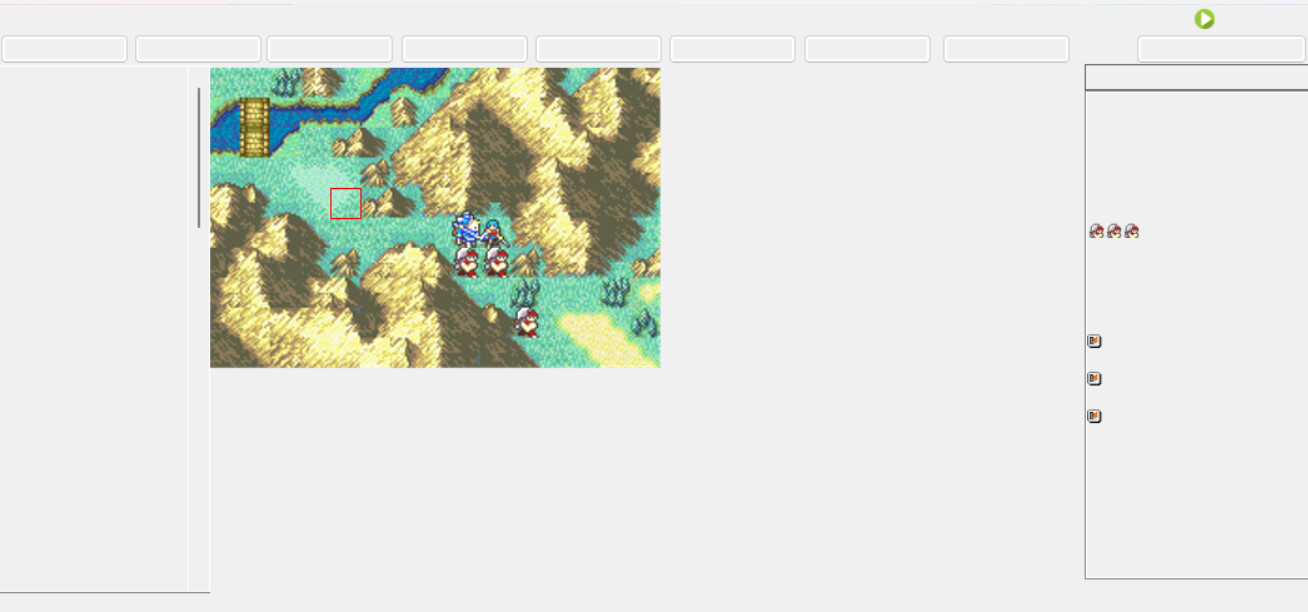
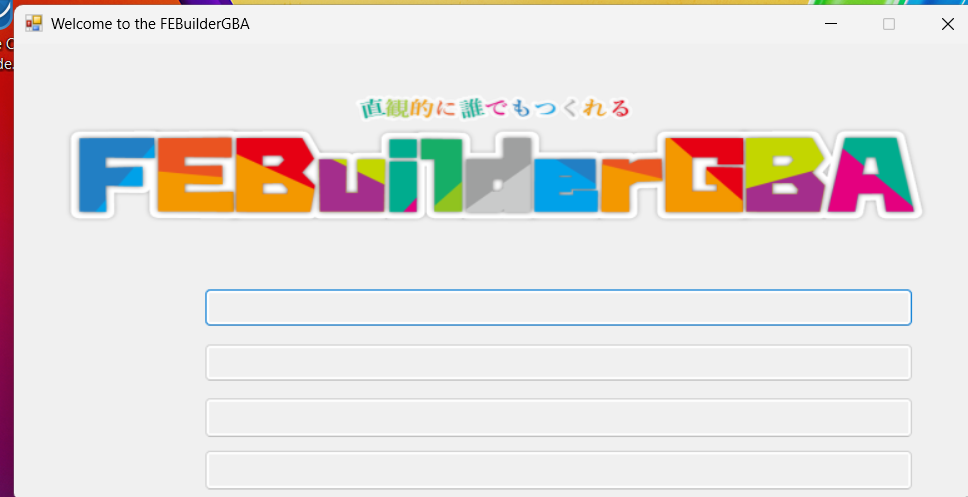
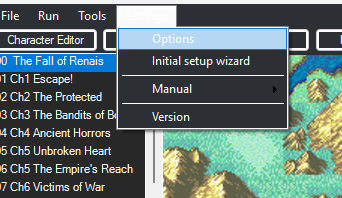
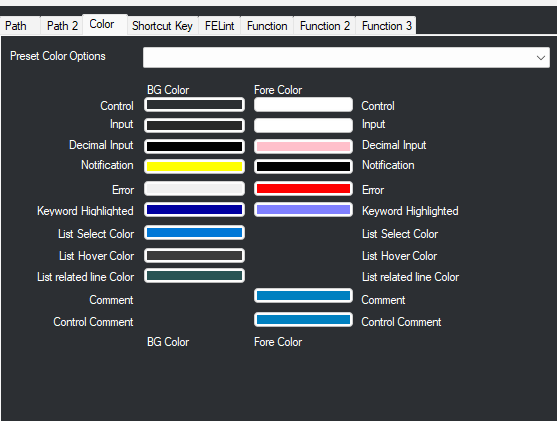
I have been creating a small hack for FE8, and in doing so, FEBuilder seems to have broken somehow. I was trying to download the patch that expands the maximum class count, but it kept saying i needed to set some directory in settings. I opened settings, didn’t see anything wrong, and clicked the yellow button at the bottom of settings to save changes. After doing this, however, the entirety of builder’s text dissapeared, and even upon closing the app it still is like this. Does anyone know how to fix this?
example of missing text: