I’m having trouble finding a patch in the patches list. What’s the name of the patch? (Tips for using Builder’s search function.)
Please. I don’t have patch names memorized. No one does. When I give you the exact name of a patch, I’m using the search function to find it, which means you could just use the search function yourself. But since people seem to struggle with this frequently, here’s some tips:
- Search for relevant keywords, like “support”, “supply”, “event”, “background”, or “heal”. The search function in the patches list searches both names and descriptions, so you don’t need to match the exact name. Focus on using words that you are reasonably sure will appear in it, and try different variations of them.
- Keep your search phrases short. The search function looks for things that match everything you tell it, and it doesn’t necessarily recognize synonyms. If you can’t find a conditional support-preventing patch with a search like “prevent support”, cut the word “prevent” and just search “support”. A less-restrictive search will find more results, while still narrowing the list down to a length you can scroll through. (You’ll find that the patch in question is called “prohibit support”, in this case – 7743 likes the word “prohibit” for things like that, so keep it in mind!)
- Try a few times with different keywords and different versions of keywords. Just because it doesn’t come up the first time doesn’t mean it’s not there, it might just mean you searched for the wrong keyword, or the wrong version of a keyword, ex. “convoy” rahter than “supply” or “dancer” rather than “dance”. Try different words related to what you want. (Of note: a good amount of FEBuilder was translated from Japanese to English through machine translation, hence some oddly-phrased names that can take a few tries to hit.)
- As you get more familiar with the patches, you may start to notice patterns in how they’re named, such as anything that adds an event command having “Add Event” at the start of the name, or all of the patches that fix spell animation sound effects starting with “fix sound”. You can use those as search terms.
Additionally, next to the search bar is a button labeled “Filter”, which allows you to filter the list to only show patches with certain tags. You can also run these searches by typing the tags manually as part of your search. WARNING: not all patches are properly tagged, so do know that a tag filter may end up excluding the patch you’re looking for!
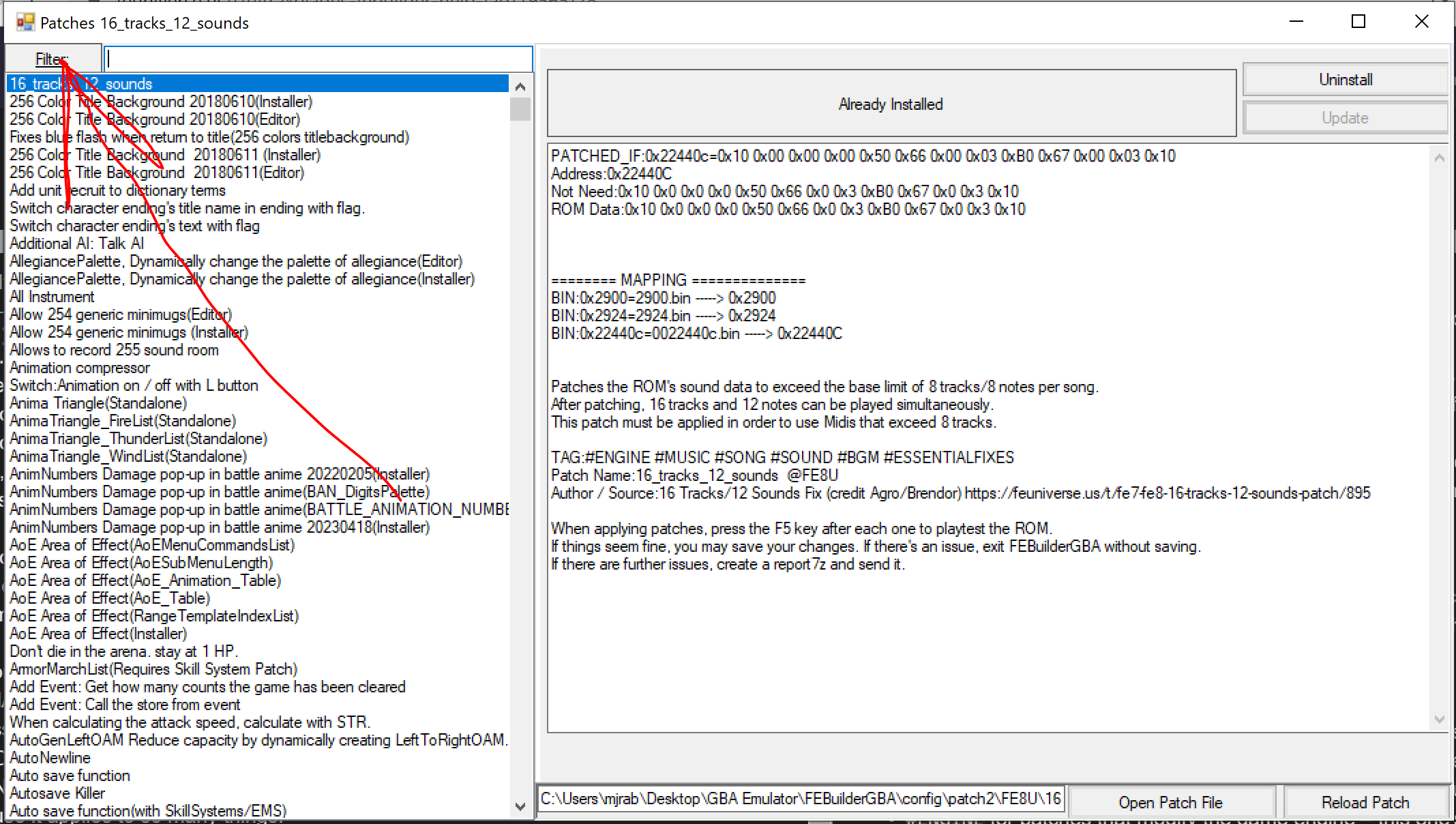
The tags are:
!for already-installed patches.#IMAGEfor images, like the stat screen background. Certain standalone images are accessed and inserted from the patches list instead of other editors.#SOUNDfor audio, like setting the background music for various parts of the game.#ENGINEfor patches that modify the game engine – this one’s not too useful as a search because it applies to so many things.#EVENTfor patches that add event commands.#ESSENTIALor#ESSENTIALFIXESfor patches that apply important bug fixes and the like. Many of these are things you should just install in general, but don’t just do so blindly – 7743 is somewhat opinionated on a few of them and tagged some game-warping and very much non-essential things as essential.
If you really can’t find a patch that you know exists, ask and someone can probably help you find it, but it saves everyone’s time if you can find it yourself.