-
Hacking method: FEBuilder
-
Base Game: FE8
TL;DR: Attempting to replace the 128-color save screen image with a different 128-color image makes the program convert it down to just 16 colors, and I’m not sure how to get it to import the full 128 colors it theoretically should be able to support.
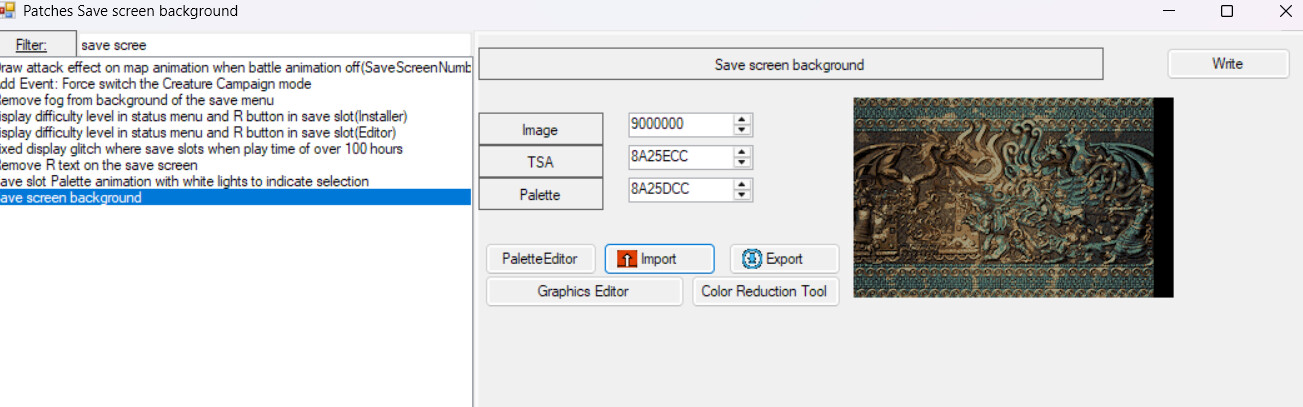
I’ve been tinkering around in a ROM changing different backgrounds and UI elements, and I’ve run into a bit of a snag trying to create a custom save screen background using the aptly named “Save screen background” patch, and I was hoping someone might have an answer?
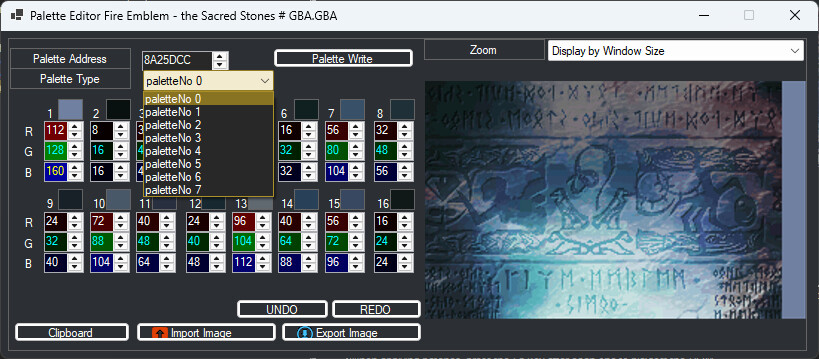
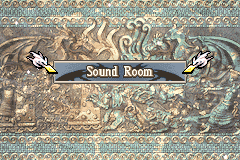
The default image used in FE8 has eight palettes for a total of 128 characters, so I figured any custom background would need to adhere to that. I re-quantized the background I had in usenti to 128 colors, saved it, and attempted to import the image from the patch thinking that should be good, but then it threw the ‘bad palette’ error screen that, after editing some map sprites, I’m unfortunately oh-so familiar with by now. 
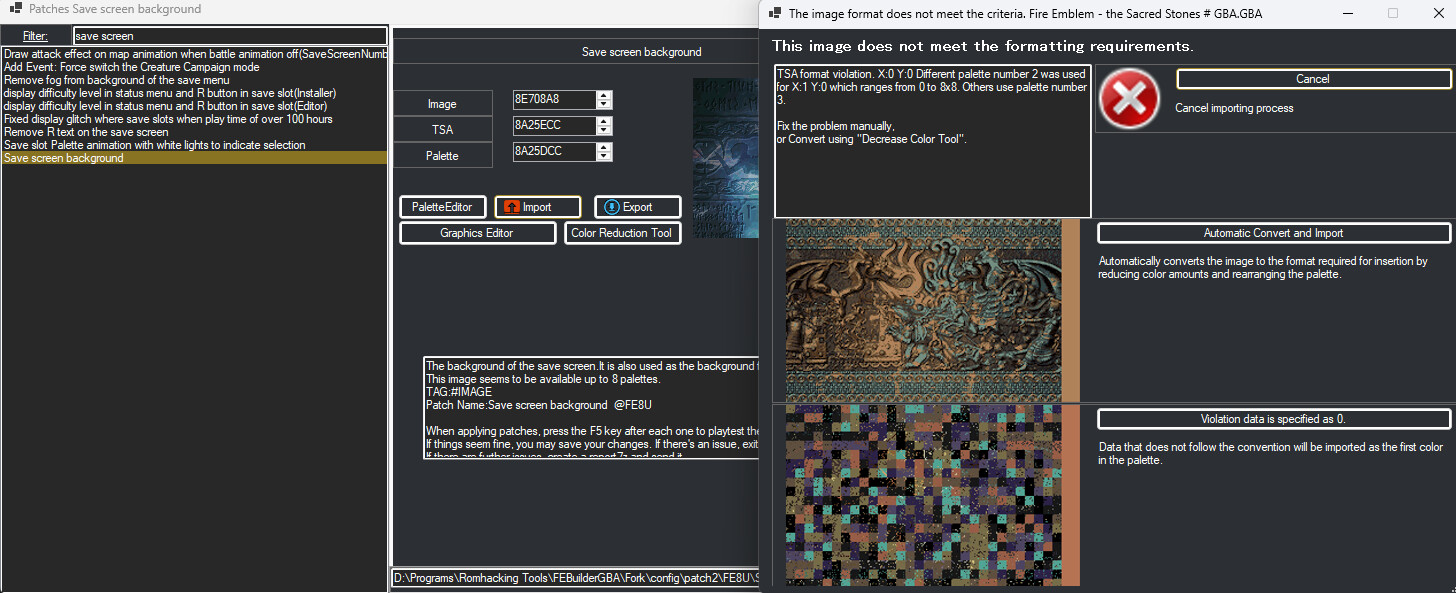
When I press ‘automatic convert’ to take a look at how it auto-adjusted the palette it thinks for a bit, and then spits out this cute little error:
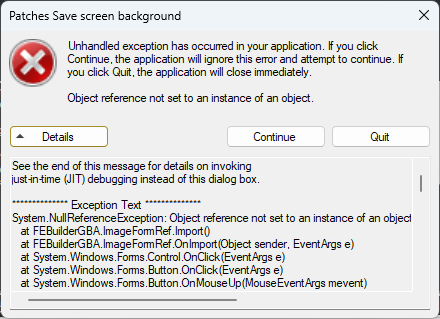
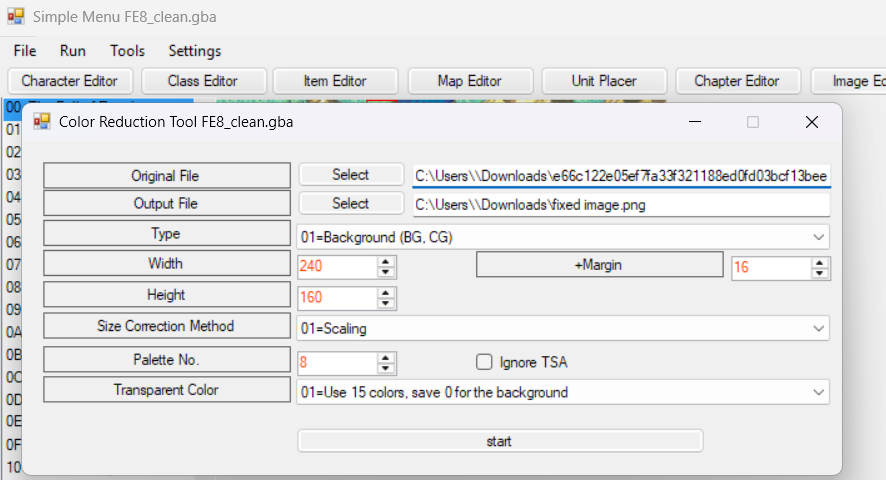
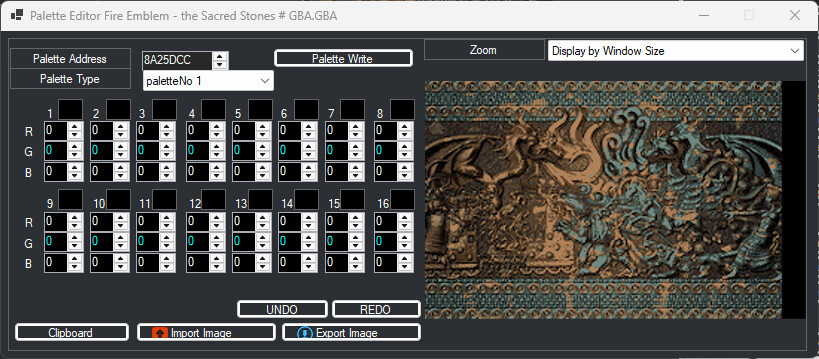
Curiously it does still seem to work, since pressing “Continue” shows me the new screen background, but despite this screen theoretically allowing for 128 colors, the automatic import adjusts it all the way down to just 16, leaving the other 7 palettes full of empty black color slots.
I am assuming this has something to do with the “TSA” of the image, because re-importing the old FE8 image works like a charm, and there’s obviously the whole “TSA format violation” error at the top. Unfortunately I’m a good bit new to the software, and I barely know what “TSA” means, let alone how I can fix it for this image to import properly.
I poked around on the site for a while to see if anyone else ran into this, but I wasn’t able to find any other threads about it, so I thought I’d make one and see if anyone more experienced with importing images might have any ideas. If I put this question in the wrong place, do let me know!
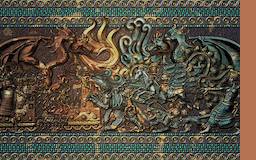
Also, if it’s helpful, here’s the image I was attempting to insert: