Can anyone tell me why?
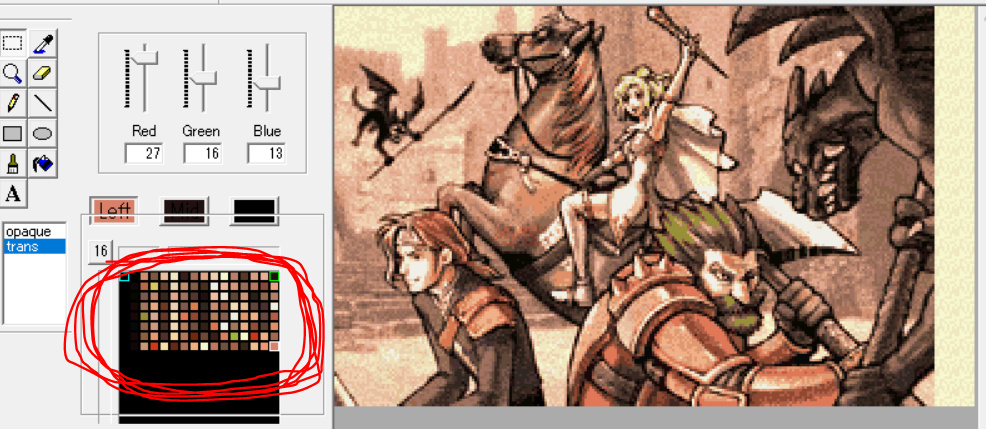
If I don’t, I end up with a CG image that doesn’t have enough color distinction to be powerful and I can’t tell what the scene is about. I’ve been struggling with this for a long time.
↑If you would like, I would like you to convert these images for CG.
m(_ _)m
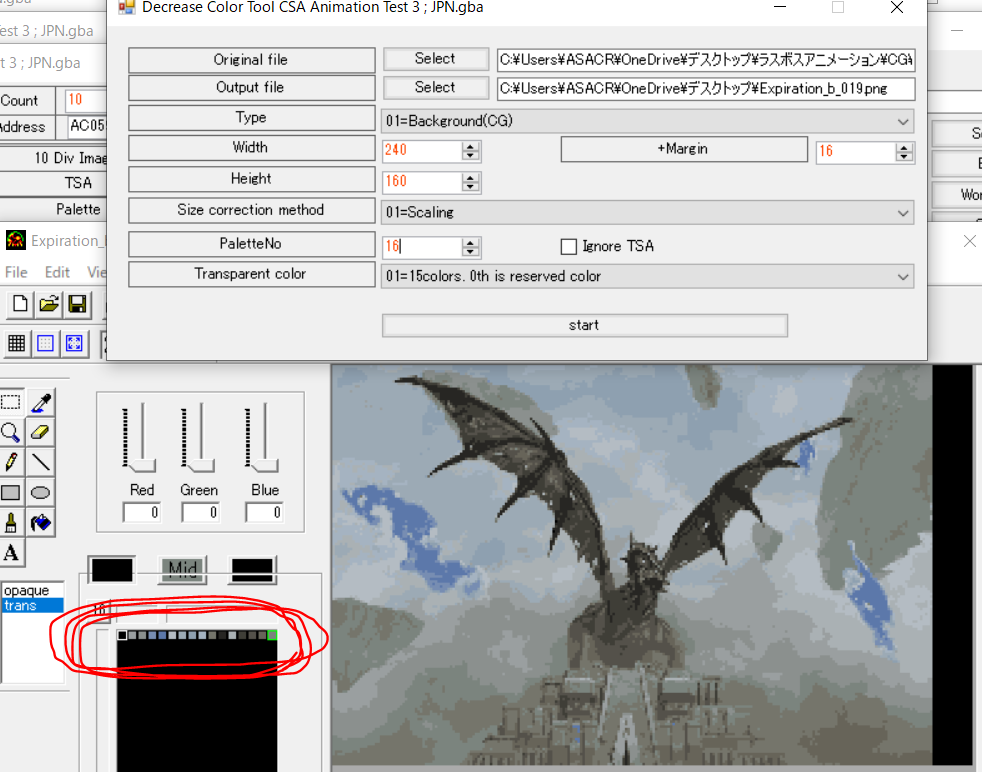
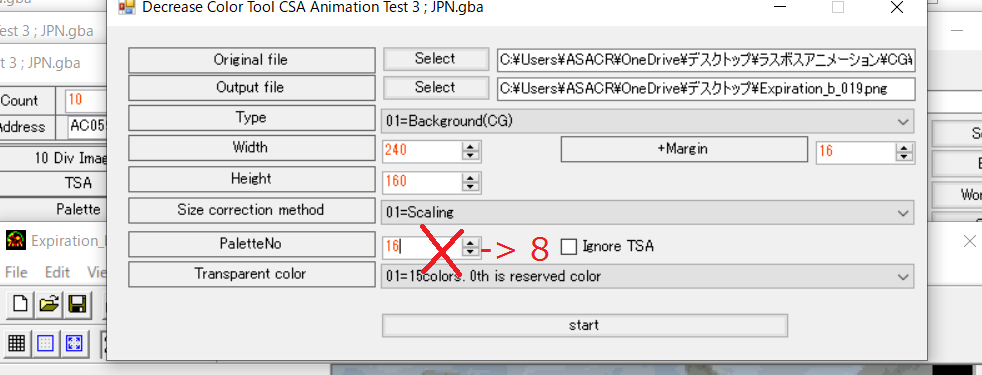
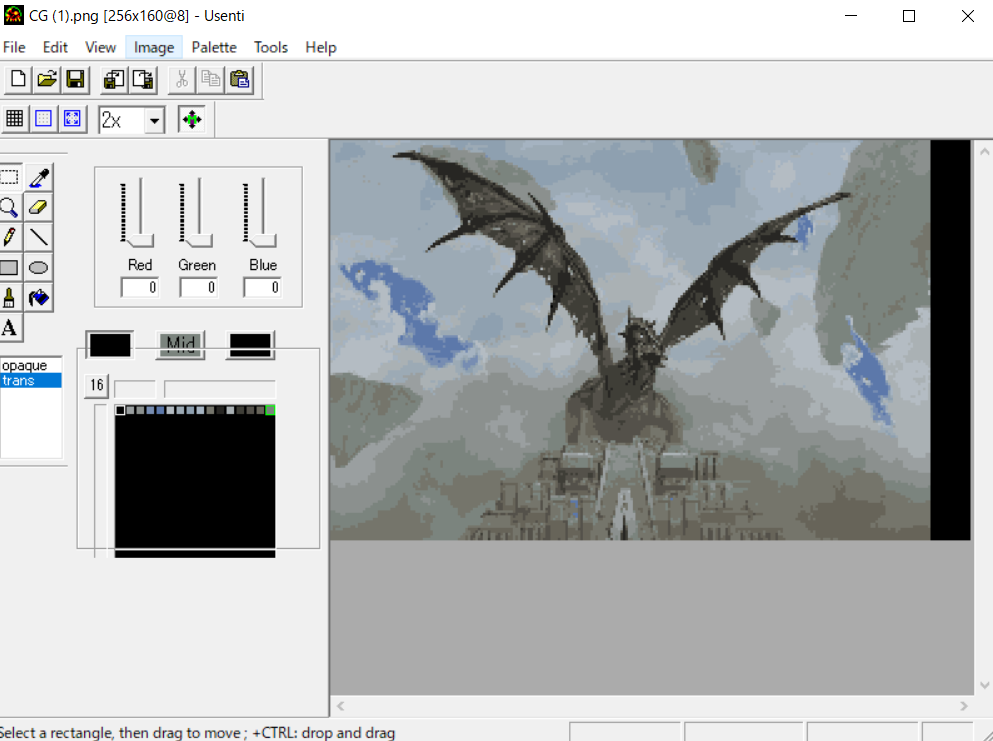
Colour reduction tool gave me 4 palettes. Still not 8, but I guess it’s a bit better.
I don’t know if you are aware, but each 8x8 tile can only use 1 of 8 palettes. I’m guessing the original images aren’t built like this. You’d probably get better results if you prepare the images such that they don’t violate this constraint instead of using the colour reduction tool.
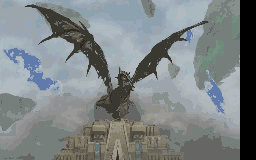
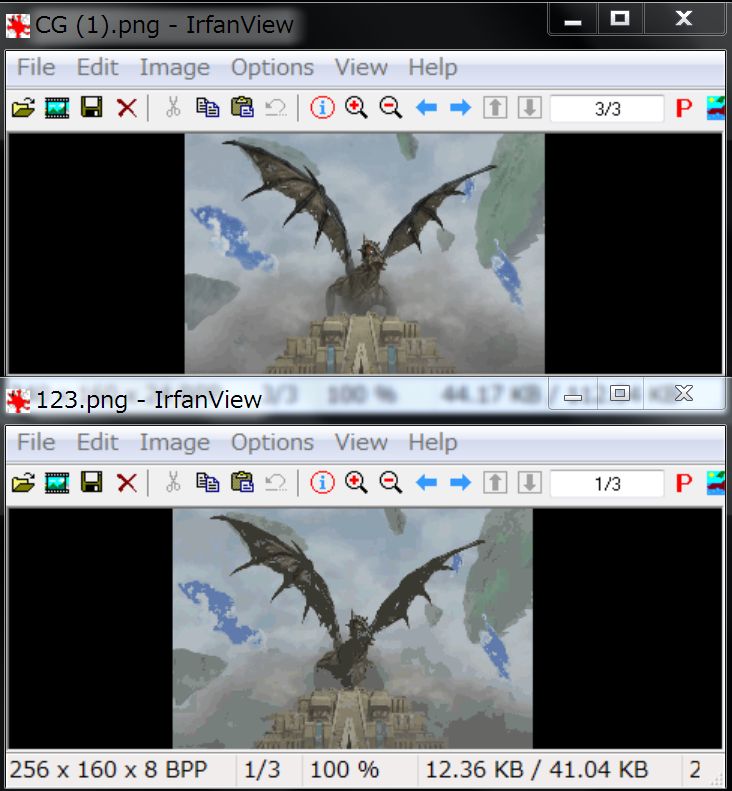
The top is before conversion and the bottom is after conversion.
It’s a lot of work, but since It’s only using 4 palettes, I think it’s possible to manually color using the remaining 4 palettes.
If you stick to the green expression.
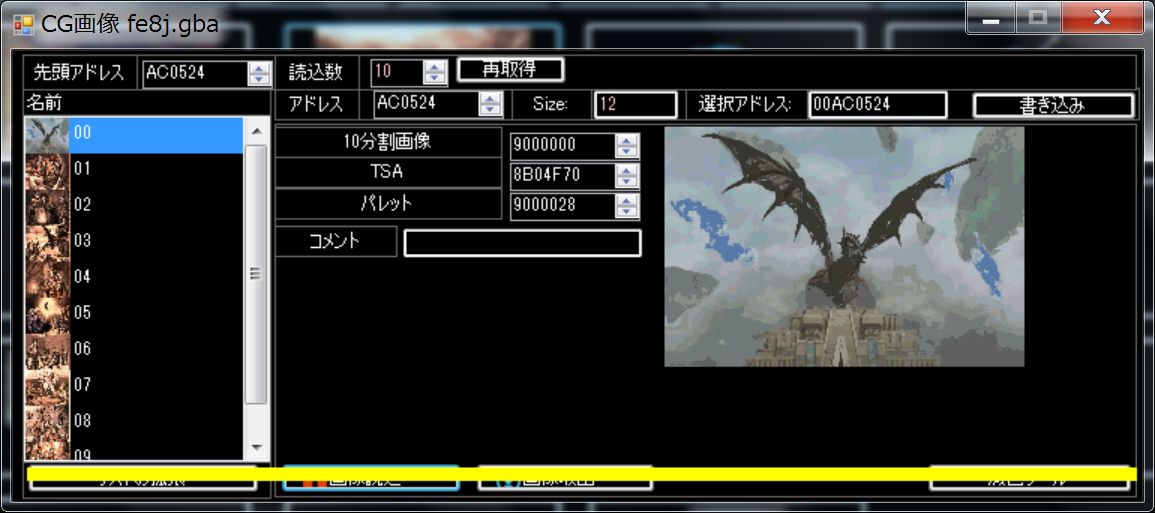
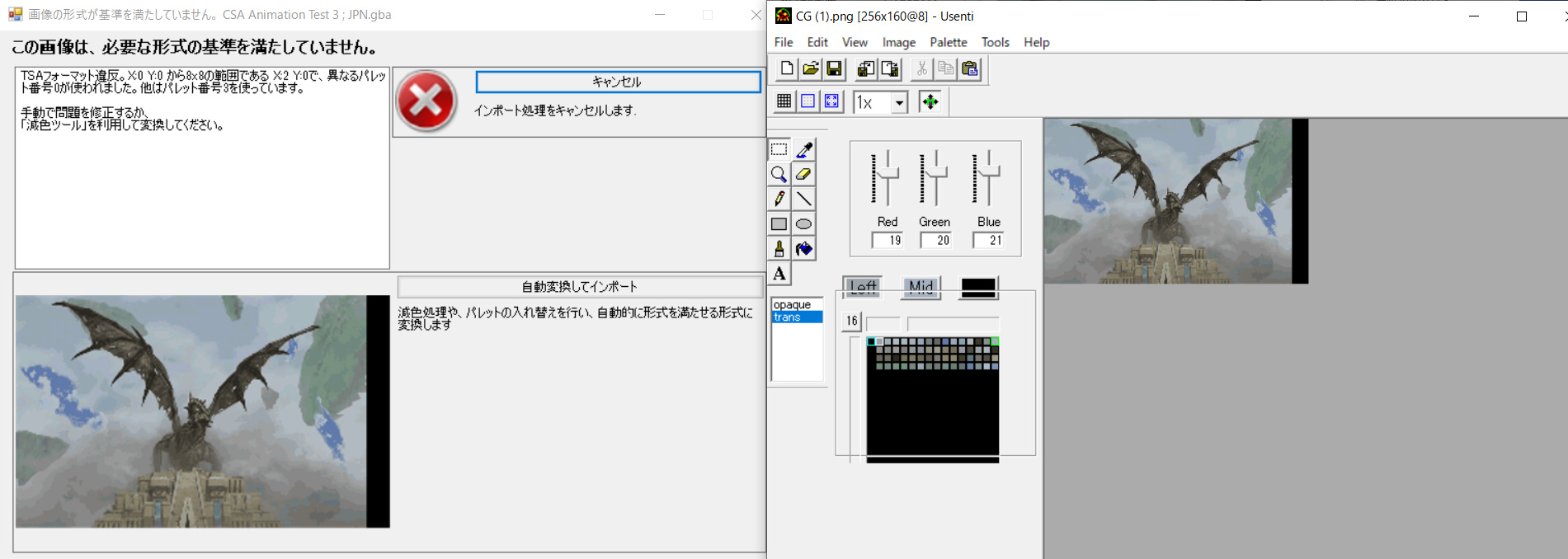
Because it doesn’t work even with that default(8 palette) setting. As in your attached image, converting with the default values does indeed convert to 4 palettes. If you can import it as it is, then there is no problem. However, that was not the case for me. When I import the converted 4-palette CG image, I am forced to recommend automatic conversion.
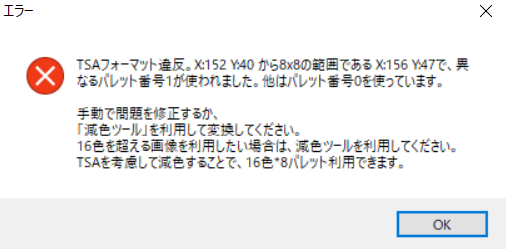
That’s what the error message says.
Your CG(1).png is in violation of TSA rules.
About TSA Rule
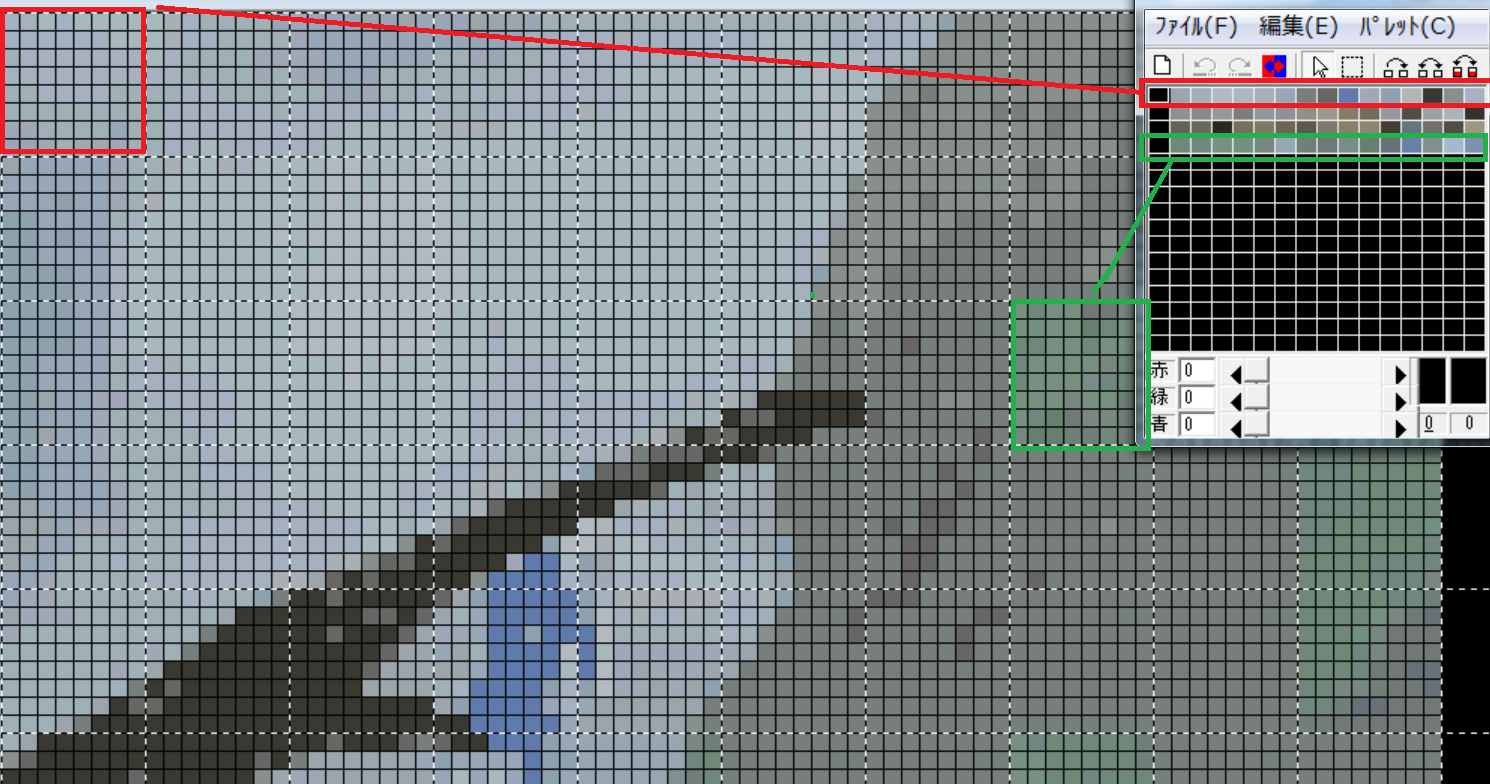
Briefly, it divides the image into 8x8 cells and allows you to use one kind of palette (16 colors) in each cell.
For each cell, you can choose which palette you want to use.
For example, since this cell is displaying a blue sky, you can assign a palette specific to blue.
Only one palette can be used in a single cell.
If you use colors from two different palettes in a single cell, you will violate this rule.
Let’s talk a little more about the your CG(1).png error.
I don’t know how you created this image, but this image violates the TSA rules as shown in the error message.
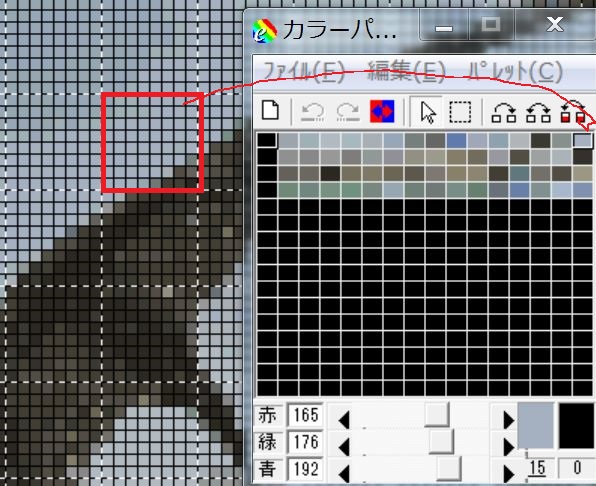
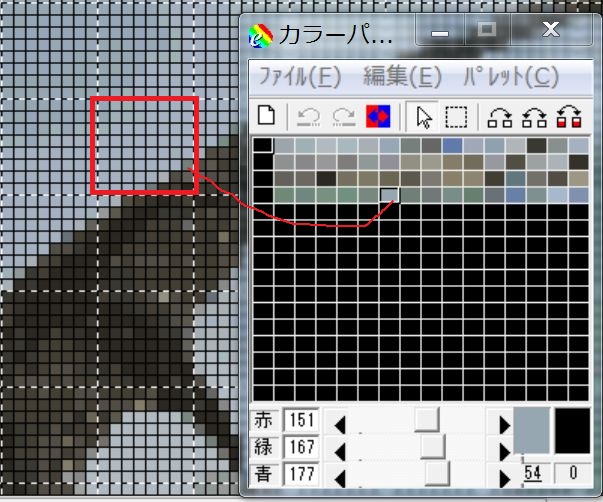
Let’s take a closer look at the cell in the error message.
In this cell, there are two different palette colors specified.
Most of them are the colors of palette0.
However, some of them use colors from palette 3.
The rule is “only one palette can be specified in one cell”, so this cell violates that rule.
I see! Thank you for that very clear explanation!
For some reason, my CG images immediately after the color reduction process to 8 palettes are exported with TSA violations, but now that I understand TSA, I think I can fix that somehow with your explanation.
Thanks for your help! m(_ _)m
.png?dl=0)