Is there any way to place a character against an entirely white screen during a cut-scene? I tried saving a simple 256 x 160 PNG file from MS Paint and then putting it in the game, but the result is a purely black screen instead.

The game treats the first color in the palette of a graphics asset as the “transparent” color, which in background images means black. Export the background and open it with a program which can check the palette. You should see something like this:
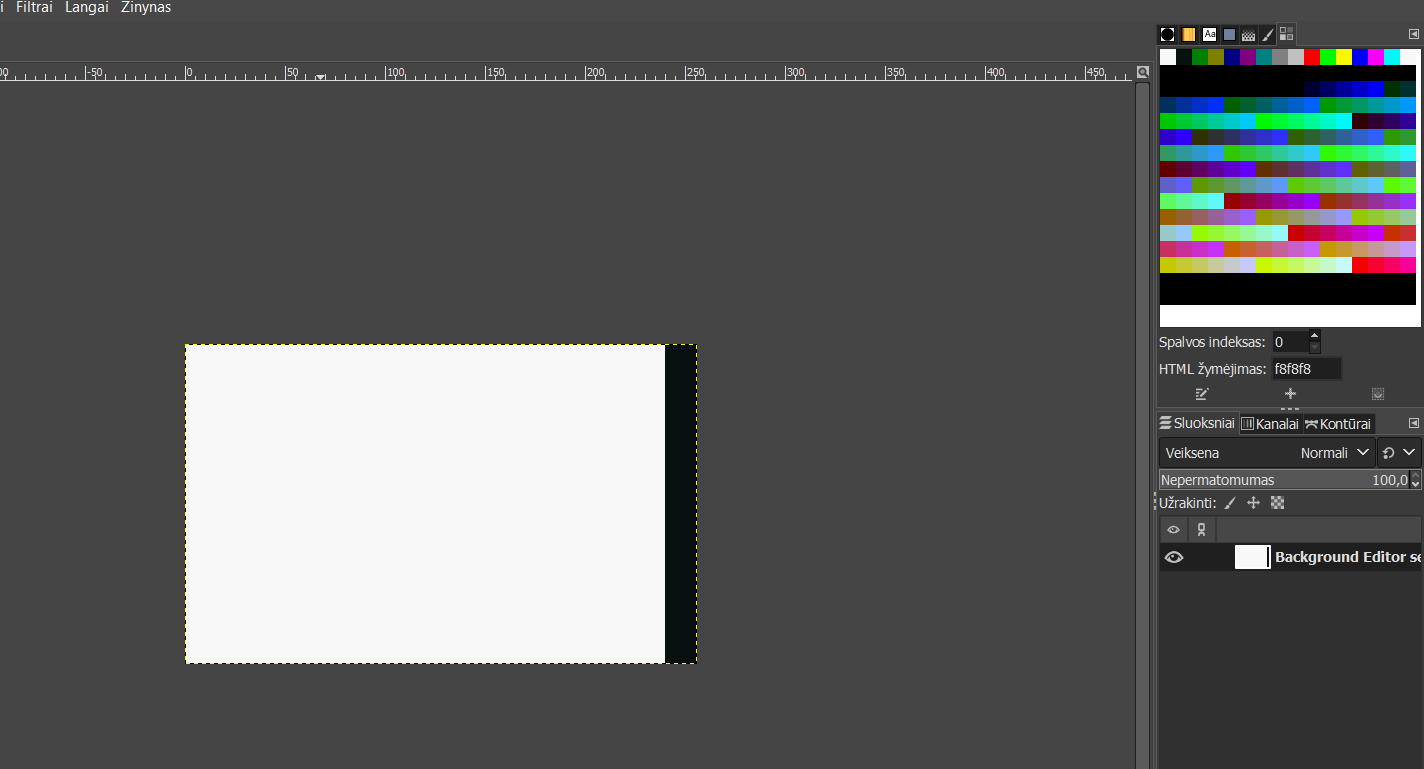
White is at first place, black is at second place. Depending on what program you use, if it allows you to swap them around, do it, and it should work:

That did it! Thank you!