On chapter 6 fighter has wrath axe, damage in tooltip which is STR + CON * 1.5 shows 520 in parentheses, one shots all units.
1 Like
It’s funny, there actually is a really tiny dot that’s hard to see with that so it’s 52.0. I did actually just change it to a fire axe today as well since someone mentioned about it in the Discord, so there will be a consumable drop instead. Thank you for bringing it up though.  Might change the CON to X2 instead so we don’t have that weird dot issue.
I didn’t text it against siege weapons in particular, just regular ones. I just continued my playthrough as normal; Scintilla is a skill down (she has 9 skills when other paralogue units, like Lindsey, have 10), but otherwise the save is unaffected I think. It seems like the skill I took pretty much just didn’t register for some reason
1 Like
Ok, from the way you put it I think I might know where to look. Scintilla’s coding for the Feat skills was a modified code from the MyUnit coding I did, so maybe they forgot to add the part of code that gives the skill for that part of the Feat Skill process. So I’ll look into that and see if that is the issue. At least we can use Debug mode to give Scintilla the correct skill. I can help you through the process and give you the correct command line. 

1 Like
Awesome! If it’s not too complicated or much of a hassle, I would appreciate that a lot, thanks!
1 Like
You’re welcome It’s super easy once you know how, but I’ll do my best to explain haha.
So go to any menu, for example, the menu on the battlefield where you can select like Suspend or Save, units, objective, etc. Then on your keyboard, hit this on your directional keys
up, up, down, down, left, right, left, right
This should bring up the Debug console command
Then type
give_skill;Scintilla;Dimensional_Attack_T3
Hit enter
then you should get the skill Then you can press enter again to exit out of debug mode
1 Like
Thank you very much! I’ll try that next time I play
Also sadly ran into a crash entering chapter 19  The game crashes with the following log after exiting the world map into ch. 19:
36529 DEBUG: event: Event State: processing
36530 ERROR: driver: Game crashed with exception.
Traceback (most recent call last):
File “app\events\python_eventing\python_event_processor.py”, line 35, in fetch_next_command
command_idx, next_command = next(self._executable)
^^^^^^^^^^^^^^^^^^^^^^
File “”, line 36, in _lt_event_gen
AttributeError: ‘NoneType’ object has no attribute ‘value’
The above exception was the direct cause of the following exception:
Traceback (most recent call last):
File “app\engine\driver.py”, line 165, in run
surf, repeat = game.state.update(, surf)
^^^^^^^^^^^^^^^^^^^^^^^^^^^
File “app\engine\state_machine.py”, line 264, in update
update_output = state.update()
^^^^^^^^^^^^^^
File “app\events\event_state.py”, line 43, in update
self.event.update()
File “app\events\event.py”, line 174, in update
self._update_state()
File “app\events\event.py”, line 196, in _update_state
self.process()
File “app\events\event.py”, line 326, in process
next_command = self.processor.fetch_next_command()
^^^^^^^^^^^^^^^^^^^^^^^^^^^^^^^^^^^
File “app\events\python_eventing\python_event_processor.py”, line 59, in fetch_next_command
raise exc from e
app.events.python_eventing.errors.InvalidPythonError:
Event “19B WeaponRandomizer”, Line 24:
wpn_level=it_obj.weapon_rank.value
InvalidPythonError: ‘NoneType’ object has no attribute ‘value’
Traceback (most recent call last):
File “app\events\python_eventing\python_event_processor.py”, line 35, in fetch_next_command
command_idx, next_command = next(self._executable)
^^^^^^^^^^^^^^^^^^^^^^
File “”, line 36, in _lt_event_gen
AttributeError: ‘NoneType’ object has no attribute ‘value’
Not sure how much the log helps or if there’s anything that can be done, just wanted to let you know anyway 
1 Like
You’re welcome, happy to help.
I believe for this next bug I do have it fixed on my end already, but we can actually fix this bug as well pretty easily. We just have to go into the game files and change one thing from True to False.
In the game files there will be a folder called Game Data, go into there and look for events.json. You will open it up with Notepad. Then you will use CTRL + F to find 19B Weapon Randomizer. We just need to set the condition from True to False. Once you restart the chapter it should load properly. Let me know if you need any additional help, and I will do my best to guide you 
1 Like
any options to turn off the voices
1 Like
Looks in the options menu. There is an toggle that turns off voices.
would be better if you can choose the music option original or orchestral
Chapter 14. T3 Lute Dark Skyier or Dark Version of Peg. Knight, trying to use lance but it stop attacking so i try to restart again and its same cant continue the attack its just become freeze. Sorry to my english.
1 Like
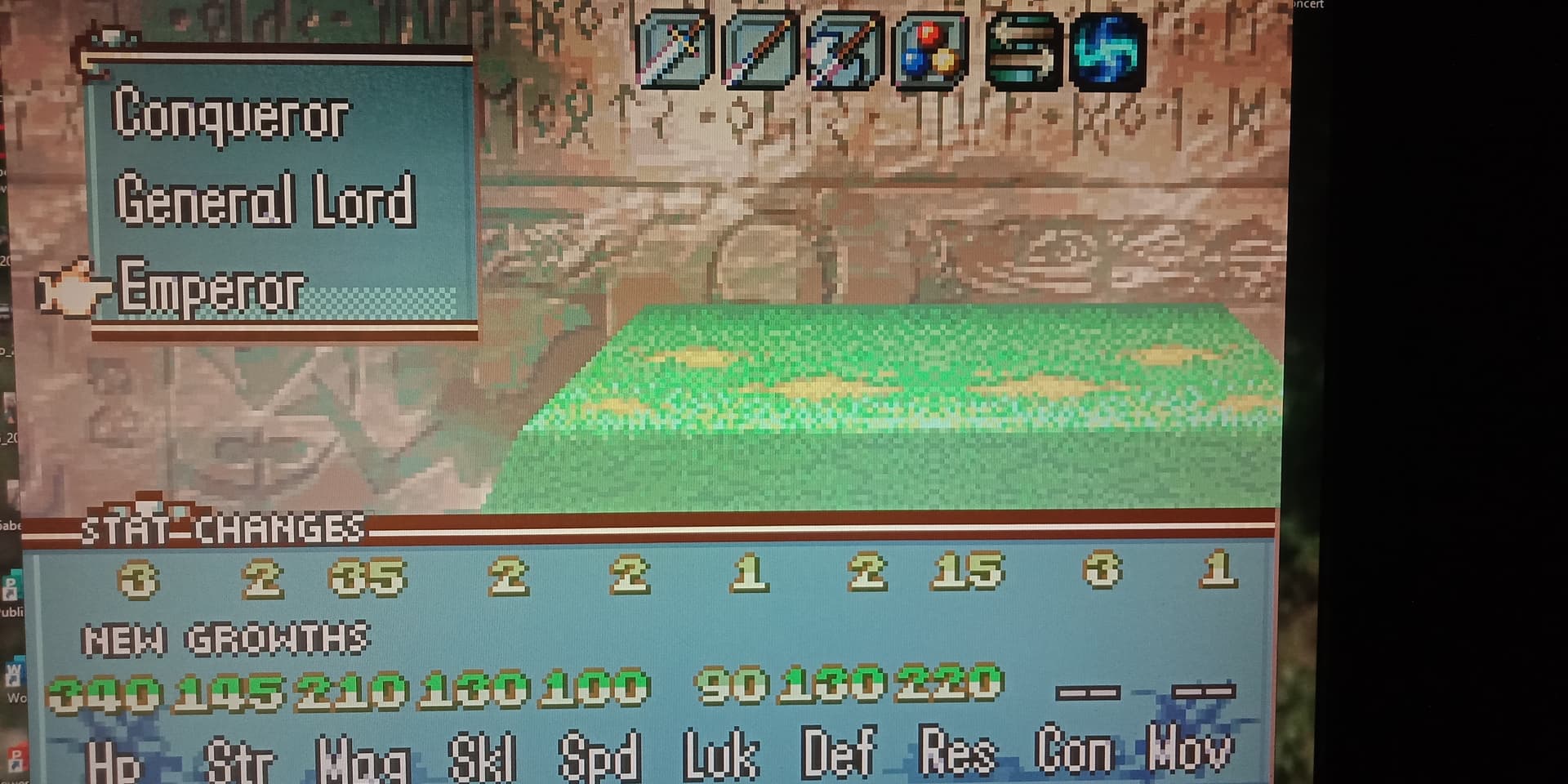
Would be nice, would require a lot of back work to make that work though. 
The Dark Flier issue is fixed on the latest version fortunately
I’ll look into Ephraim’s Emperor animation though
1 Like
I haven’t played in a long time so I wanted to ask. Did you solve the thing with the weapon packs? There’s no indication in the first post so…
1 Like
Which thing are you referring to with weapon packs?
1 Like
You wanted to implement weapon packs in shops rather than the few you get from chests or personal weapons but enemies can’t use the weapons inside them so it would be unfair.
1 Like
Yeah, there hasn’t been any advancements on making that possible right now, but I have worked on a lot of other QOL stuff and other fun bonuses as I work towards version 1.0 Probably a lot of new stuff you’ve haven’t seen yet haha xD
1 Like
Use water bow with Neimi +1 range skill, crashed on chapter 5.
1 Like