Hi all, I’m updating this thread to focus on my standalone releases now. You can find them here.
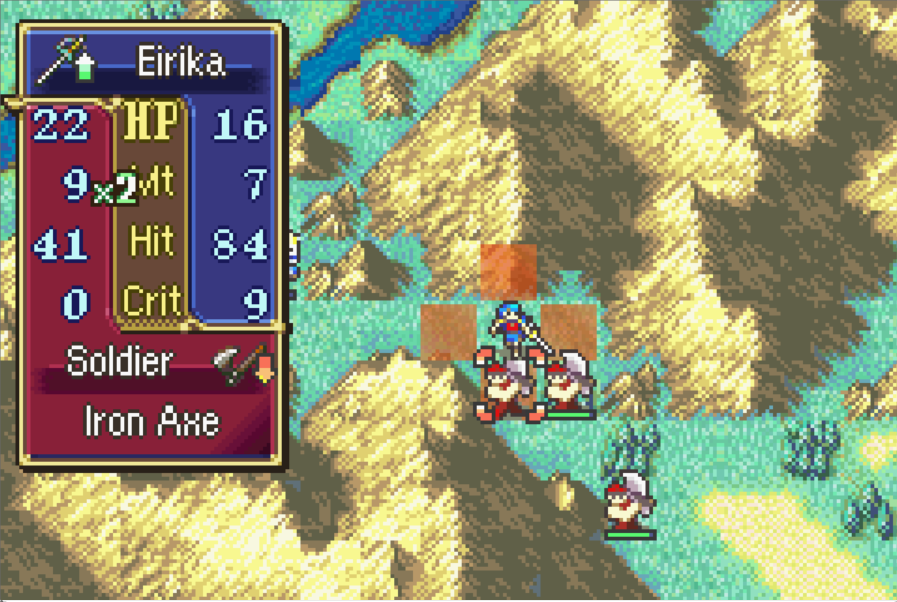
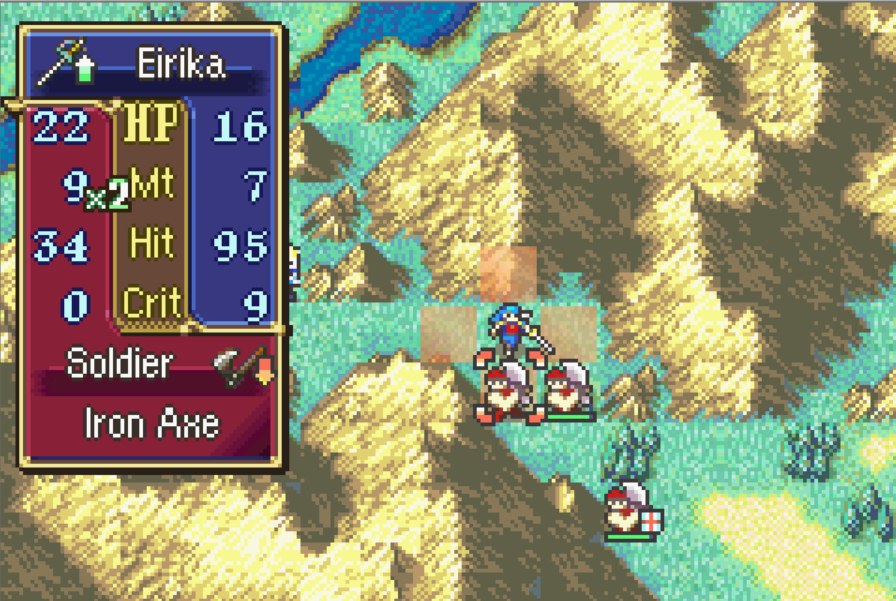
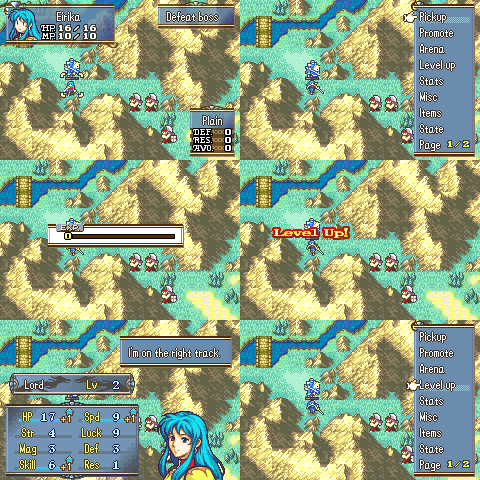
Previews
2RN Growths
During level-up stat gain calculation, fractional growth rolls use 2RN instead of vanilla 1RN:
0% growth: always +0
100% growth: always +1 (guaranteed point from the >= 100 loop)
200% growth: always +2
1-99% growth: uses Roll2RN(growth) for the remainder roll
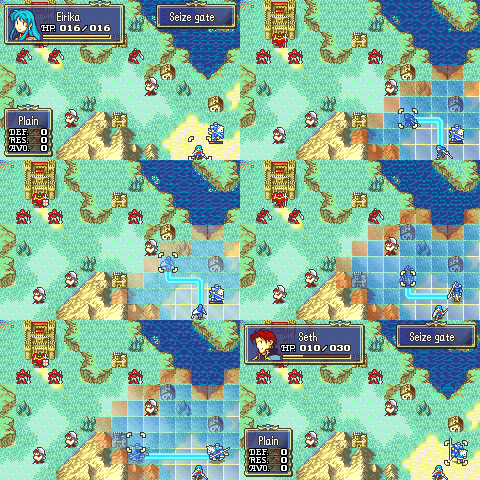
Alpha Blend Movement Sprites
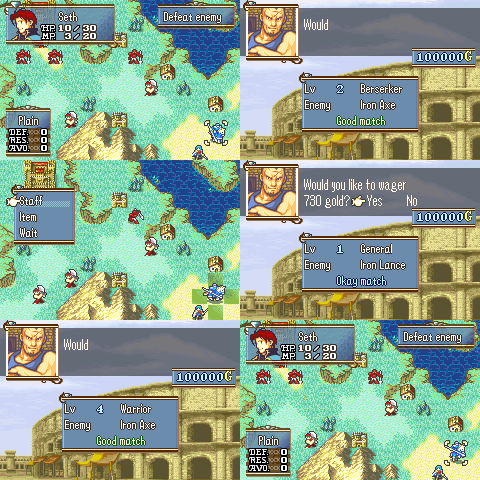
Arena - Show Opponent In Advance
Auto Repair Weapons
At the end of each map, when the game runs chapter-transition unit cleanup, unbroken weapons in each player unit’s inventory are restored to full durability.
Broken weapons are left unchanged.
Custom Battle Quotes
Replaces vanilla GetBattleQuoteEntry with extended lookup logic that matches battle quotes on both combat participants, not just one character.
Custom Fog Sight
Replaces vanilla fog vision with per-class bonuses on top of the chapter base range (gPlaySt.chapterVisionRange) and torch duration. Bonuses are defined in ClassFogSightBonusTable.event.
When a battle level-up would grant no stat gains, the patch retries up to 10 times, re-rolling all stats each time with a +10% growth bonus (on top of Metis/Antlion’s +5% when applicable).
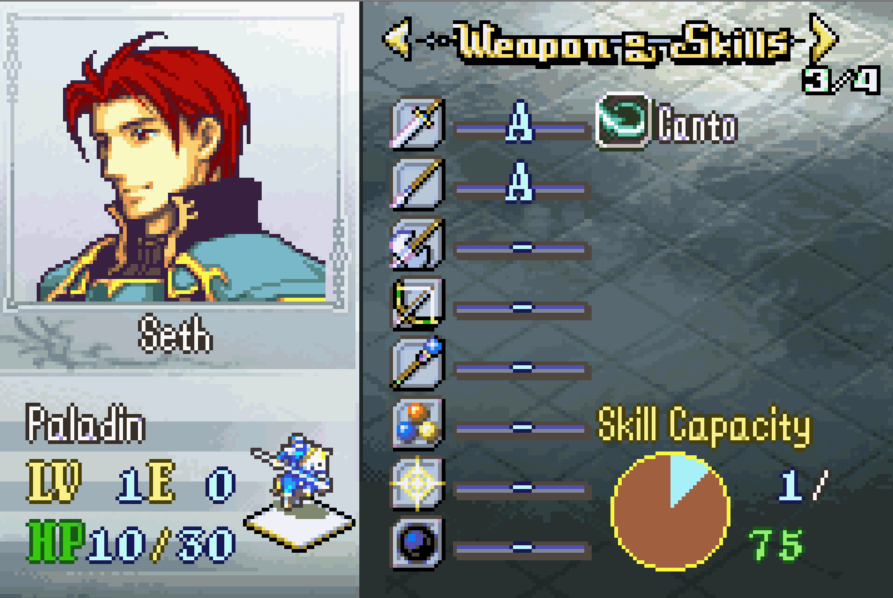
Can some of this stuff be installed without using the C Skill System? AKA, as standalone installers? I’m particularly interested in Level Up Quotes, and maybe Bonus EXP.
And don’t take this the wrong way. But your Github Repo is very hard to navigate. There are no ReadMes in the folders, and little to no comments on the code. So if I’m trying to look for a particular patch, I’m not sure where to go. Or if I’m looking at something new, I can’t tell what the heck it does.
Of course, you don’t NEED to do it. But it would be nice for other users as well, if your putting your stuff out there.
Lastly, a million Kudos for getting Forging to work with Durability. That is MIGHTY impressive, and I hope to see it in hacks in the future.
Bonus EXP doesn’t actually exist yet. Still on my todo list.
Making this stuff available as standalone isn’t really the point of this thread. Hence the part about needing to fork my repo to use it. I don’t really want to juggle multiple repos in getting this to install outside of what I work with. But I don’t mind if someone else wants to do it, I encourage it even.
Fair point on the READMEs. I might add some later down the road.
So if I’m trying to look for a particular patch, I’m not sure where to go.
The general idea is that you go here to toggle the various features on/off. Many of these features are split out across multiple files, so you’d use the config name to find which files they’re in if you want to study the code. It’s also part of the reason why I’m reluctant to create standalone installers for some of these things, they’re quite complicated to extract https://github.com/JesterWizard/C-SkillSystem-Mokha/blob/main/include/configs/configs.h
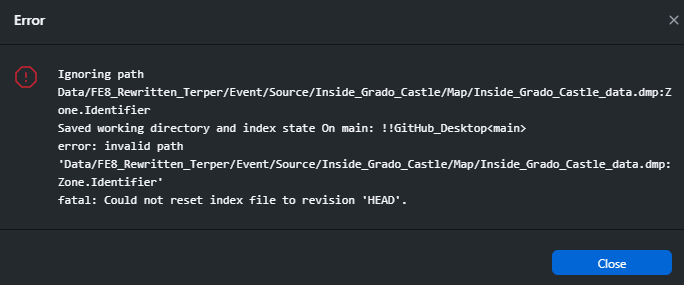
This is because some of your file names have a colon (:) in the file name, which Windows doesn’t allow. I assume you’re working on Linux then?
I recommend that you change that so that people can get a hold of your repo without needing to use command line
EDIT: I also made a pull request. If you accept it, it should work fine.
Also, there seems to be an issue where the Shadowgift Plus icon isn’t fully commited? IDK why that happens
Yeah Linux on Windows have this weird thing where these ‘zone identifier’ files get created when you copy files over to it. I’ll delete them.
Not possible. If you have a look at the README you’ll see this repo needs Linux to be able to work. Fortunately Windows does offer an option to use a Linux environment via WSL without needing to dualboot. The instructions are also in the README
Hi guys, I’ve started making some standalone releases now for things I make. This should hopefully make my hacks easer to use. I’ve updated the OP with the link and some previews.
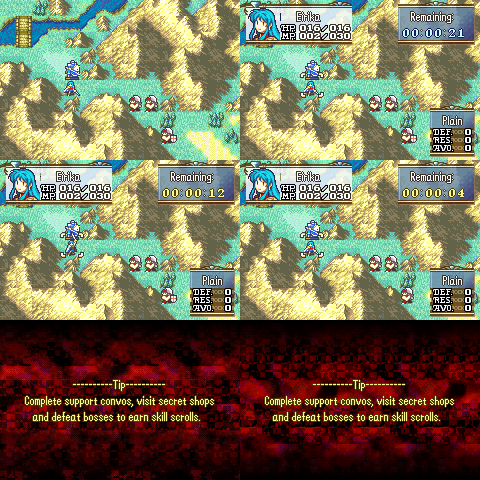
Are you a rom hacker that’s feeling particularly evil? Do you enjoy causing your player base stress and anxiety? Now you can set timers for your chapter objectives!
Set a timer limit for your chapter in ChapterTimers.event and if players don’t complete the map within that time they get a game over!
Use wisely, or don’t
Note: This overwrites the HUD display but doesn’t remove your original objectives, they can still be viewed in the status menu screen.
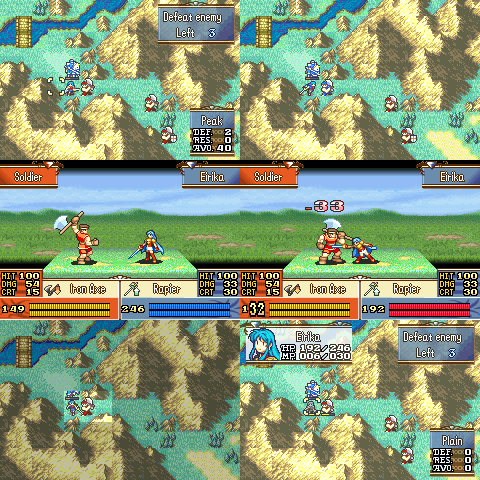
So it always annoyed me that HP was limited to 127 despite having room for a theoretical maximum of 255. So I played with a few structs and functions and got that maximum implemented. Now you can have triple digit HP for enemies and player units.
I’ve also added some custom HP bars for the in battle animations for each batch of 80 HP. Enjoy.