Hello there i can’t seem to correctly put the mouth and bliking animations they are always
a couple of pixels off
I AM USING PIXILART
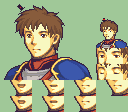
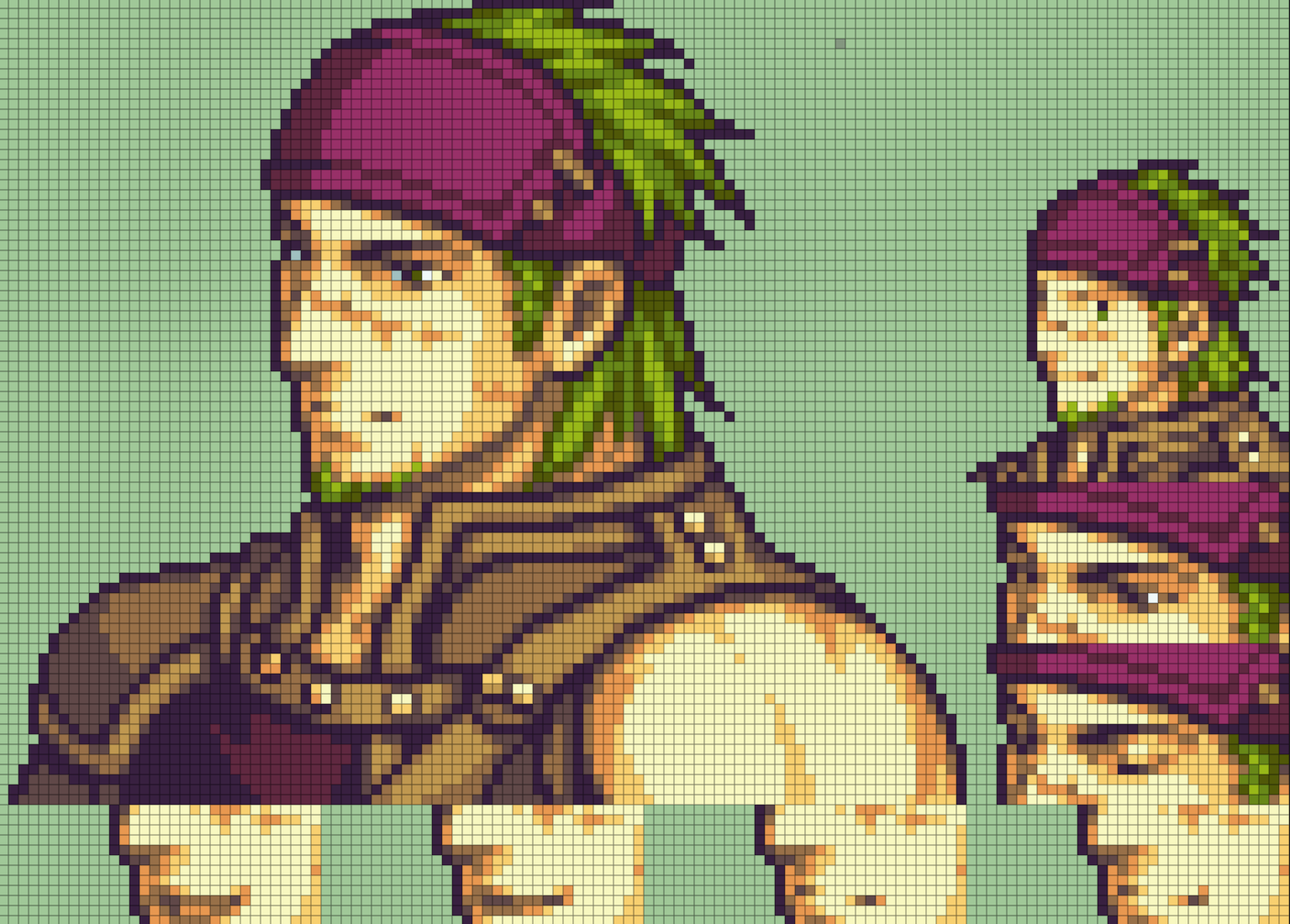
Examples:


if they’re a couple of pixels off and you’re using an editing program like Usenti, remember that mouth/blink frames have an auto-lock in and only can be bumped multiple pixels at once up or down, so you might have them misaligned if you can’t fix those on FEBuilder.
Iirc, there should be a button on Usenti (if you use another program, do mention it so someone who uses it or knows about it can help you) that splits the entire sprite in squares so you know what chunks of the mug should be taken for the mouth/blink frames, since missing a couple pixels can make the frames look bad
i am using pixilart and dont see it
Also i know its miss align bit i once tried for hours and i didnt think the correct one
iirc you should count pixels (within the mug-box) on multiples of 16 (might be fairly unsure?
Alright trying tomorrow
Here’s an example of what Lesk was saying. The entire portrait sprite sheet area is split into 8x8 groups and you need to match the section for the mouth and eyes to their respective parts on the sheet for blink and mouth flap frames. Usenti has this option and it makes placing the frames properly much easier. Though if you’re on mobile it really isn’t an option.
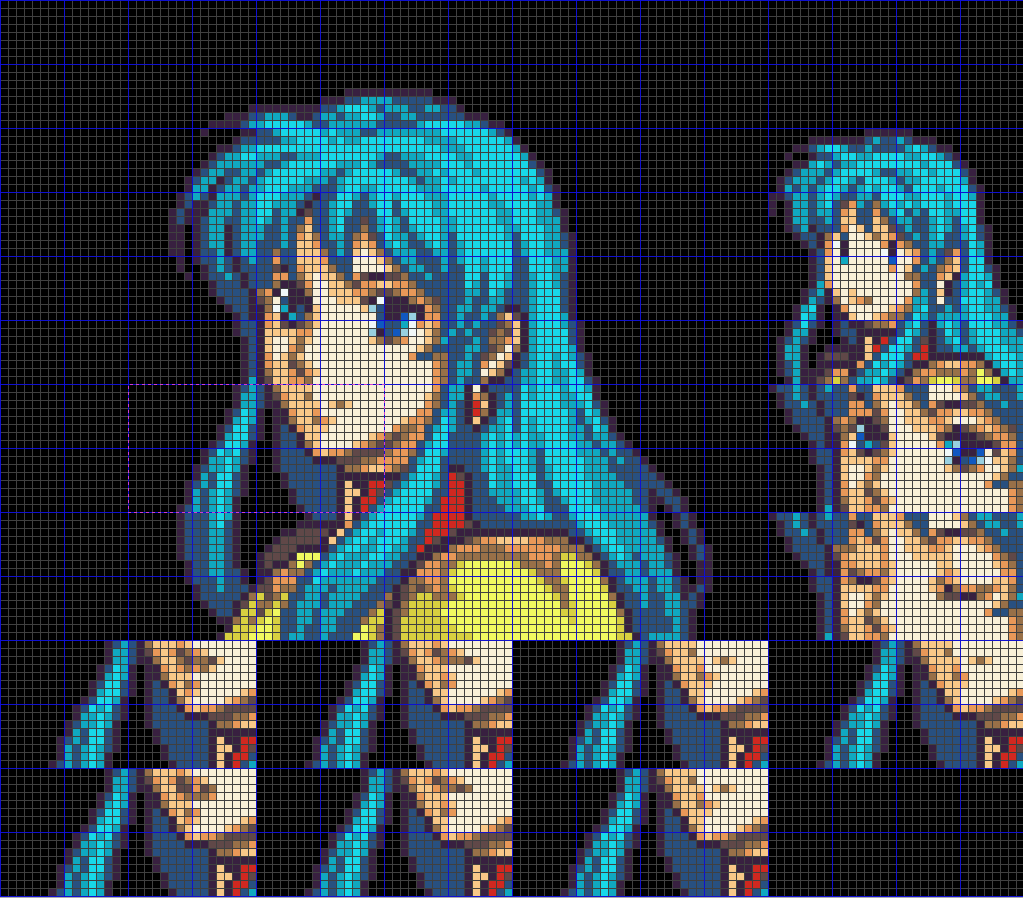
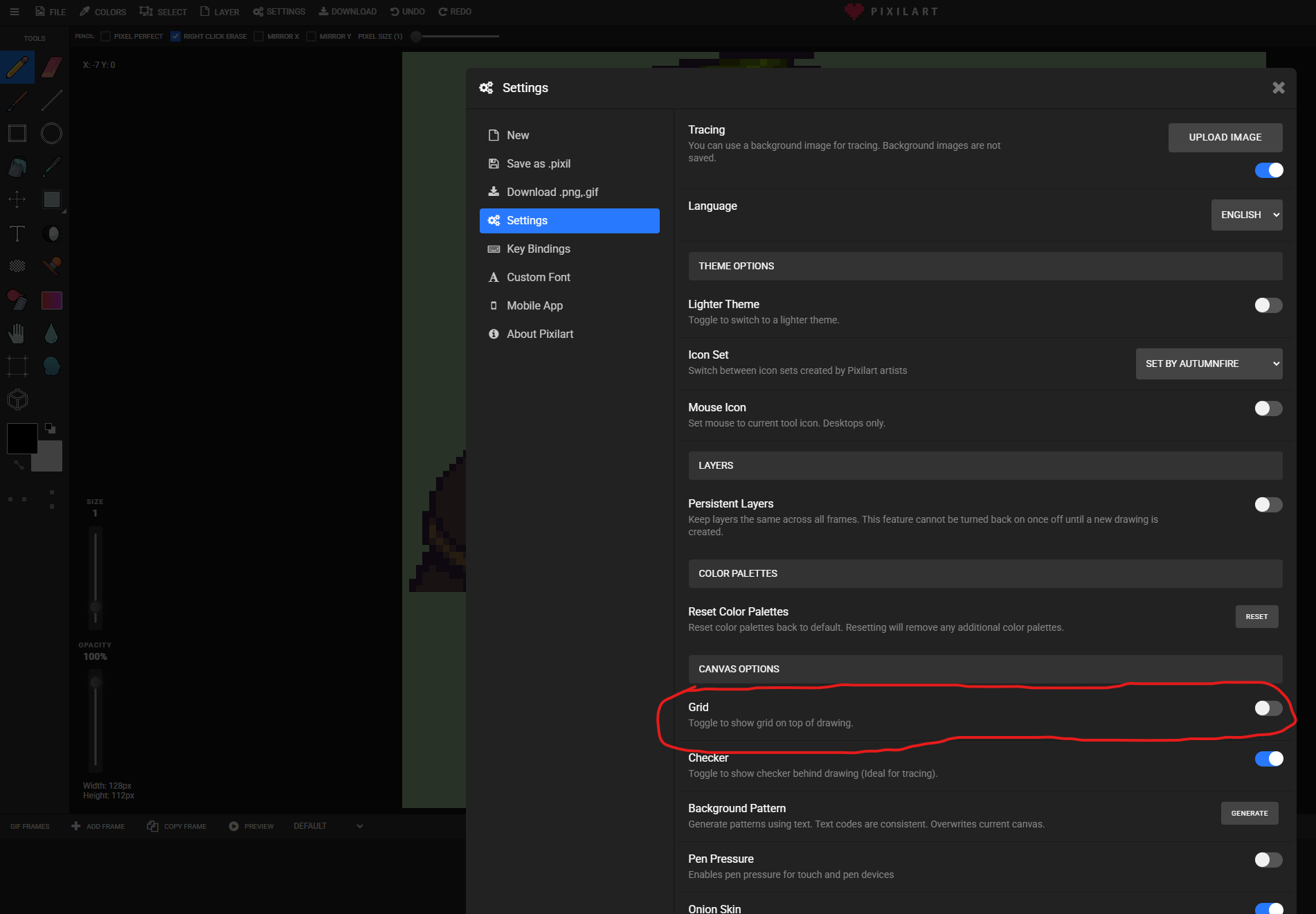
I played around with that pixilart web one you’re using and I could find the per-pixel grid but didn’t see an option for having any pixel groups outlined. Still, it’s better than nothing. Makes it so you can at least count them easier.
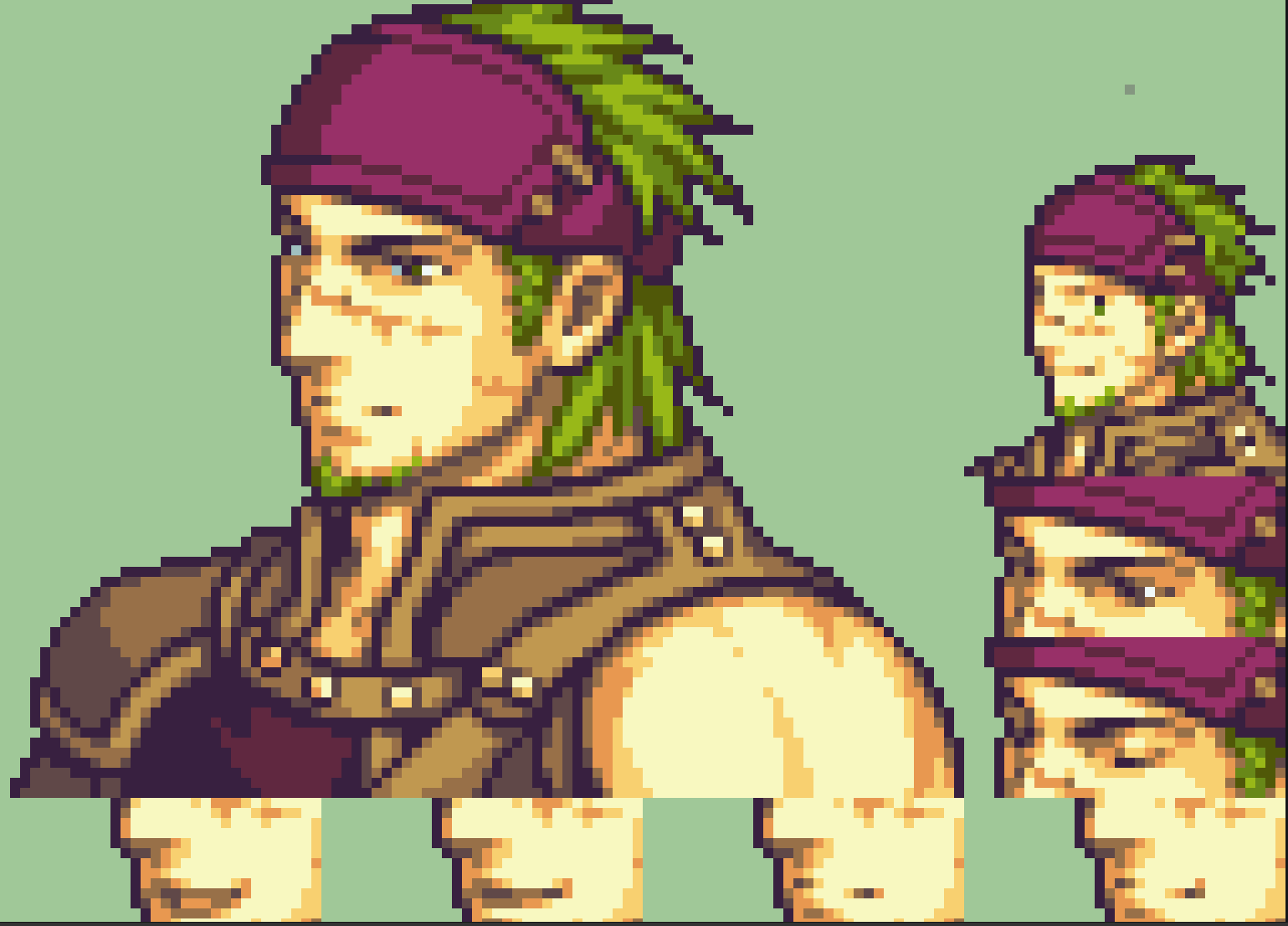
Thanks