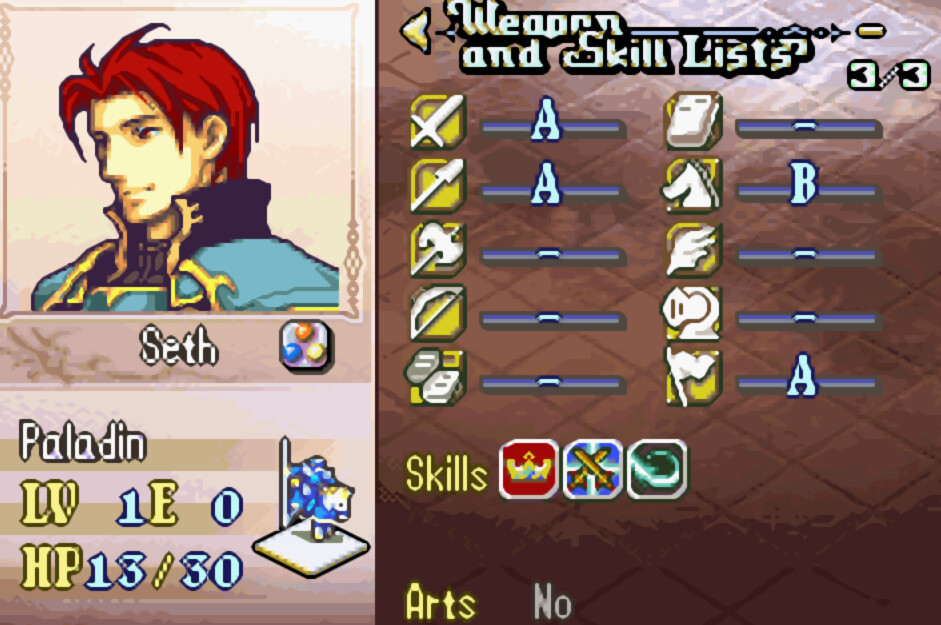
FE8U c-Skill-System Mokha Rebuild
Project of FE16-RE, a Skill-lite and C-HAX style FE8U SkillSystem rebuild in C.
Click here for downloading!(ver2.0)
Main Features
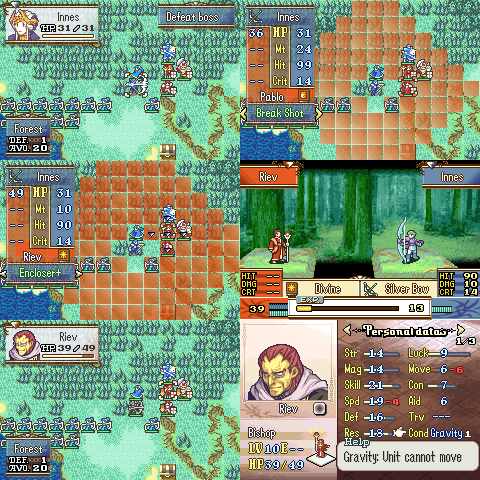
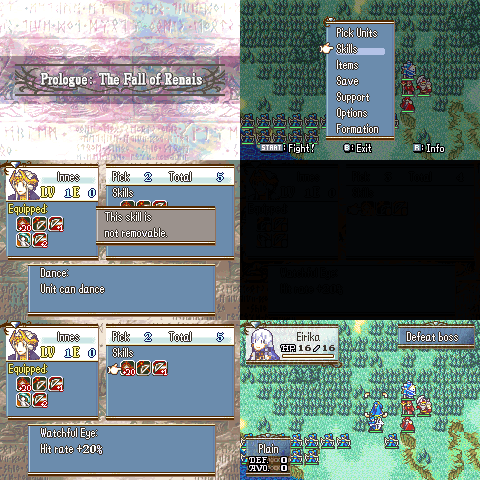
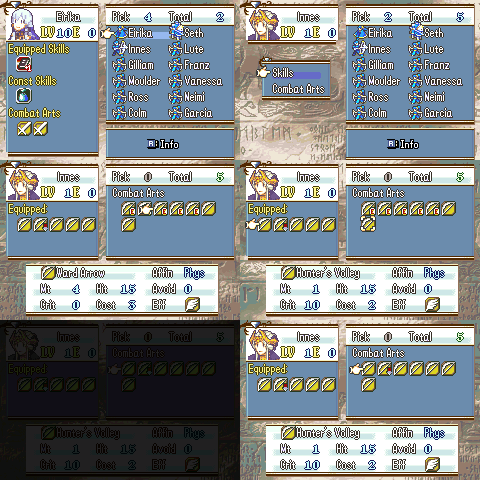
-
Three-Houses style skill & combat-art system.
-
Pick unit skills & combat-arts on prep-screen.
-
Three-Houses style level-up, battle-calc.
-
Unit Status reworked so that we can get 4 bits buff & debuff status with a modular info table.
-
CHAX style buildfile project with better quality and stability, including
c-Str/Mag-Split,c-Item-System-Rework,c-Battle-System-Rework,c-Stat-Screen,Post-Action hook, etc.
How to compile
For windows user:
-
Clone repo with command
git clone --recursive https://github.com/MokhaLeee/FE8U-cSkillSystem.gitor update submodules withgit submodule update --init --recursiveafter cloning, or just download each submodule insideTools/folder. -
have devkitARM installed, and the
DEVKITARMenv variable set. -
have python 3 installed and in your path. (the makefile should be able to find the correct python executable name. See tools.mk.
-
Download EventAssembler release, and unzip which in
Toolsfolder. -
Put
Fire Emblem 8: Scared Stones(sha1: c25b145e37456171ada4b0d440bf88a19f4d509f)clean rom namedFE8U.gbain directory. -
Open
Msys2(which will be installed on DevkitPRO installation), orWindows terminaland get into current folder, to build romFE-cSkillSys.gba:
sh makehack.sh all
- Further more, you can
make cleanto clean build outputs.
You can directly assemble Main.event through Event Assembler, and for more details, you can see tips on StanH’s CHAX.
BTW, since I may update the repository of C-Lib from time to time, so I suggest you update each submodels any time you want to compile this through commands:
git submodule sync
git submodule update --init
git submodule update --remote
Q & A
-
Q: ERROR with
switchstatement when assembling C, where EA would told meUndefined identifier: _LP___gnu_thumb1_case_uqiA: Change optimize-options of gcc fromOstoO1orO2insidemake_wizardry.mk. -
Q: ERROR:
ModuleNotFoundError: No module named 'six'A: You need to install some modules for using TMX2EA. Make sure Python3 installed and get intoTools/FE-PyTools/TMX2EAfolder, then,pip install -r requirements.txtJust follow to Tools/PyTools/TMS2EA/SETUP.md.