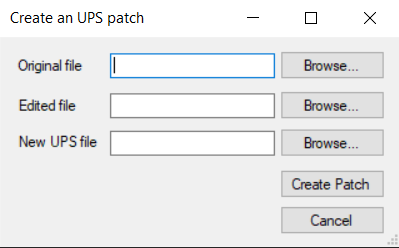
Top is your copy of Sacred Stones
Bottom is the hack patch
Top is your copy of Sacred Stones
Bottom is the hack patch
Thanks, but what about s4s_rubalance_final.ups, the latest patch? How do I apply it?
Apply to a new copy, not onto the patch.
To transfer your saves, rename the new copy to whatever your previous copy was
As mentioned all patches should be applied to a vanilla, unpatched ROM of Sacred Stones. This also applies for the patches that I have been working on, as should pretty much every UPS patch you see on this site that is for FE8. Patching onto an already patched game is very much not advised.
Saves are transferable but some early-joining characters in my patch have changes to their base stats or skills which may not be reflected in your updated game. (Characters in question join in chapters 2/4/5/6 iirc)
If you want to preserve your copy of the FE8 rom, it’s advised to checkmark the ‘create backup’ box before patching. This creates a .bak file that is effectively just the unpatched ROM, which you can re-use by changing the file extension back to .gba .
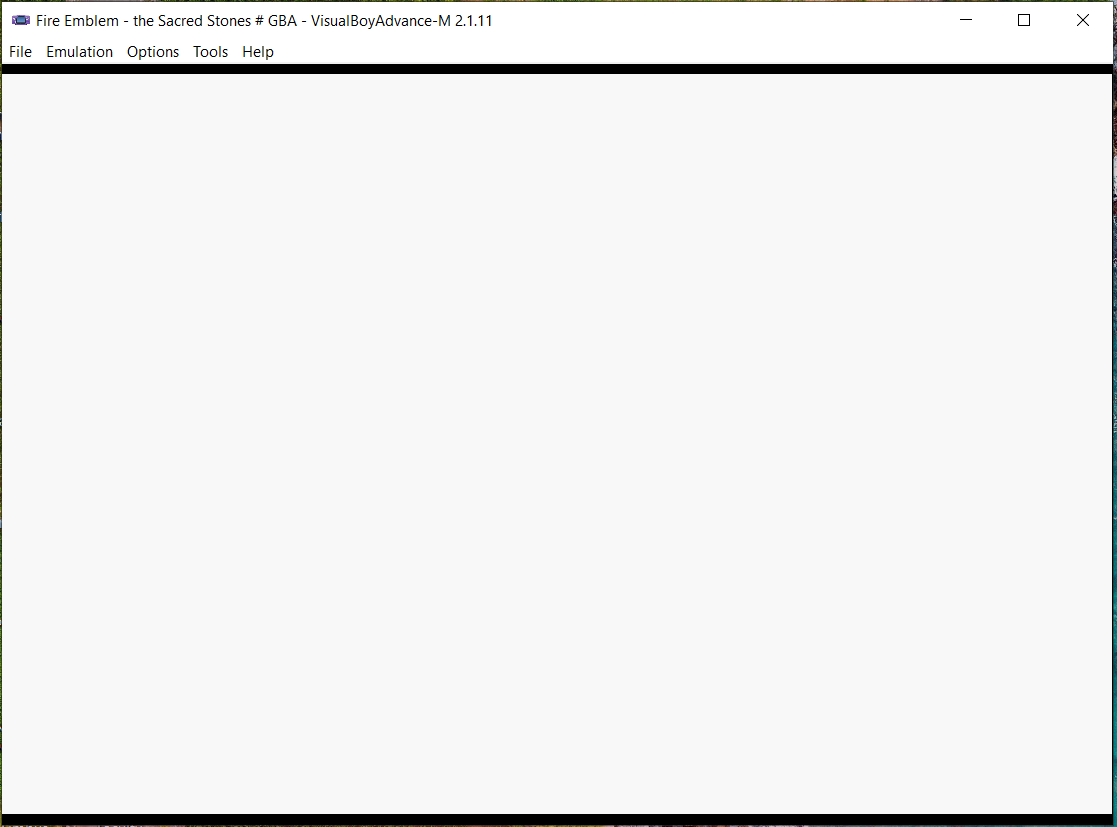
I tried what you all said, but this is what shows up instead. It’s been like this for 10 mins:
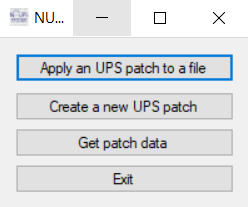
The correct procedure is “apply ups patch” followed by the FE8 rom in the “file to patch” box and the ups patch in the below box.
If this is still throwing an error for you, a possiblity is your FE8 rom is EU which might not work with the patch. Make sure to use the US/Australia rom instead.
There is the Hag in White,
But check out The Bancho in White…

SO TRUE SKIPLOOM SO TRUE
STREAM TODOROKI HAJIME’S DEEP DIVE NOW

Plugging new stream here
bumping with another stream plug ig