I was trying to toy with FE4 hacing and wanted to change some portraits around.
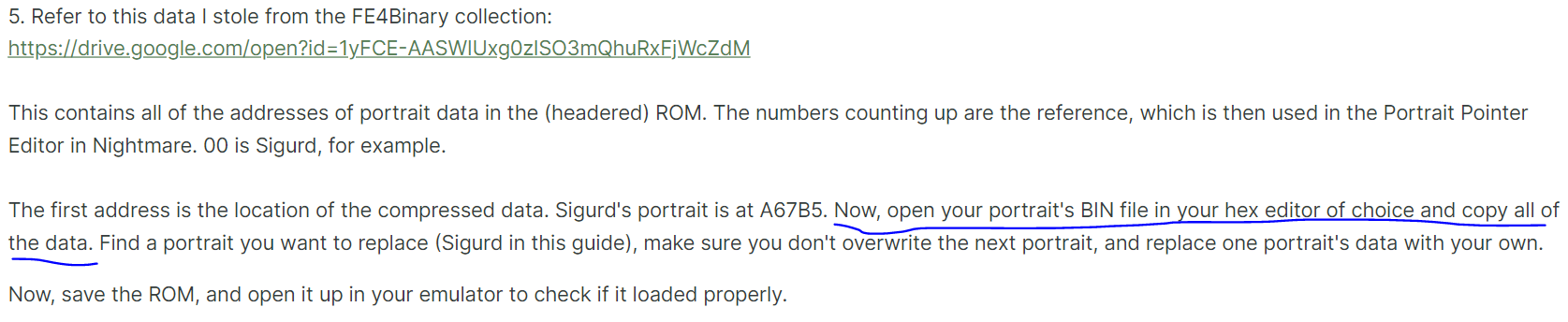
Sadly, there’s only one old tutorial available (FE4 Portrait Inserting Tutorial - Resources - Serenes Forest Forums).
Nonetheless, I managed to wiggle myself through it until I got to the insertion itself, that is point 5.
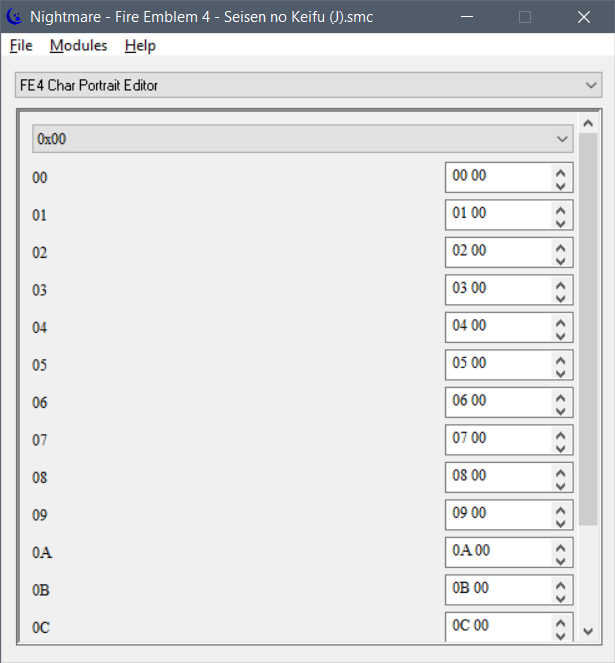
Frankly, I do not understand the wording. The addresses provided do not point to anything in the hex code of the rom and opening the nightmare modue for portraits shows nothing I can change.
(it’s just hex numbers)
Anyone has any knowledge and is able to point me in the right direction? The answer must be obvious is the og post author doesn’t elaborate much.
I was bored so I tried to see how FE4 handles portraits…
The addresses given in that tutorial are unmapped and for a headered rom.
That FE4 portrait nightmare module reads data at $8B9A88 aka the portrait ID table thats indexed by the unit ID.
If the portrait ID is $00F3 then it loads the corresponding class portrait ID from $8B9FF8, indexed by class ID.
With the portrait ID it then looks at $8AB4F9 to get the portrait graphic pointer and at $8AB7E1 to get the portrait palette pointer.
I’d say if you want to add a new portrait to the ROM, put the graphics and palette somewhere in freespace, take the pointers, and replace the original two pointers at the corresponding portrait ID location.
Overwriting existing portrait graphics can get messy and doesn’t even work if the new compressed file is larger than the one you are trying to replace.