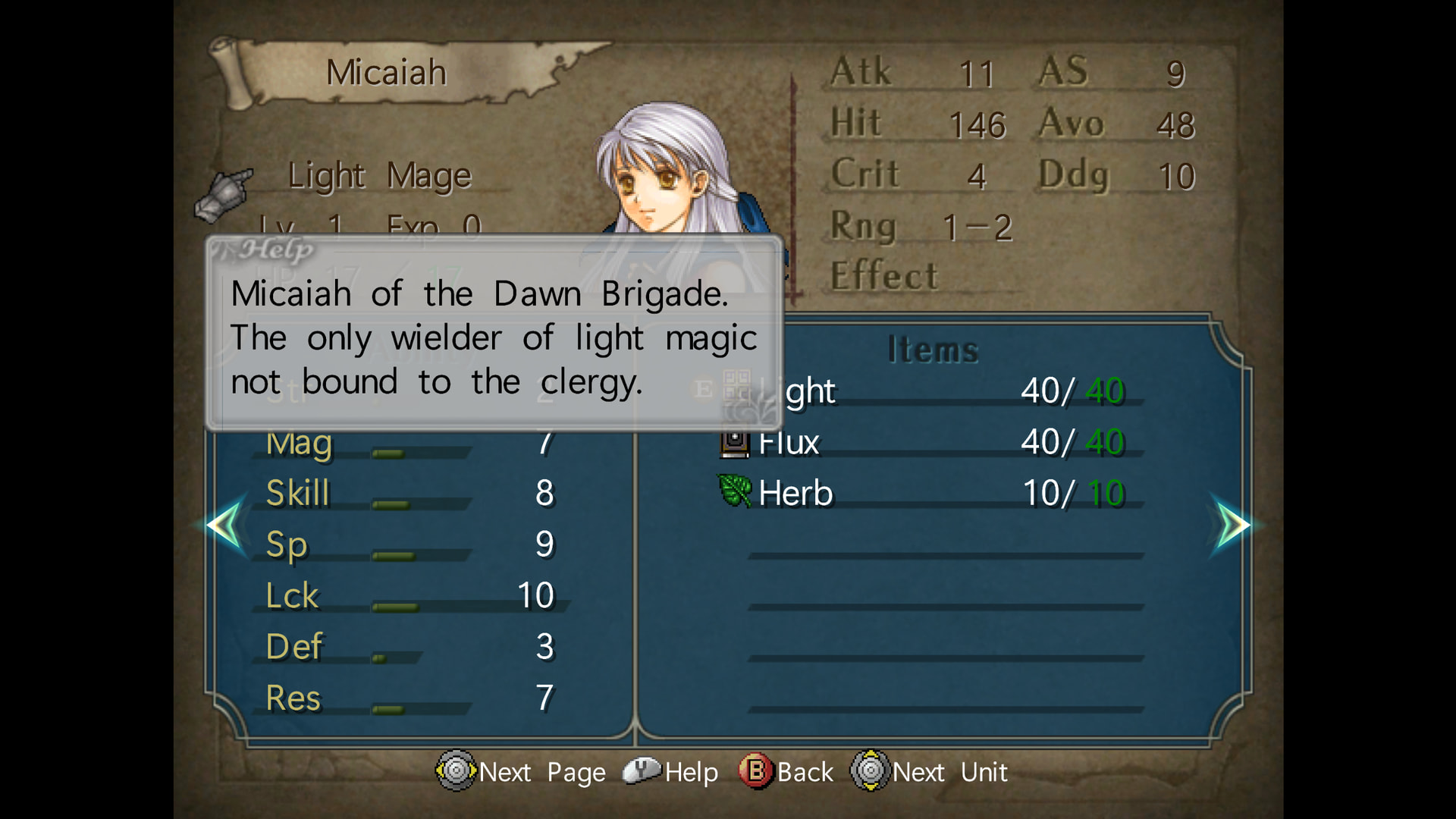
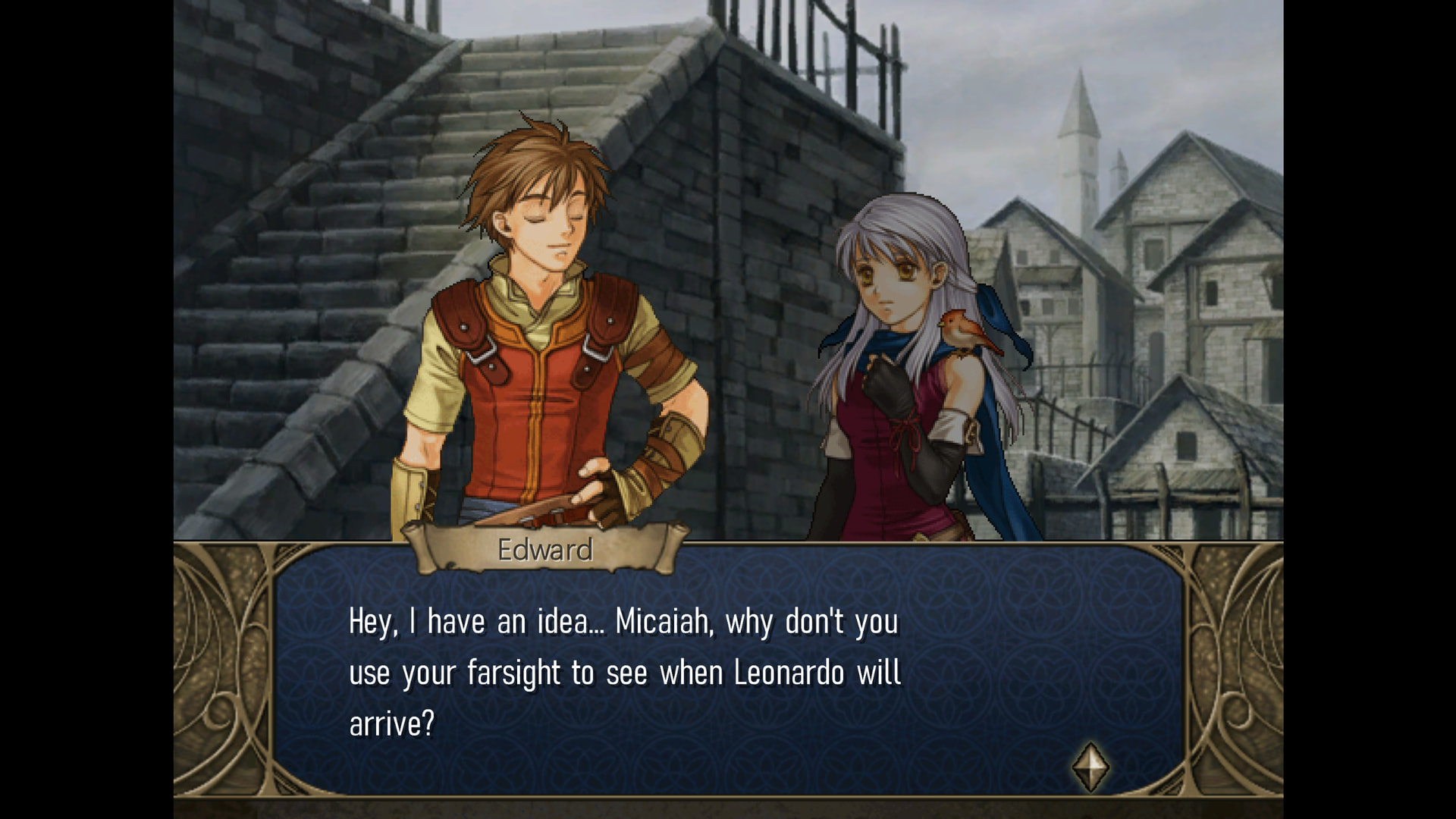
I don’t really know how to post stuff and make it look pretty or appealing or whatever but I’m wrapping up a Path of Radiance thing and I was curious if some of the stuff would carry over to Radiant Dawn and by golly jeepers it does.
So here’s some actual high quality text.
This is super early into my Radiant Dawn adventures so I’m sure eventually something is gonna break but if y’all could post and tell me when and where my text stops working so I can hunt down and fix it, I would appreciate it. Feel free to ask questions, scream at me, yada blada.
Place the Load folder into your Documents/Dolphin Emulator directory.
Make sure custom textures are enabled
Properties > Game Config > Graphics > Advanced: Load Custom Textures, Prefetch Custom Textures, Enable Graphics Mods
Start game with Riivolution Patches and enable the Radiant Dawn HD test. You’ll probably wanna save a preset so you don’t need to launch the game like this every time.
And it should just work. Theoretically this should be compatible with any texture packs and RD+ too.
UNINSTALLATION:
You’re not gonna want to dele-FINE…
In Load/Riivolution delete Radiant Dawn HD. Go into the next riivolution folder and delete Radiant Dawn HD.xml. Happy?
ATTRIBUTION:
I don’t caaaaaaare. Just play games, have fun, and be nice to each other.
Let’s say the game wants to draw an “A”. The game will look at the font record to determine what image to look at and where on that image the letter/character/glyph is located. So if I just add those new letters/characters/glyphs to my sheet without updating the font record, nothing will happen because the font record will still tell the game to use the original letters.
And again, I only speak English so even with the font record changes you’re asking for I would have no way of knowing if it’s accurate or not.
Plus this is more of a proof of concept than anything. These changes were ported from my Path of Radiance texture pack. Radiant Dawn has a quite a bit more going on inside of it than Path of Radiance.