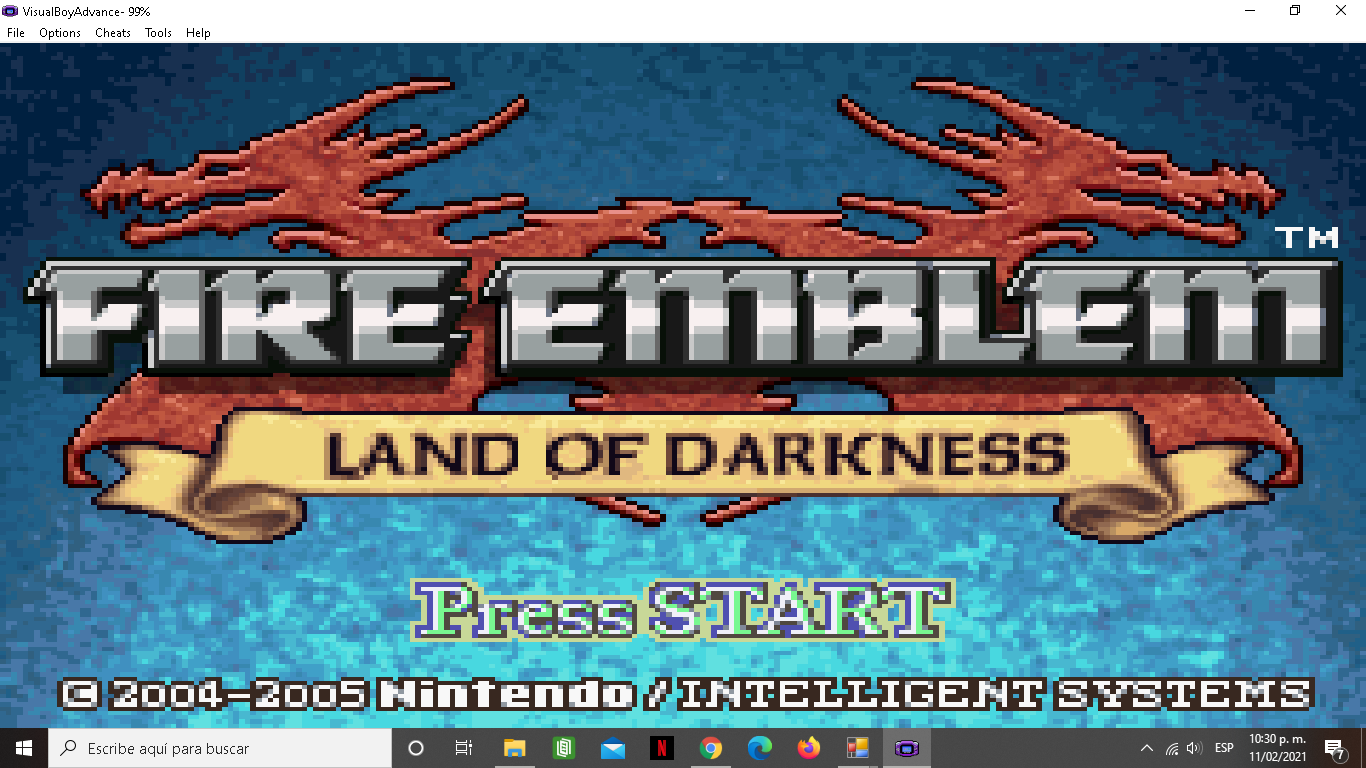
Is it possible to edit the title screen in fe6 or is that hard coded?
What kind of edit? Febuilder gives you the tools, check the patches, there are the tittle images that the tittle screen uses, including their palletes.
Also, you can generate a TSA from there if needed
I can only see one for “IMAGE OPLOGO Sword”. I want one for the entire title screen
if that’s possible
Editing and assigning personal/class skills in FEbuilder is no longer working with the latest version of skill system. Not sure if Sme changed something.
I’ve attached my report here
Maybe it’s just on sacred stones? I’m not sure… But I haven’t find it on any USA Rom.
Hi,
Just wondering, how do I raise/remove the character/deployment limit in FE8, or any other GBA FE in particular? I know that the character limit is 62 for FE8 but is 51 for FE7 so surely there must be a way for me to hex edit it somehow? Cheers.
Is there a way to “upgrade skills”? For example, having SpurStrength upgrade to Drive Strength upon promotion. I think you can do it with Barricade.
I’ve updated with the new Skill Systems skill assignments.
That’s impossible.
This is because the RAM that stores the unit information is reserved only for the specified size.
Increasing RAM allocation is quite difficult.
There is no way to edit the amount of deployable units in the battle preparation screen to make it smaller or larger in FE6, right?
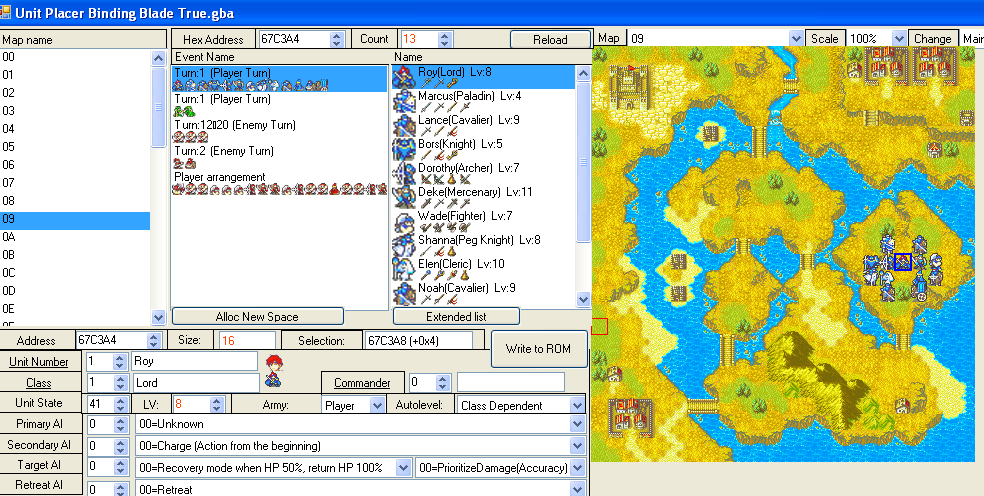
Go to the unit placer, when you see a unit list labeled “player” there you can extend the number of deployable units, of course, it can never be more than 50
I’m…not seeing it, at least under Unit Placer. Unless I’m blind.
bug was found in the routine.
Please update again.
It worked, thank you! My last question is do you know what’s the maximum deployable units for FE6 so that I don’t accidentally go over it? Is it 35?
Probably 50 like in the other GBA FE’s, but I’ve not tested it.
something wierd’s goin on at event id 12A9548
https://drive.google.com/drive/folders/1JILj9ET4Zlz-tqA4q2onX1B3NiMiLQf_?usp=sharing
it’s in chapter 3
I was unable to download this file.
Do you have it set to public?
Or use another uploader.
I changed the link to “editor” see if that works https://drive.google.com/drive/folders/1JILj9ET4Zlz-tqA4q2onX1B3NiMiLQf_?usp=sharing