Download link → Embrace Chaos Here
Howdy fellas it’s ya boy ManMuddyMud dropping a certified ‘who asked’ post.
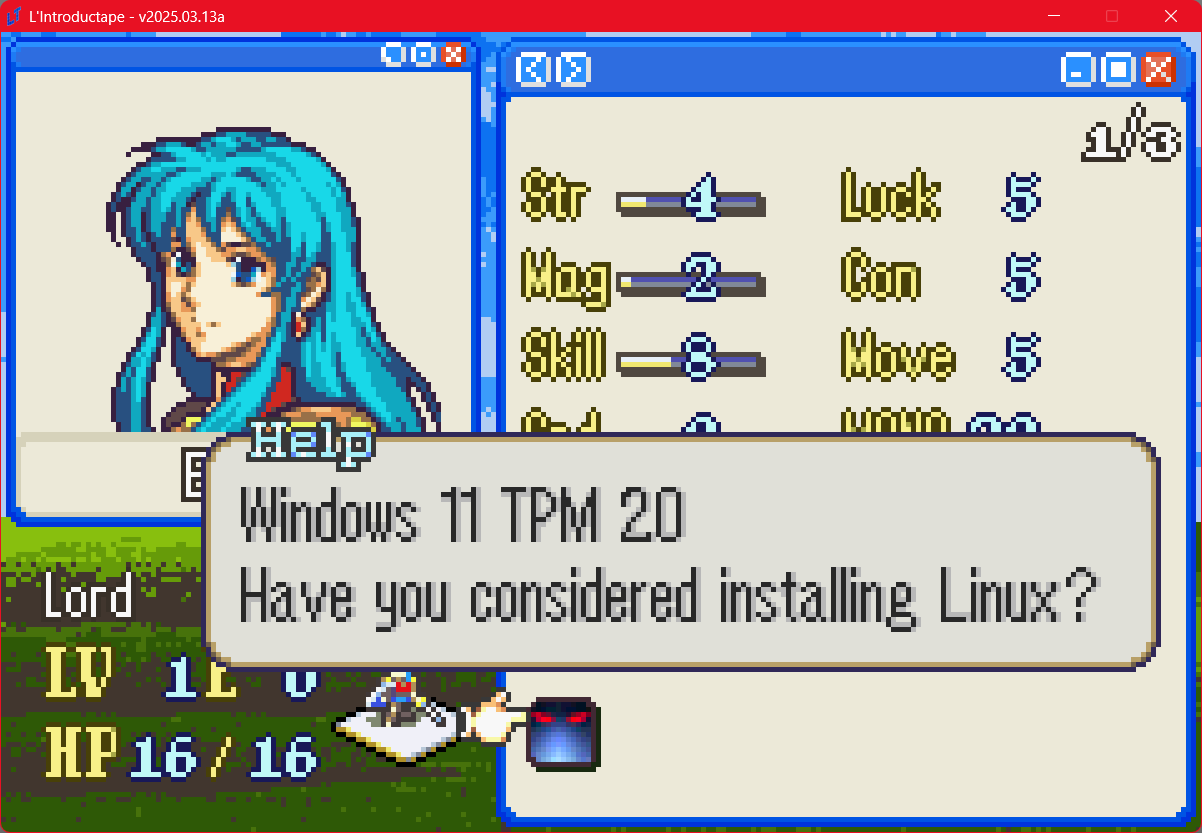
In light of L’arrangement existing, I had a brainwave. My personal project That Reminds Me Of A Puzzle (go play it, it’s bad and has outdated art) uses a unique skin for the menu that I barely made use of because the game was not UI-focused at all.
Now that I’m making a prologue for L’arrangement that somehow uses even less menu’s, I thought to modify a lot of extra menu sprites to make it more complete and perhaps even usable for other people.
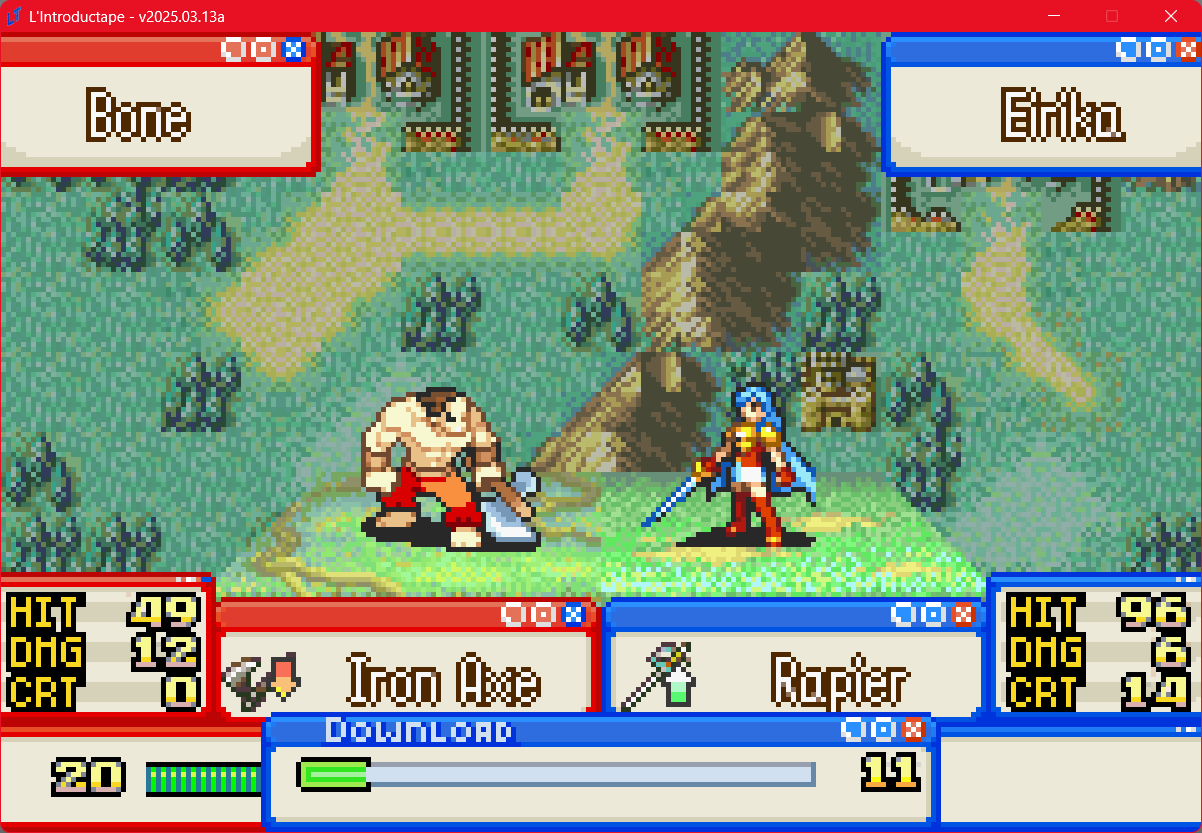
Now do keep in mind that I’m a certified dumbass and all of this is formatted for Lex Talionis specifically. If you’re using LT, it’s as simple as unzipping and yeeting the custom_sprites folder into your project. If you’re using FEBuilder, it’s probably not as simple, but there’s not a lot of colors in use so it should theoretically work. If you’re using RPGMaker or something else, lmao.
Changelog
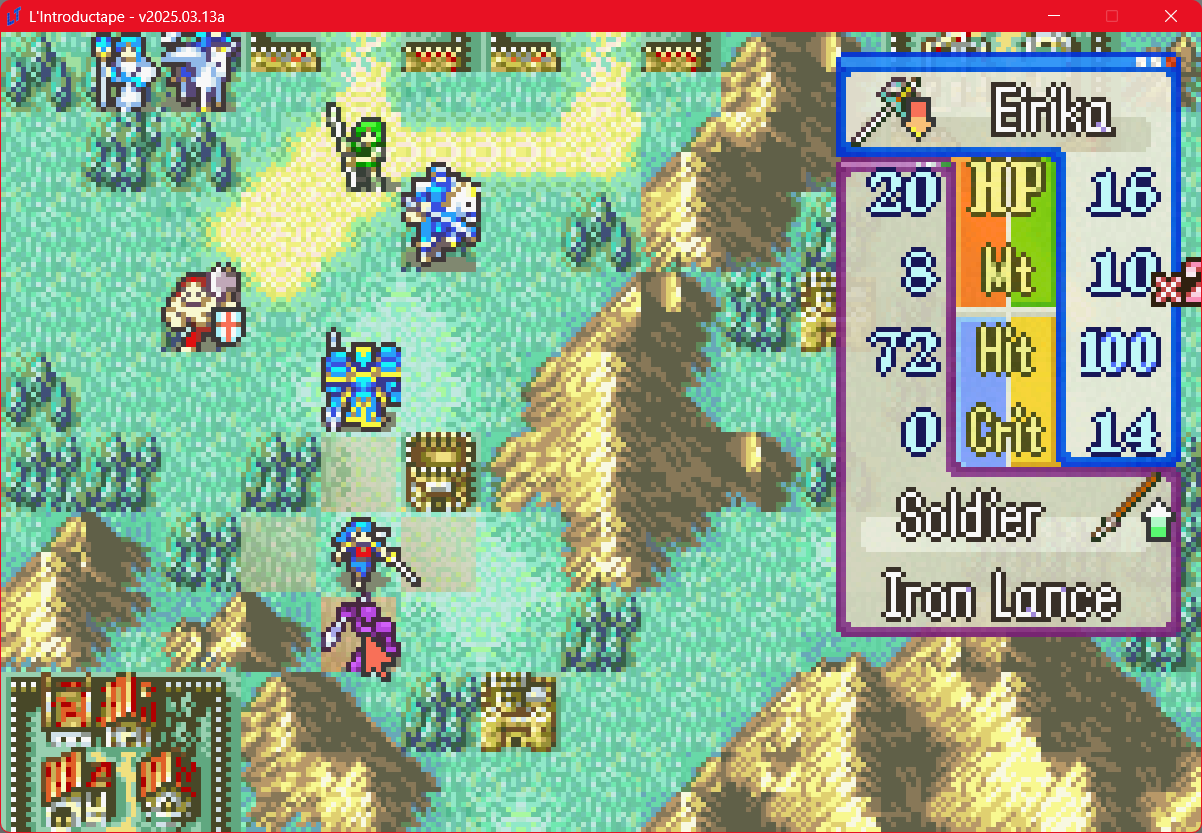
- The UI has mostly been overhauled to look like Windows XP. There’s still a few things here or there that have not been changed, primarily due to my own laziness, but if there’s demand I can work on that within 3-5 business months.
- The UI applies to all 4 army colors. However, for the general menu, it only works as the standard. Not that LT can change menu colors to my knowledge but you never know I guess.
- The cursor has been upgraded.
- EXP is now a download bar. Remember kids, never illegally download EXP!
- Several big text things on the stats screen have been outright removed because they clashed with the artstyle a lot. I put effort in my shitposting, but not that much effort.
Note that you may want to remove the opacity from some menu’s to add better concistency, but I don’t do engine hacking so I have no idea how to do that. Good luck lol.
If you’re reading this and somehow think “Wow, this is like the second worst thing I’ve read today!”, you can find the download to this entire package right here:
This pack is considered F2U, but not F2E. Please credit this work by community standards.
Download link → Embrace Chaos Here
EDIT - V1.0.0.0.1
- I forgot to include the stat screen. Oops! While it sits in the main custom_sprites folder, you’ll have to copy this one to the panoramas folder, otherwise it won’t work. I’m stupid.
windows xp shutdown sound
