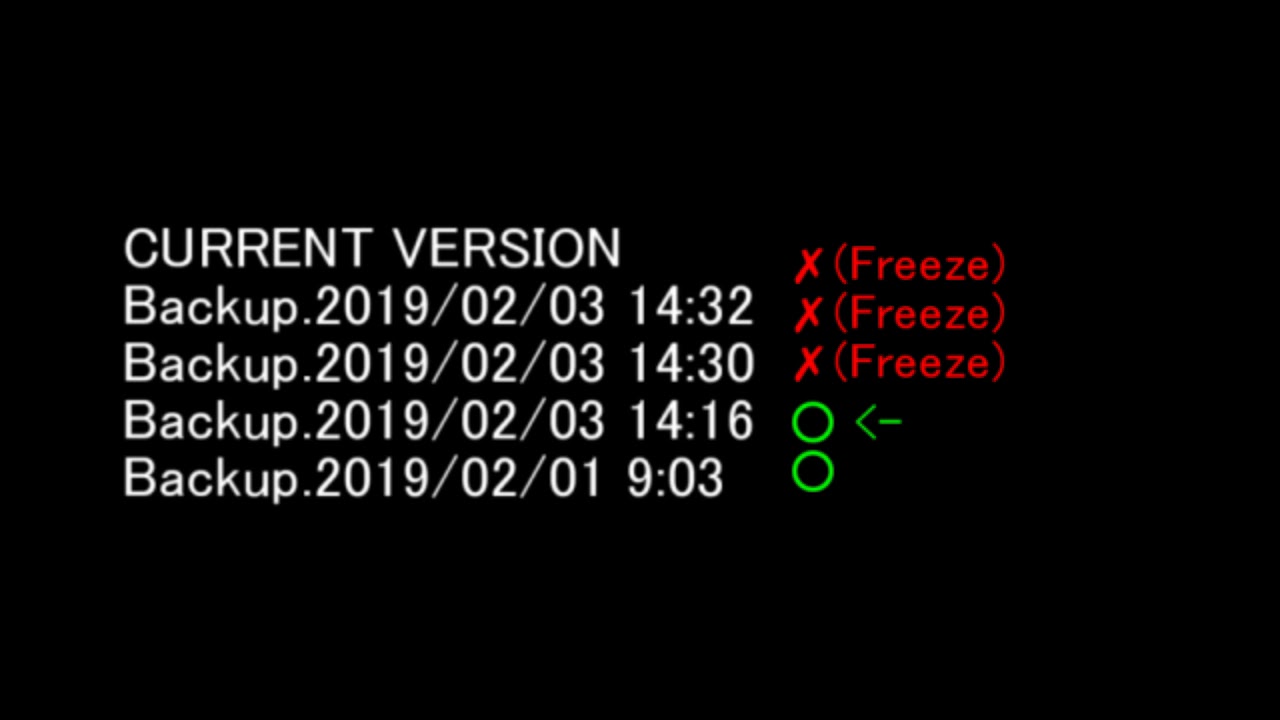
The backup of FEBuilderGBA is also useful for the diff debug tool.
The diff debug tool can help you to fix unexplained bugs.
In buildfile, an example of this feature is the merging of past changes.
If something goes wrong and you don’t know what caused it, take a diff with the version that was working correctly in the past.
And see what’s wrong with it.
The diff debug tool does the same thing.
Watch this 8-minute video to learn how to do it specifically.
FEBuidlerGBA have also added a CustomBuild feature to build SkillSystems manually.
There are two more feature of FEBuilderGBA.
The first feature is FELint.
If you’ve ever learned the program, you’ve probably heard the name CI or Jenkins.
CI is a function that automatically executes tests against the source code and detects bugs before they are executed.
FELint is the equivalent of this.
When you change ROMs, it will automatically test this ROM to see if there are any problems.
A scan is performed for the major mistakes known so far.
This way, if something goes wrong, you can quickly find it and remove it.
Less well known, but this feature is also available from buildfile.
start /w FEBuilderGBA.exe --lint ROMNAME.gba
The second feature is the connection to emulator.
In FEBuilderGBA, pressing the F5 key will start the emulator.
At this time, the debugger is automatically started and you can see the RAM of the emulator.
Flag status, event progress, Procs, unit status. etc…
And the best feature is the cheat function.
Using this feature, you can increase the status of all your units to MAX and decrease the HP of all your enemies to 1.
You can also pass special items to units, skip chapters, and warp to specific chapters.
This feature can also be used from the buildfile.
Just load the built ROM into FEBuilderGBA and press the F5 key.