In the item editor, you can replace any item you don’t plan to use, or an item labeled “Dummy”.
Use the window below to create a new set of stat boosts, and assign it to the Spirit Dust.

Make sure all of the other item settings are in-line with the other stat boosters, set the “When Used” effect to the same as an existing stat booster, then give it the right name, icon, description, etc.
In the top right, got to Tools → Patches, then type in “Item Effect Revamp”
It should bring up this:
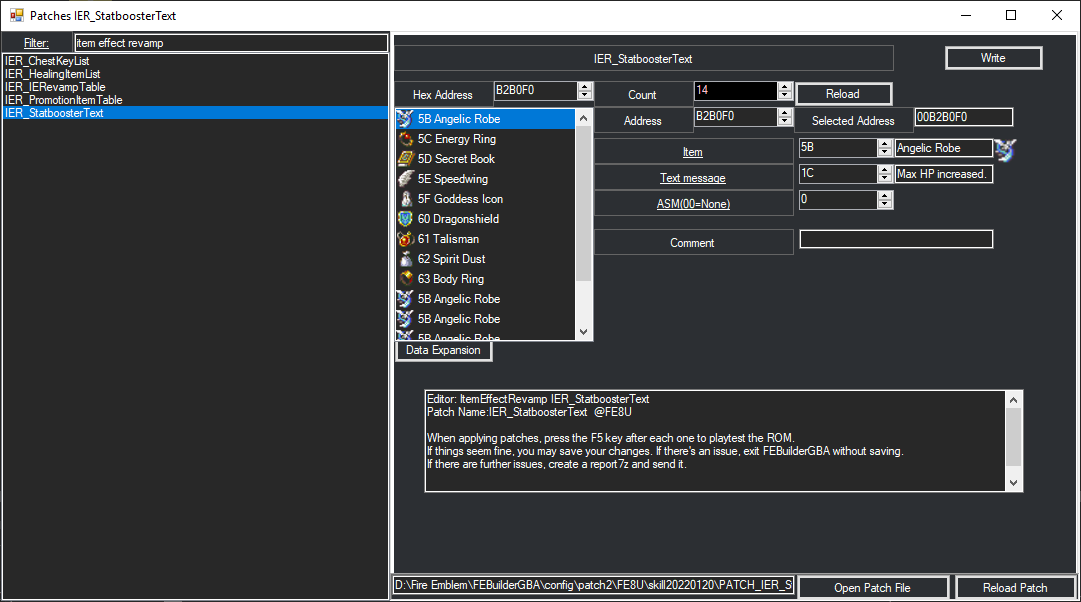
In the list of stat boosters, replace one of the lower Angelic Robes with your Spirit Dust item.
AFAIK, that’s it.